Activating the Material Setup
You activate the material setup (manual or automatic) in the setup menu.
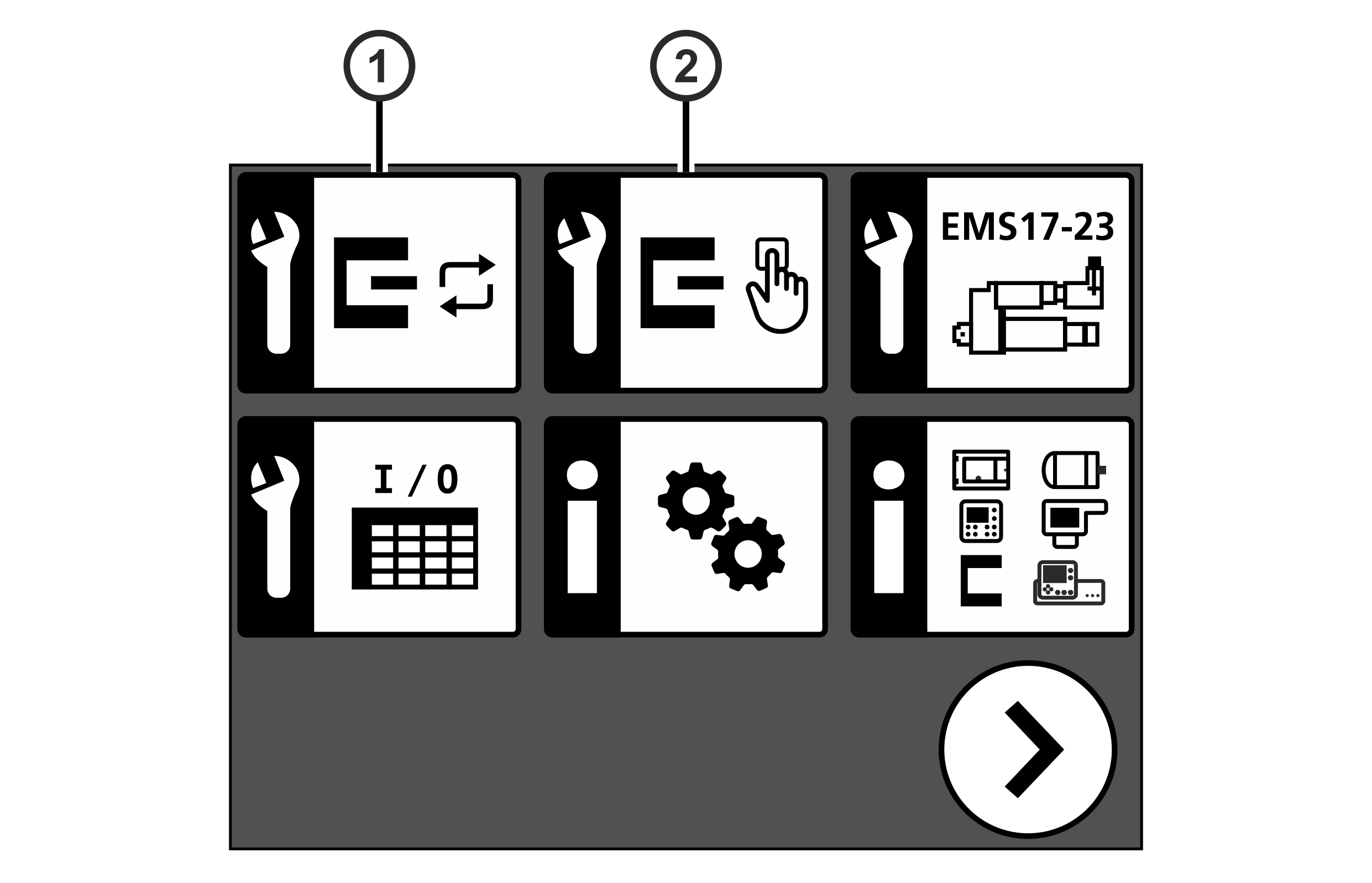
① | Automatic material setup |
② | Manual material setup |
Activating the material setup

- The LED of the key will illuminate.
- The controller switches to manual mode.

- The controller changes to setup mode.
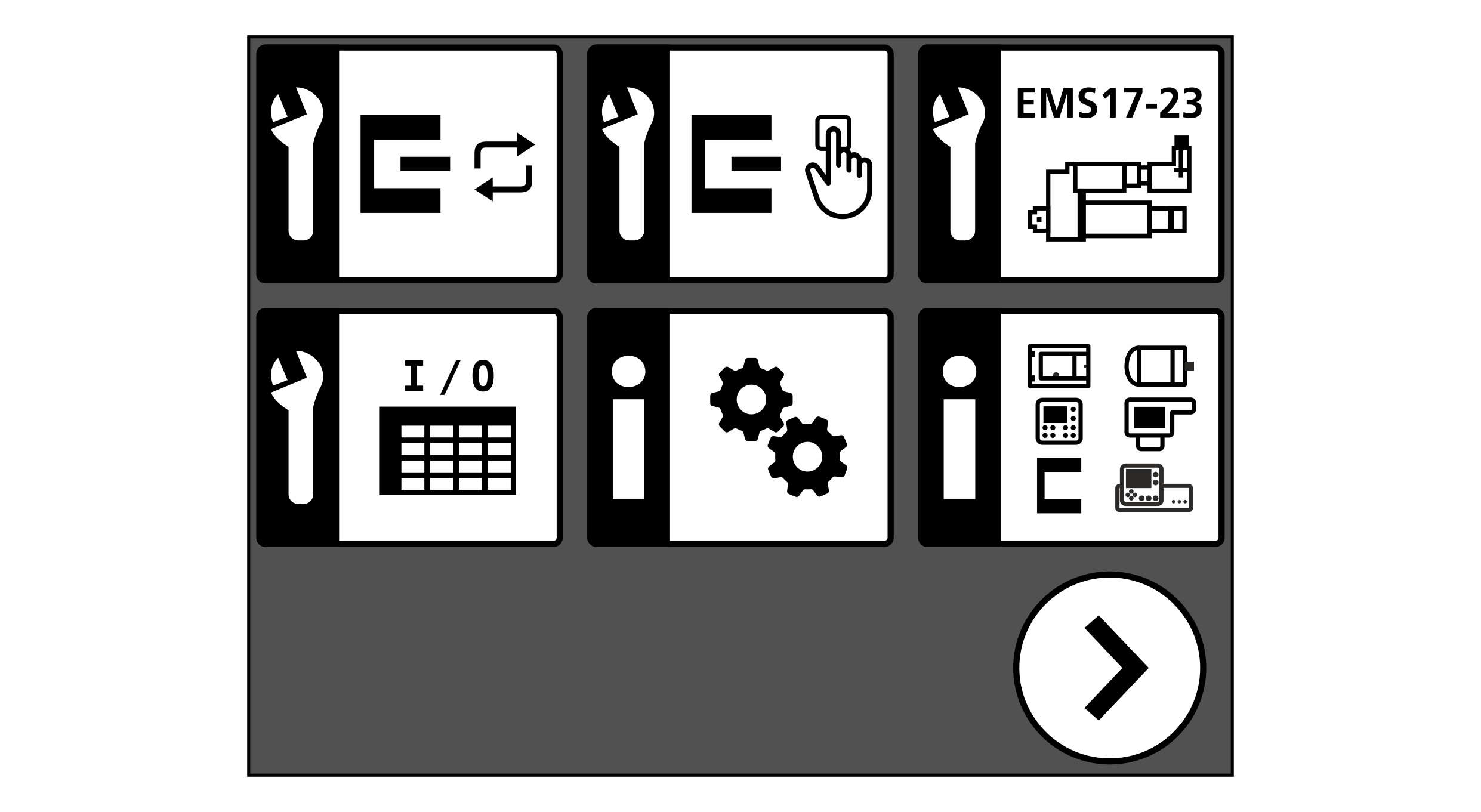
- Press the button for the desired setup type (automatic ① or manual ②).
- The material setup is active.
- The bright or dark value determined for the selected sensor is shown in the display under the sensor symbol.
