When restoring the factory default settings, the values of all guiding parameters (e.g. controller gain, guiding setpoint, bright / dark values of the sensors, etc.) are overwritten by the factory default settings.
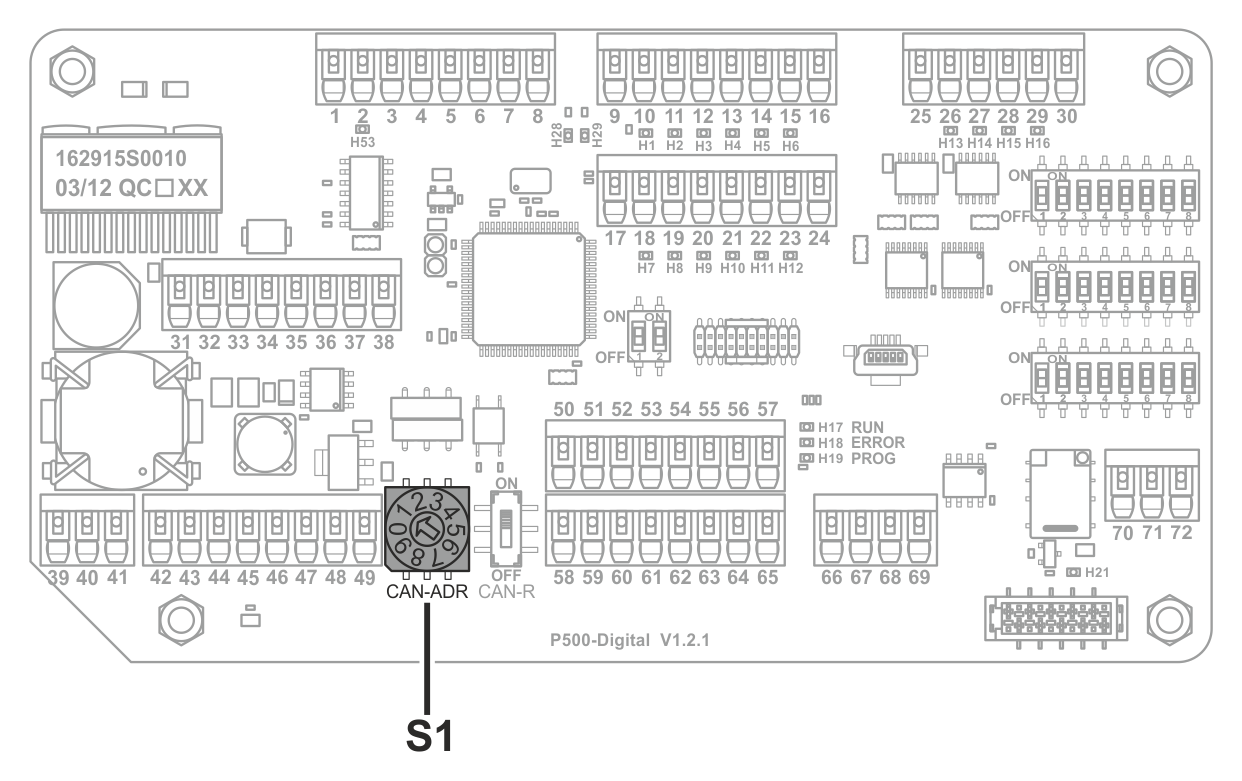
Rotary switch S1 on the process board
Restoring factory default settings
NOTICE
Damage to the components from working on live parts.
▶Before opening the controller, switch off the power supply.
Electrically isolate the controller.
Open the controller’s housing cover.
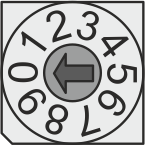
Set the rotary switch S1 to position 0 on the processor board.
Switch on the power supply.
The current values for the different guiding parameters are overwritten by the factory default settings.
Electrically isolate the controller.
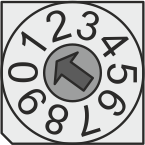
Set the rotary switch S1 to position 1.
Close the controller’s housing cover.
Switch on the power supply.
After restoring factory default settings, it is imperative that the rotary switch S1 be returned to position 1.