Overview
The operation display in the display of the control panel shows the different operating states and all relevant control parameters as graphical symbols and numeric values. You will find the meanings for the individual symbols in the following illustration.
Application with edge sensors
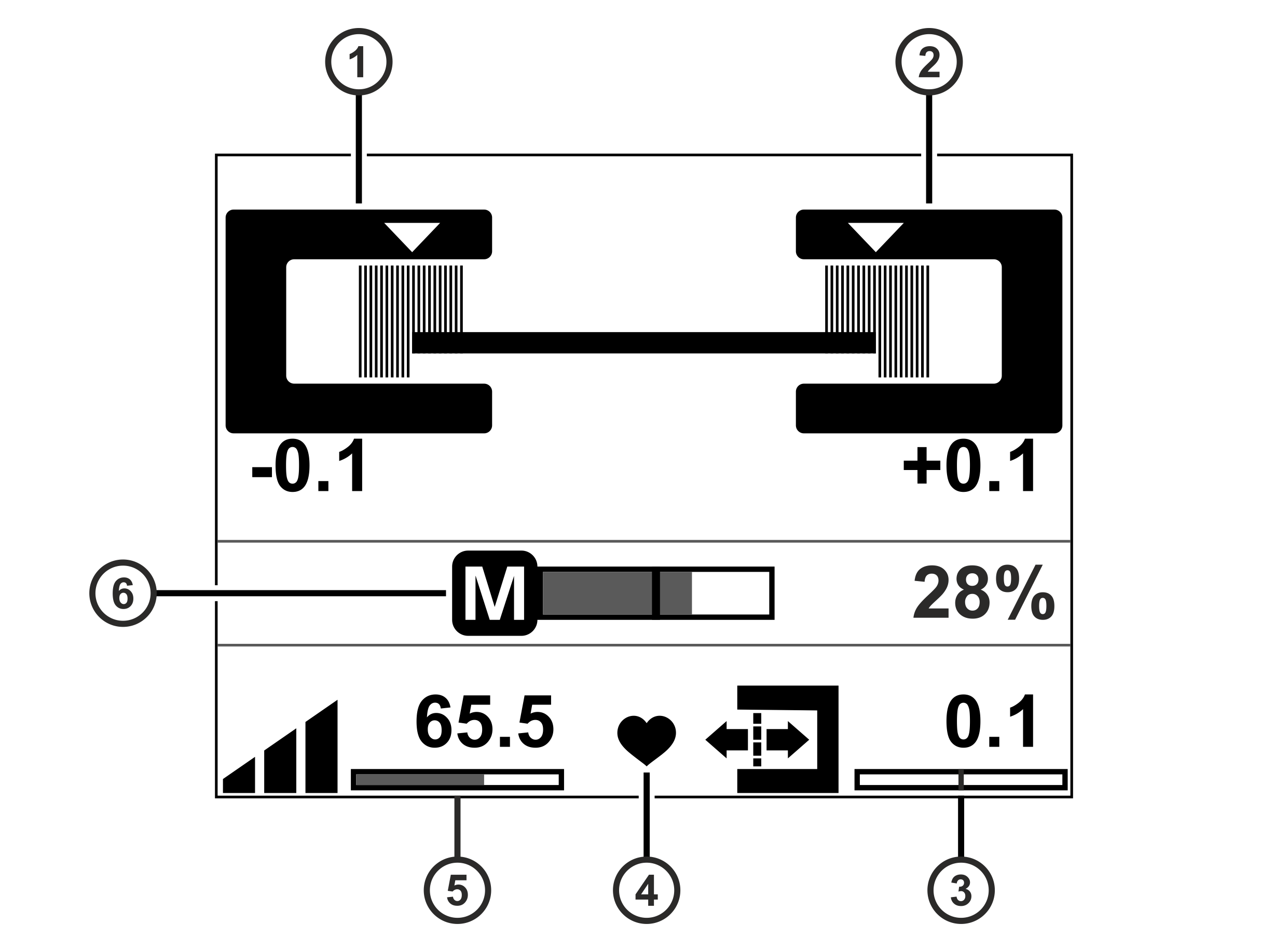
Pos. | Symbol | Display function |
|---|---|---|
① |
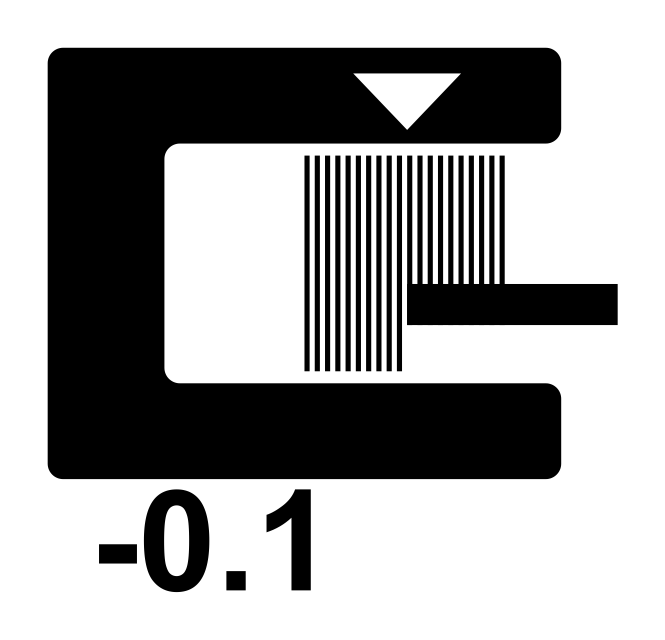
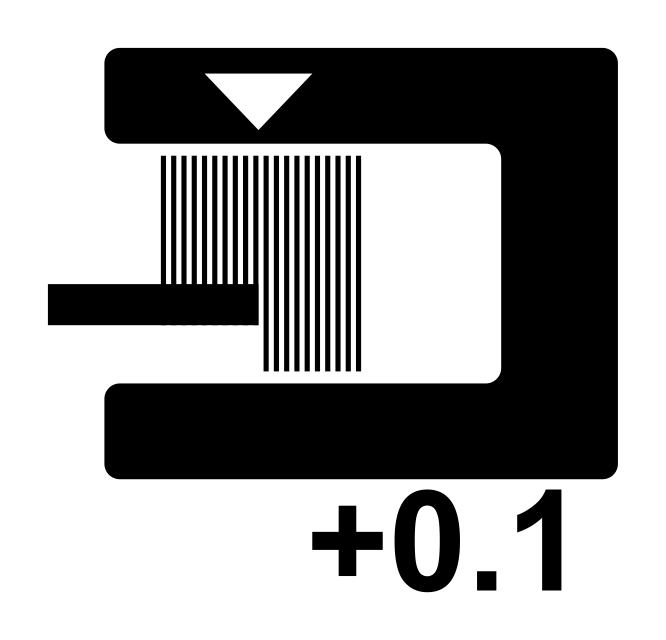
| Operation display edge sensor (Sensor 1) |
② |
| Operation display edge sensor (Sensor 2) |
③ |
| Displays the setpoint of the web edge |
④ |
| Status display System OK (heart beats) |
⑤ |
| Displays the controller gain |
⑥ |
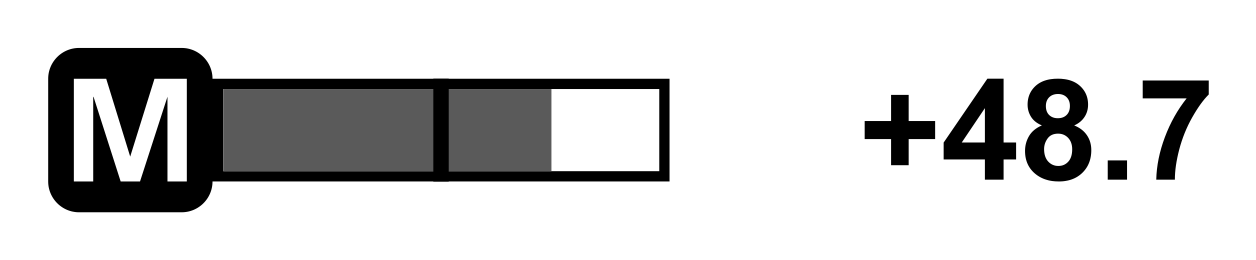
| Actuator operation display |

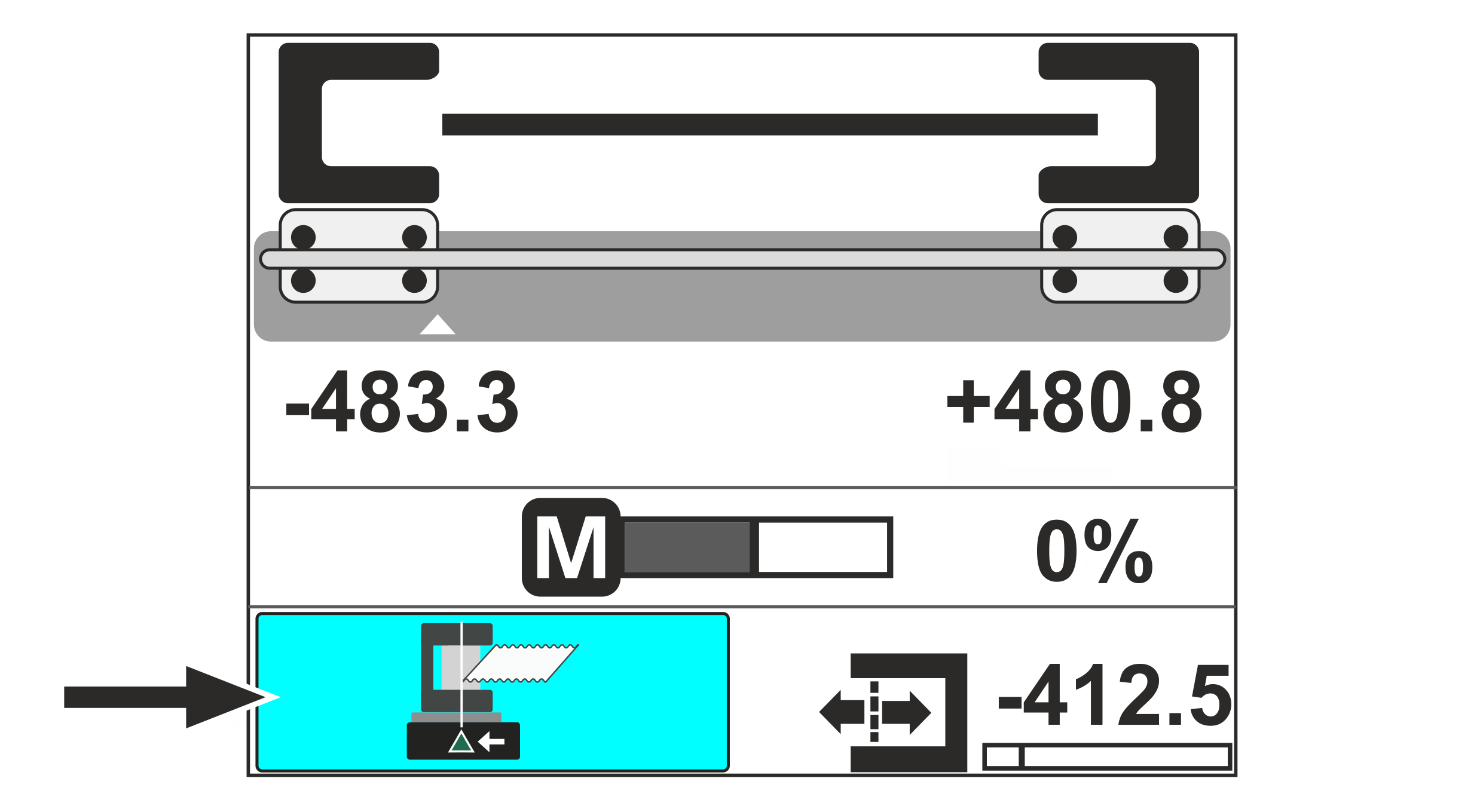
Application with CLS Pro 600 line and contrast sensor
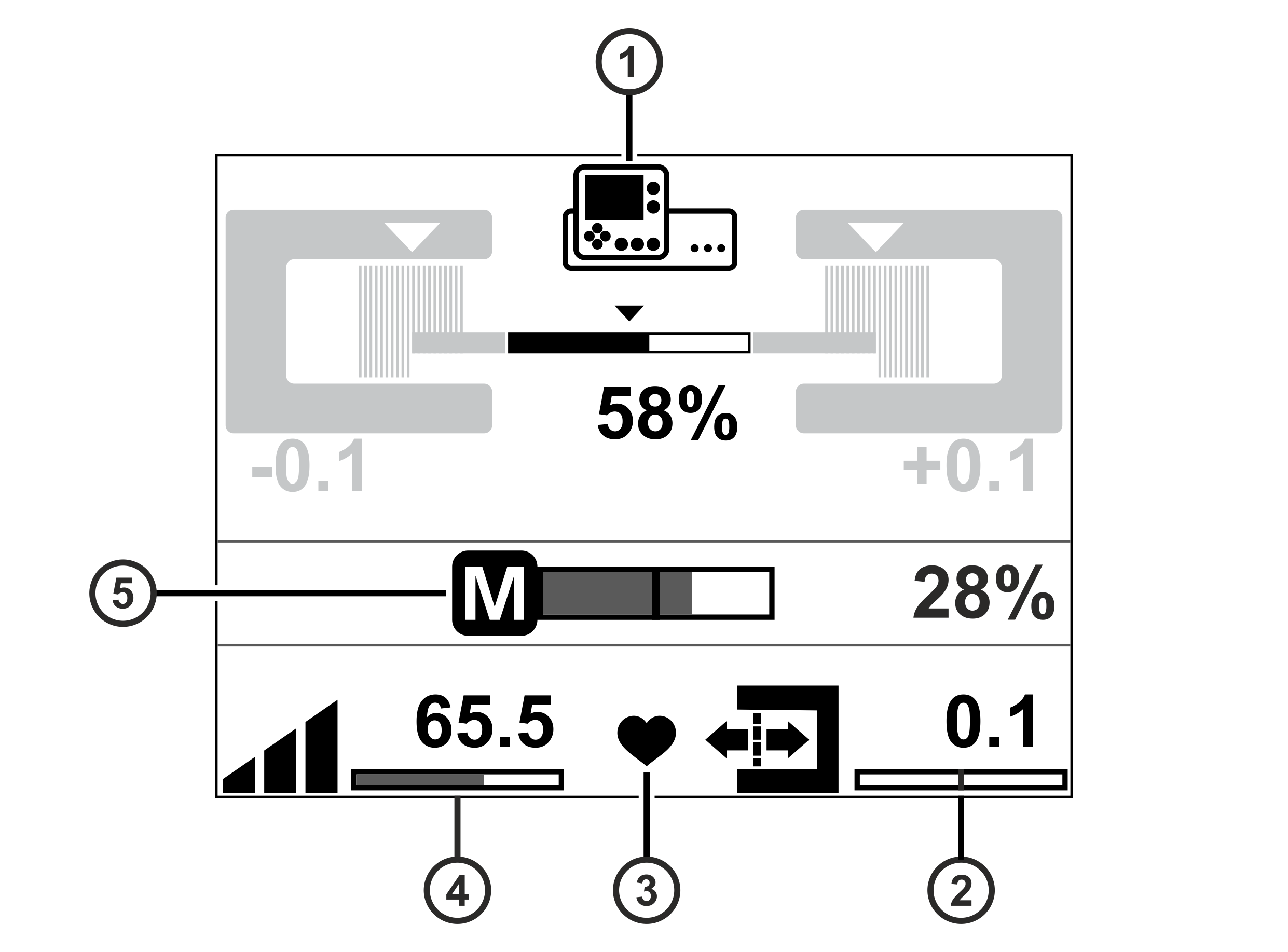
Pos. | Symbol | Display function |
|---|---|---|
① |
| Operation display CLS Pro 600 line / contrast sensor |
② |
| Displays the setpoint of the web edge |
③ |
| Status display System OK (heart beats) |
④ |
| Displays the controller gain |
⑤ |
| Actuator operation display |
Application with CLS CAM 100 object sensor
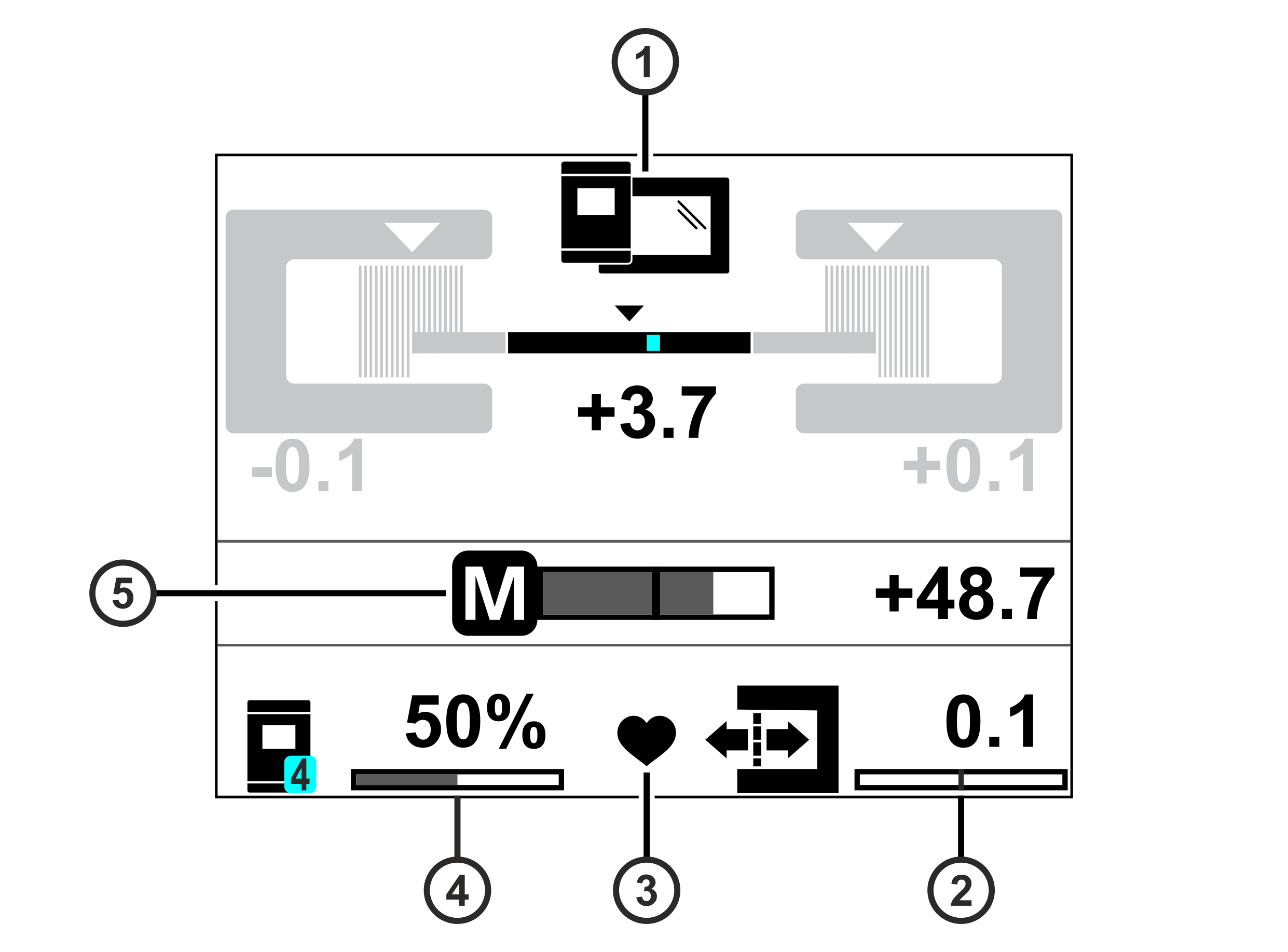
Pos. | Symbol | Display function |
|---|---|---|
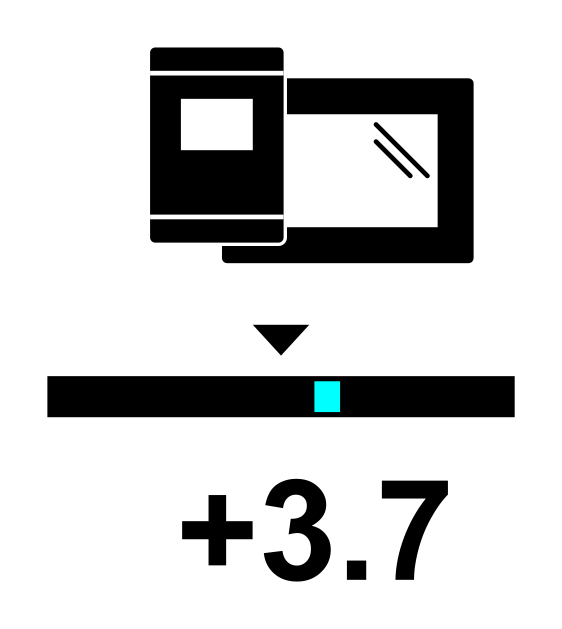
① |
| Operation display CLS CAM 100 object sensor |
② |
| Displays the setpoint of the web edge |
③ |
| Status display System OK (heart beats) |
④ |
| Displays the controller gain for proportional control mode* |
| Displays the controller gain for offset control mode* | |
⑤ |
| Actuator operation display |
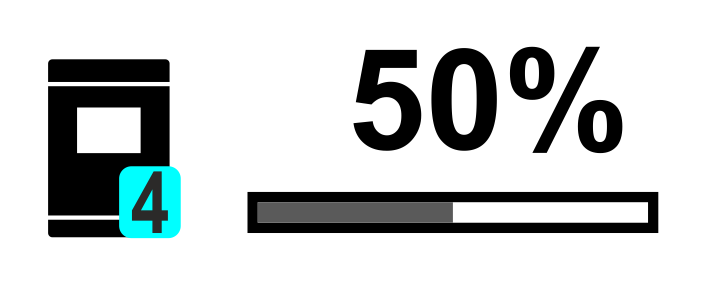
* A description of the different control modes of the CLS CAM 100 object sensor can be found in the separate installation and operating manual CLS CAM 100, document number MD.577.
Application with CCD cameras
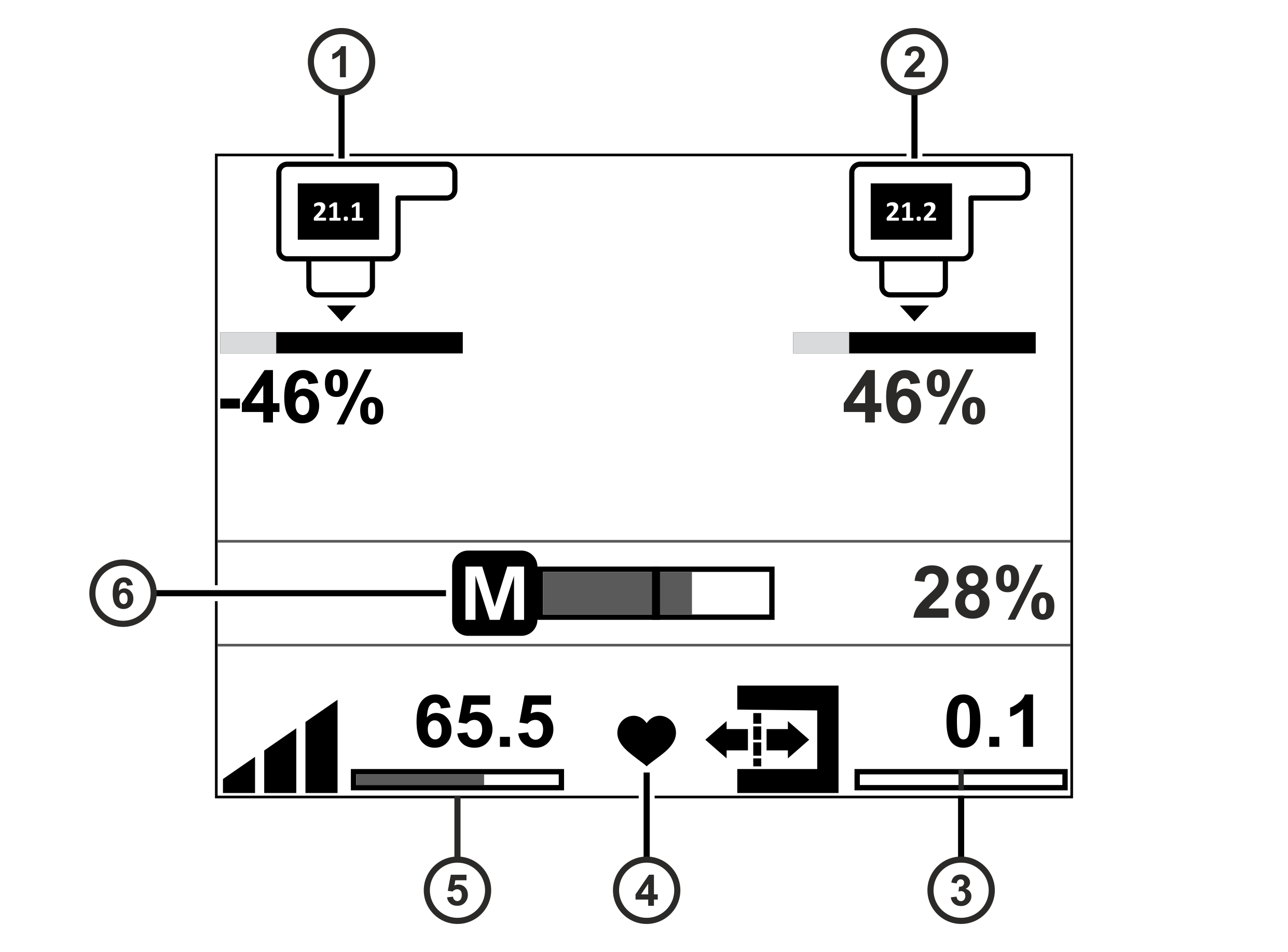
Pos. | Symbol | Display function |
|---|---|---|
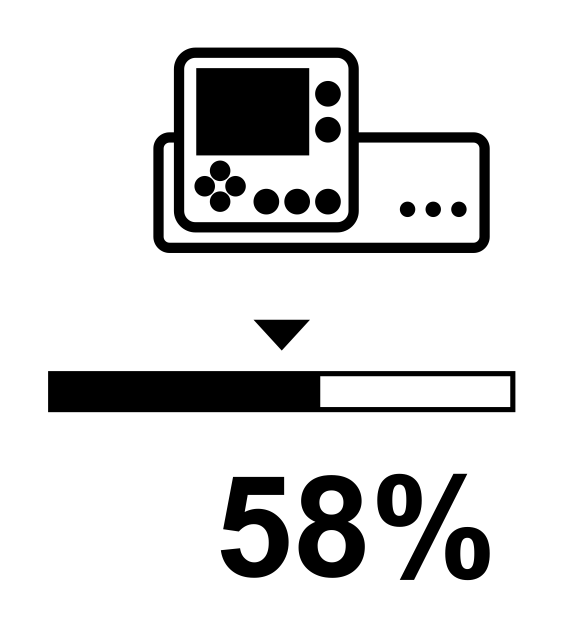
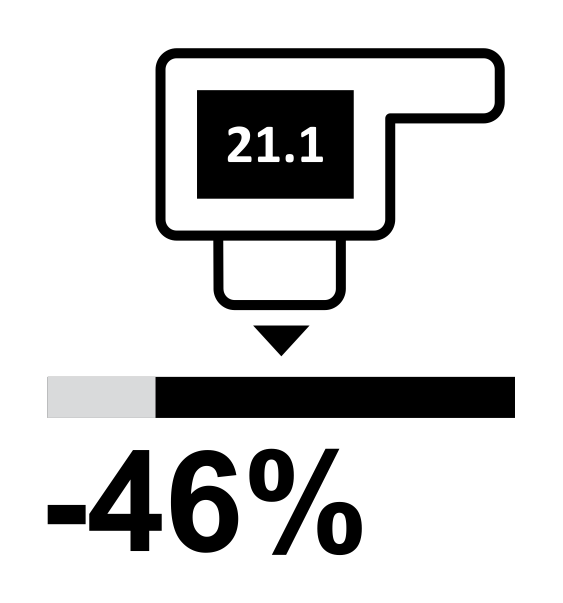
① |
| Operation display CCD camera (left edge) |
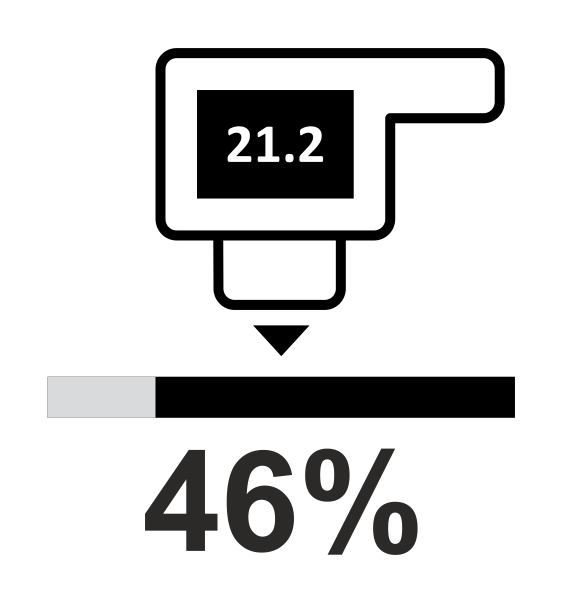
② |
| Operation display CCD camera (right edge) |
③ |
| Displays the setpoint of the web edge |
④ |
| Status display System OK (heart beats) |
⑤ |
| Displays the controller gain |
⑥ |
| Actuator operation display |
Application with sensor positioner
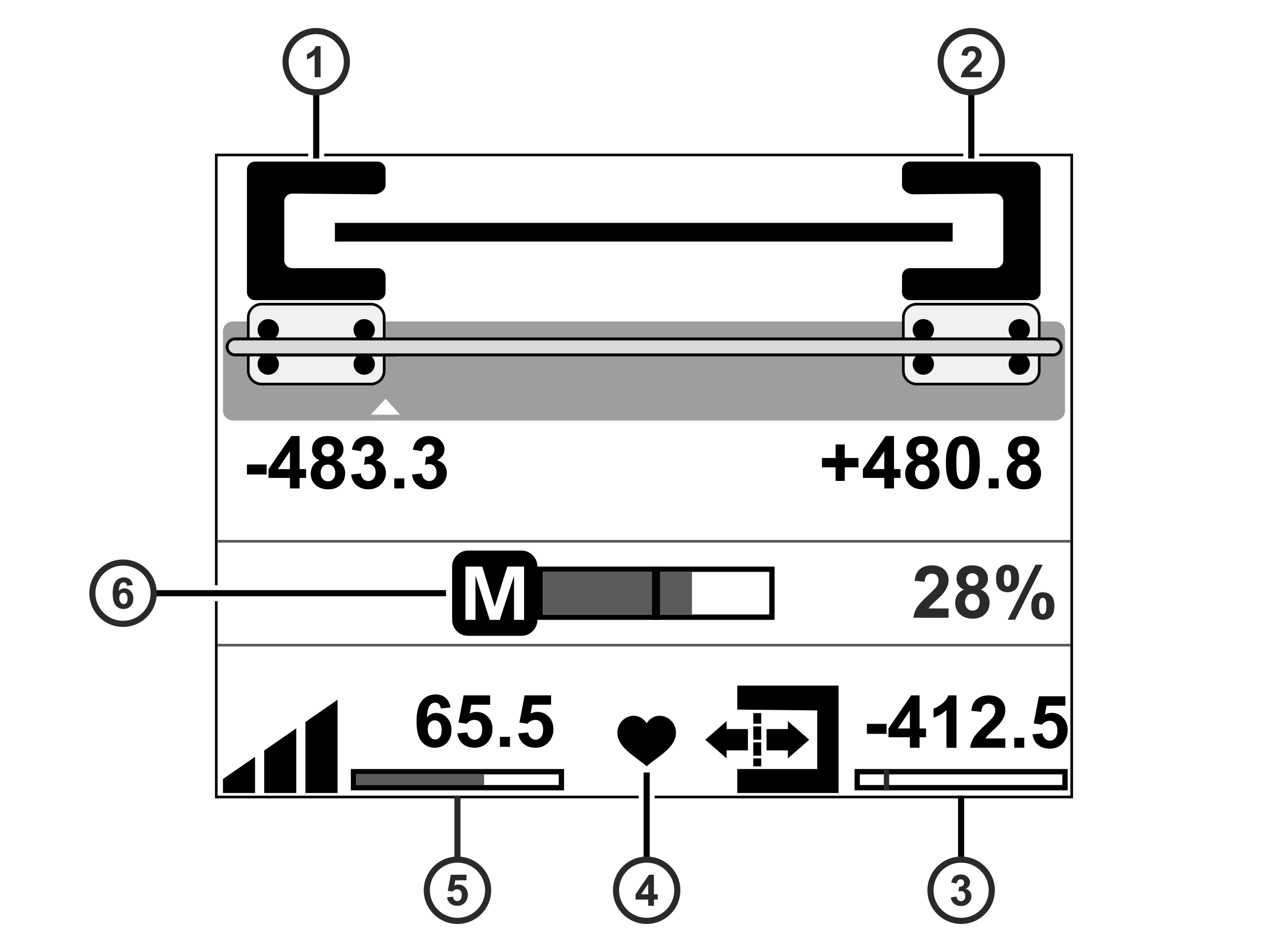
Pos. | Symbol | Display function |
|---|---|---|
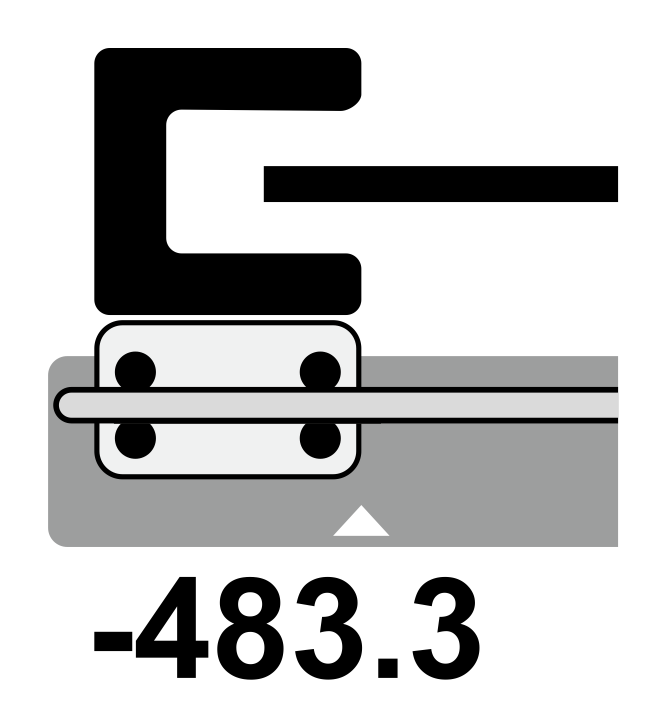
① |
| Operation display edge sensor (Sensor 1) |
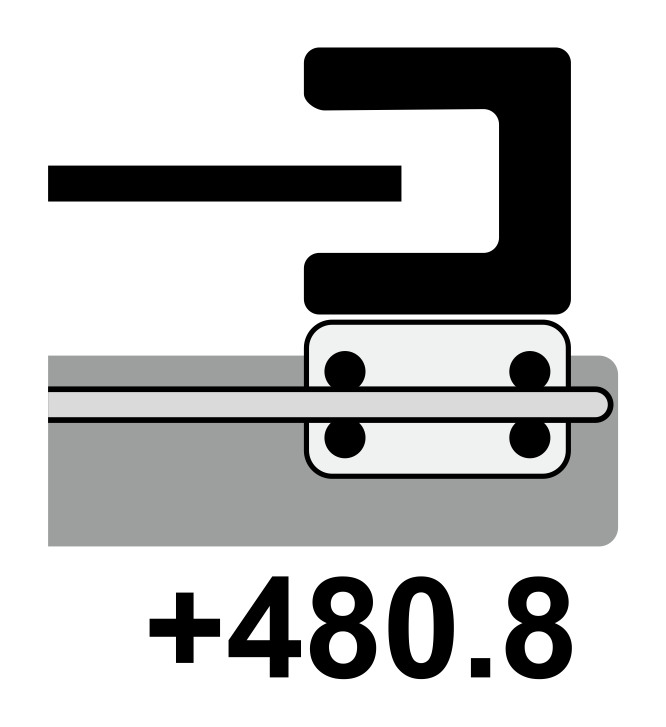
② |
| Operation display edge sensor (Sensor 2) |
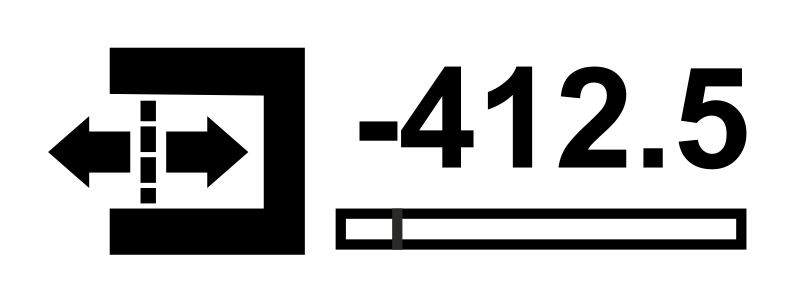
③ |
| Displays the setpoint of the web edge |
④ |
| Status display System OK (heart beats) |
⑤ |
| Displays the controller gain |
⑥ |
| Actuator operation display |
If the function Automatic setpoint acceptance is activated, the display of the controller gain in the bottom left corner of the operation display is cross-faded by an additional button. To activate the function, see Automatic Setpoint Acceptance.