- Operating Manual
- Operation
- Touchscreen Operation
- Editing Numerical Values
Editing the numerical values via the slide bar
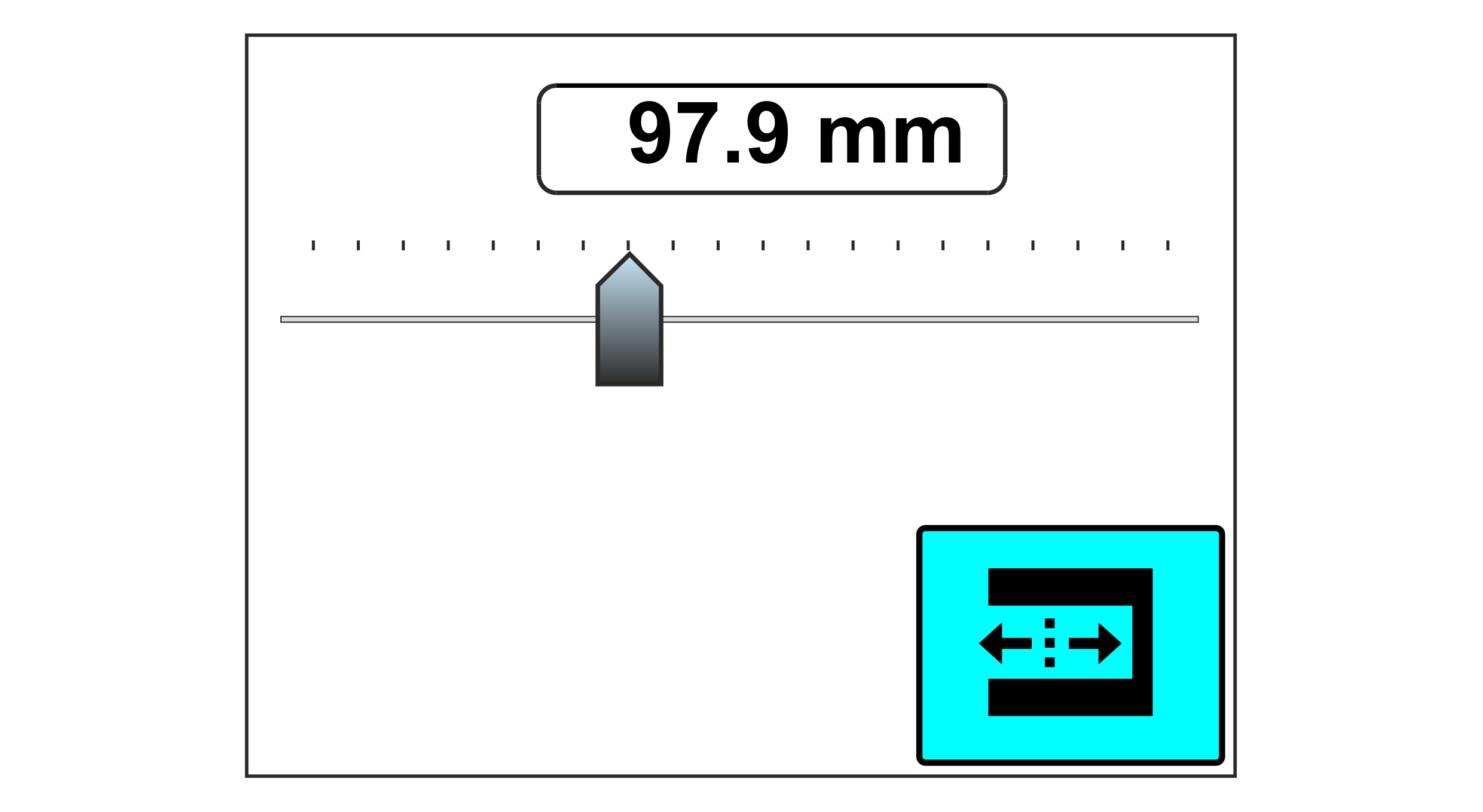 Example of a display with slide bar switched on
 - »A menu is displayed that permits the numerical value to be edited via a slide bar.
 Activate the slide bar by pressing the respective function button.
- Pull the slider on the touchscreen to the left or right until the desired numeric value is displayed above the slide bar.
- To adopt the numerical value set, press the function button again.

ekr 500 digital Unit Touch