This function allows you quick and direct access to the online documentation of the controller. All you need is a smartphone or tablet with camera and internet access where a QR Code scanner software is installed. Free apps with QR code scanners can be found on the internet.
Displaying the online documentation
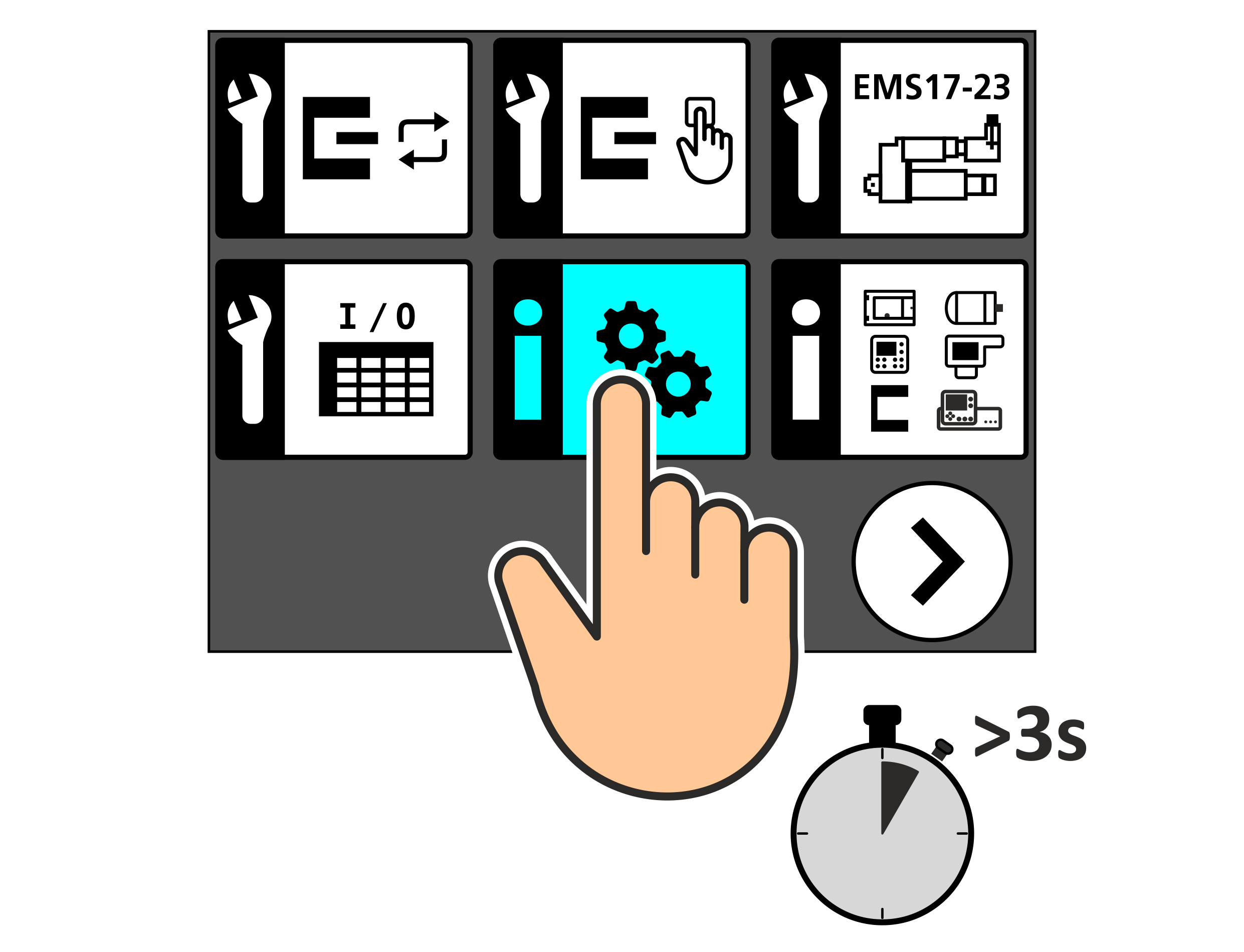
Press and hold the desired symbol on the touch screen for at least 3 seconds.
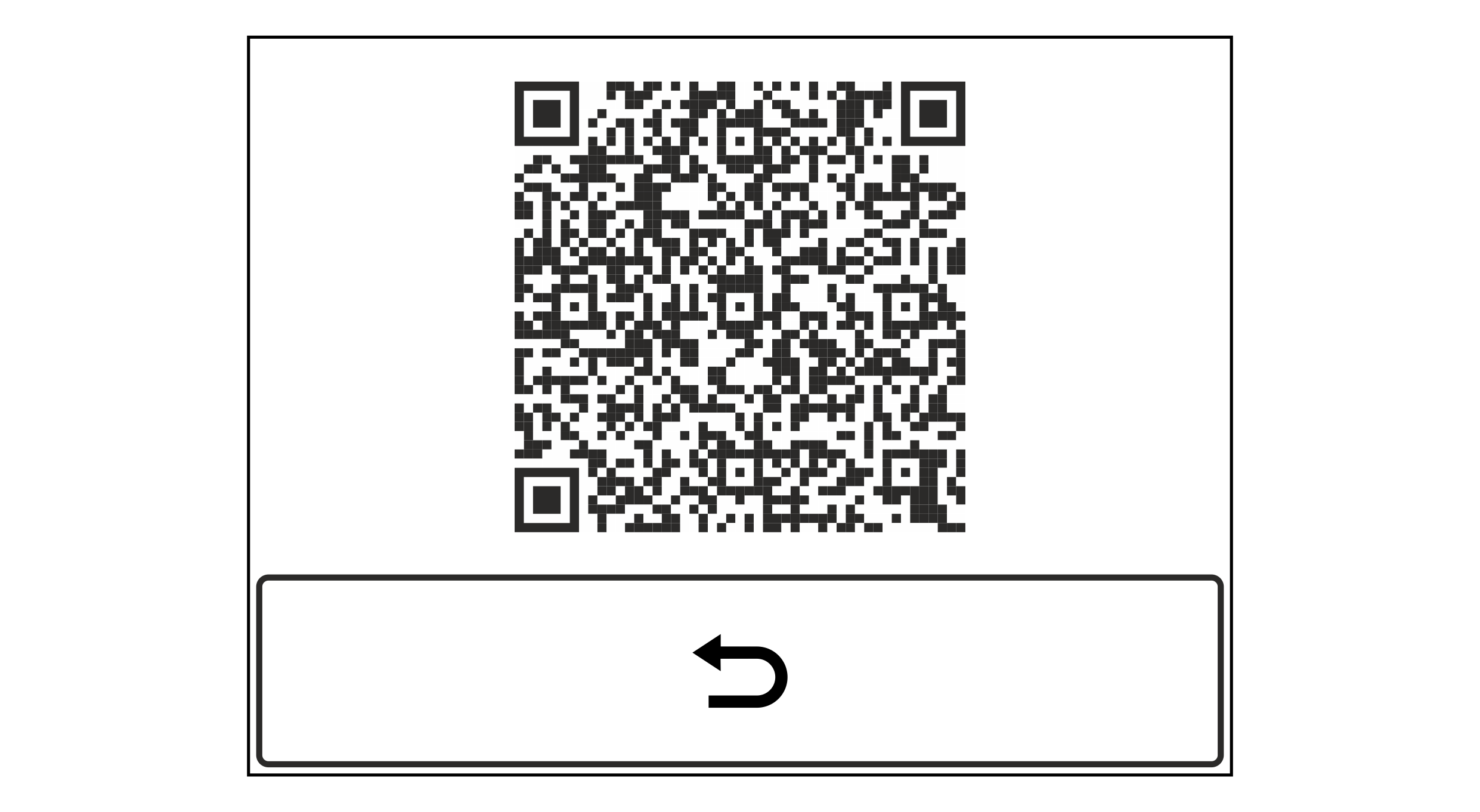
A window appears in the display showing a QR code.
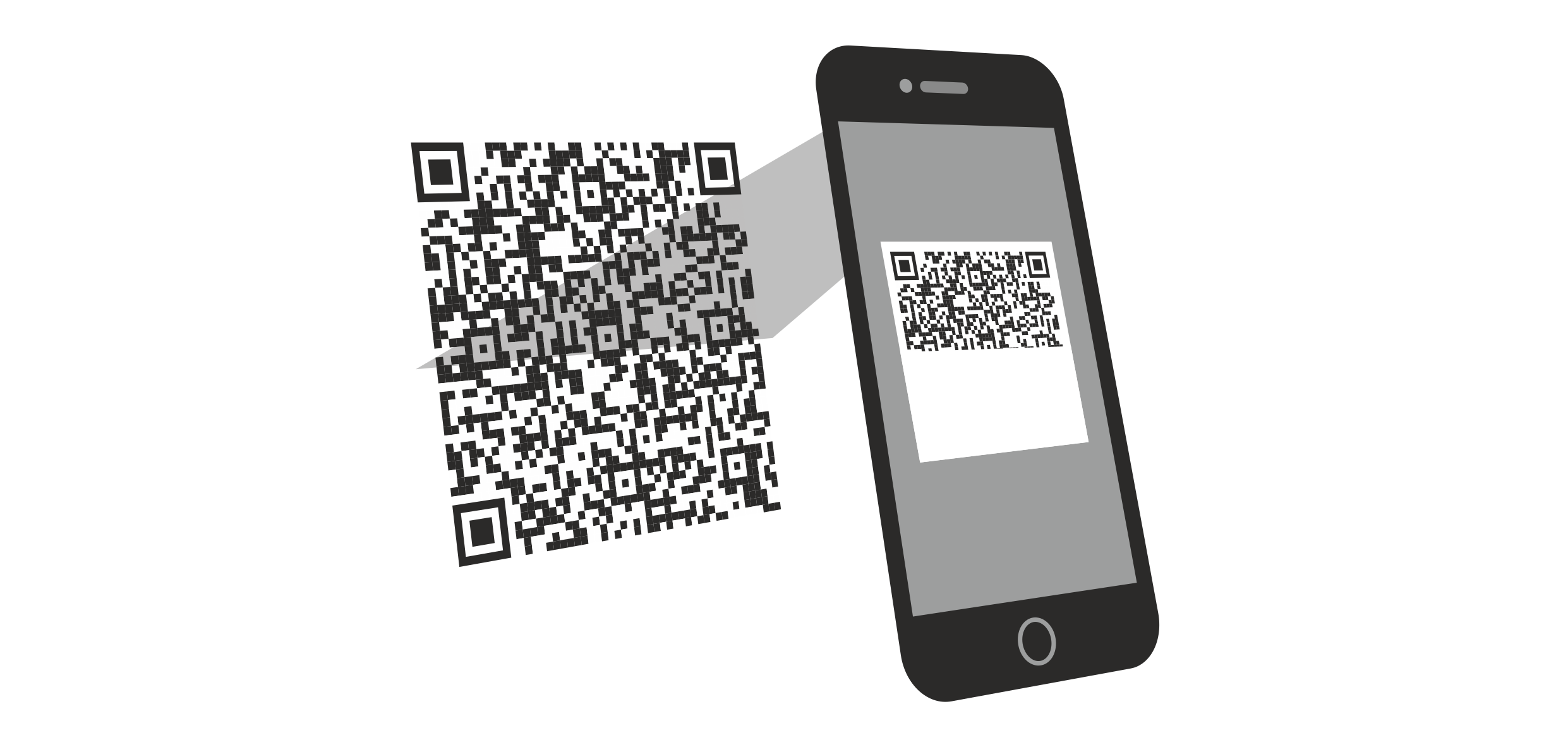
Scan the QR code with your smartphone or tablet.
The generated link leads you directly to the corresponding chapter of the online documentation.
 button to hide the QR code.