If two edge sensors of the IR 2011/40 type are connected to the controller, you must select the operating mode for Sensor 1 and Sensor 2 separately. In this way you can also set different operating modes for the two sensors.
Procedure
Press the Manual mode key.
The LED of the key will illuminate.
The controller switches to manual mode.
Activate the edge sensor (Sensor 1 or Sensor 2) whose operating mode is to be changed.
The LED of the key will illuminate.
Press the SETUP key.
The controller changes to setup mode.
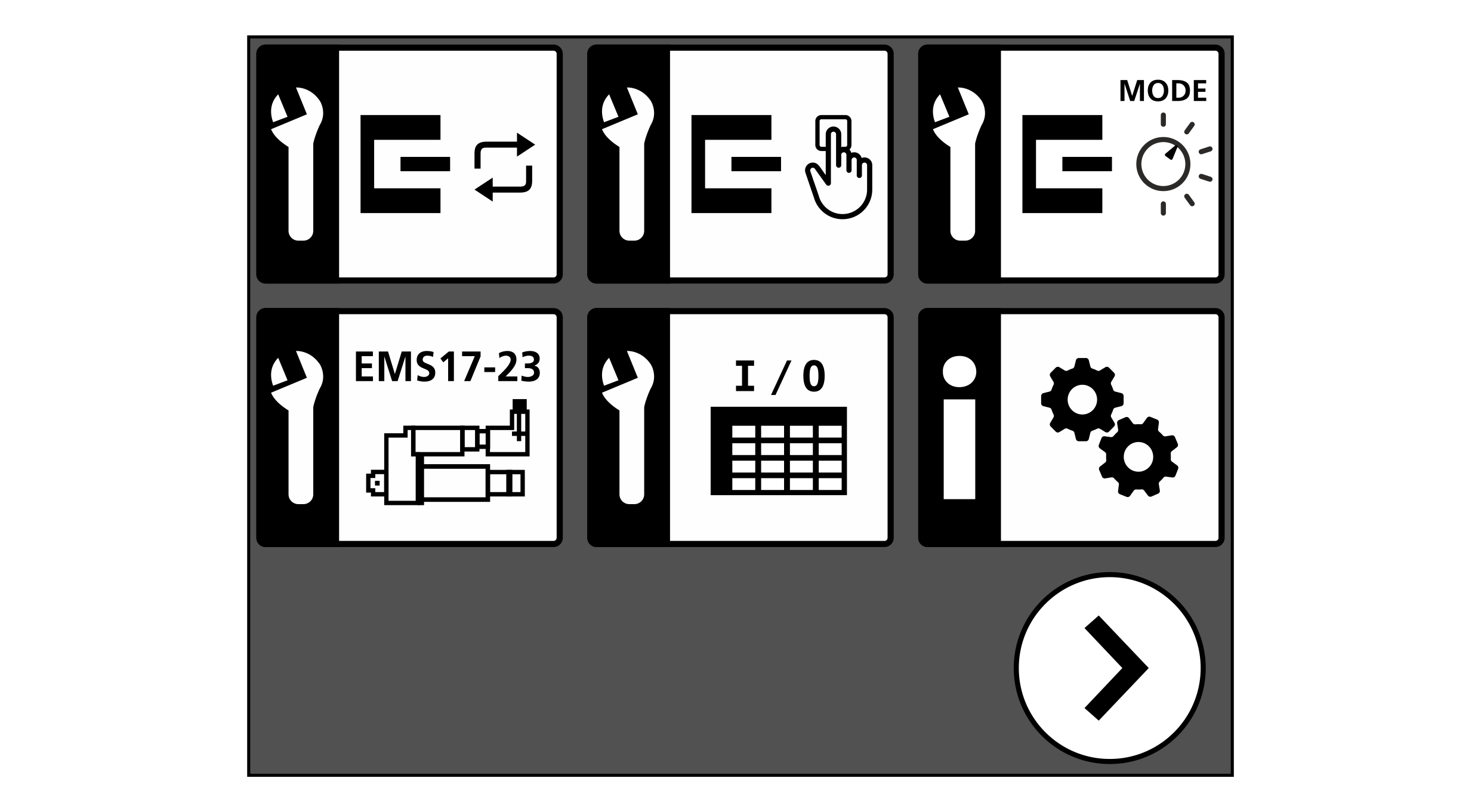
The first page of the setup menu appears in the display.
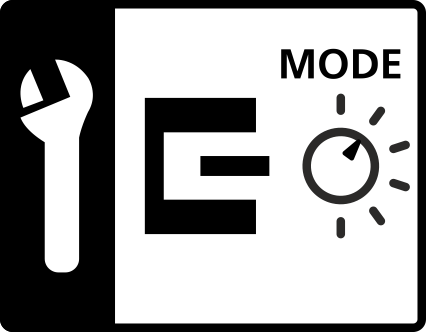
Tap the symbol of the IR 2011/40 operating mode setting menu on the touchscreen.
The symbol for the setting menu for the IR 2011/40 optical edge sensor operating mode is only displayed in the Setup menu if the items listed in chapter Requirements are fulfilled.
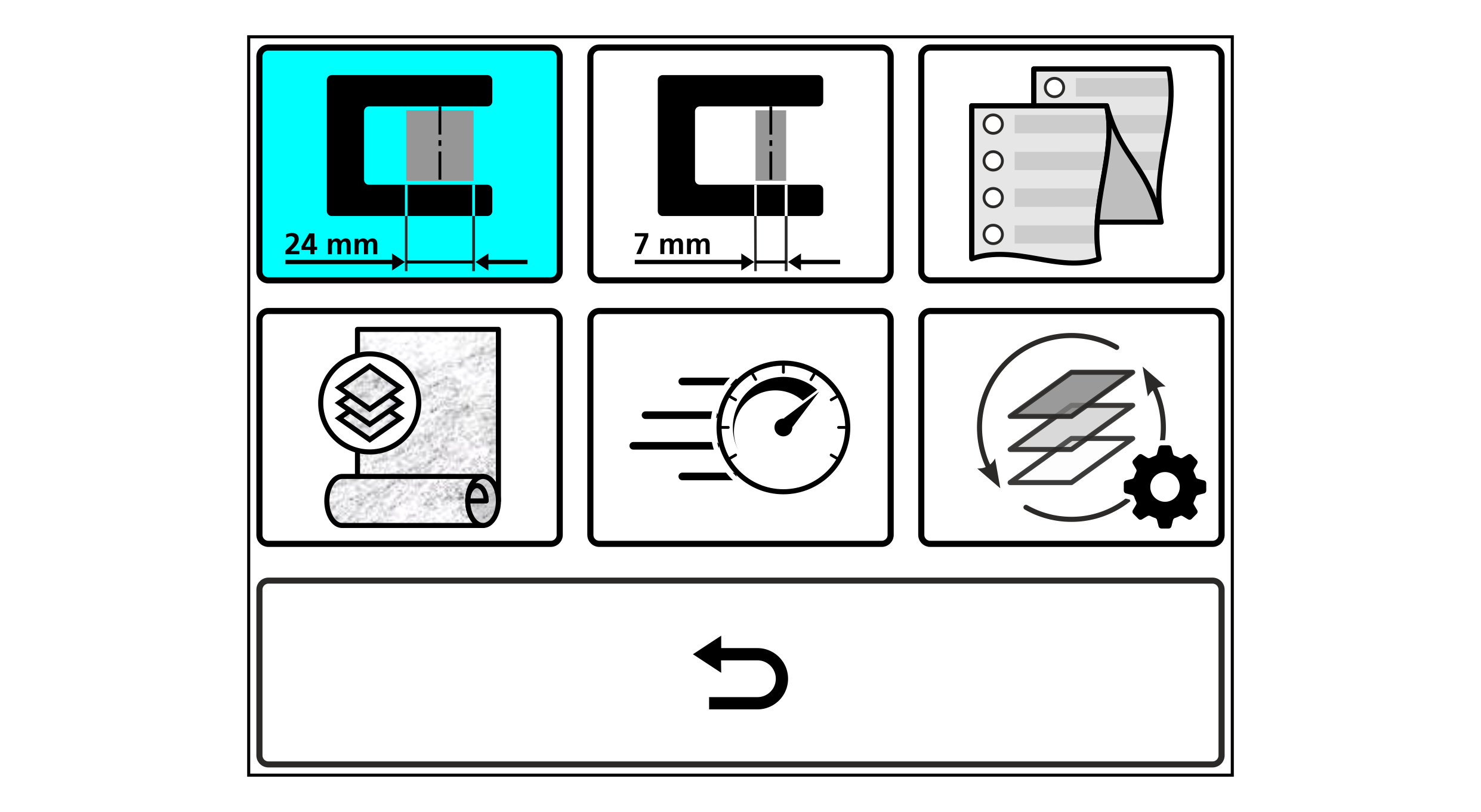
The setting menu for the operating mode selection is displayed.
The button of the currently selected operating mode is displayed with a blue background.
Select the desired operating mode by tapping the corresponding button.
Confirm your selection by pressing the button in the setting menu.
The setting menu is closed.
The setup menu is displayed.
Press the SETUP key, to return to the operation display.
Repeat the process for the second edge sensor if desired.



 button in the setting menu.