Adjusting the Controller Gain via the Touchscreen
- The material web is pulled in and is tensioned.
- The guiding device is not in an end position.
- If the display of the controller gain is covered by the button for the setpoint acceptance, you must at first hide this button by pressing the SETUP key.
- Select the desired guiding mode (see Selecting the Guiding Mode).

- Tap on the displayed gain value on the touchscreen.
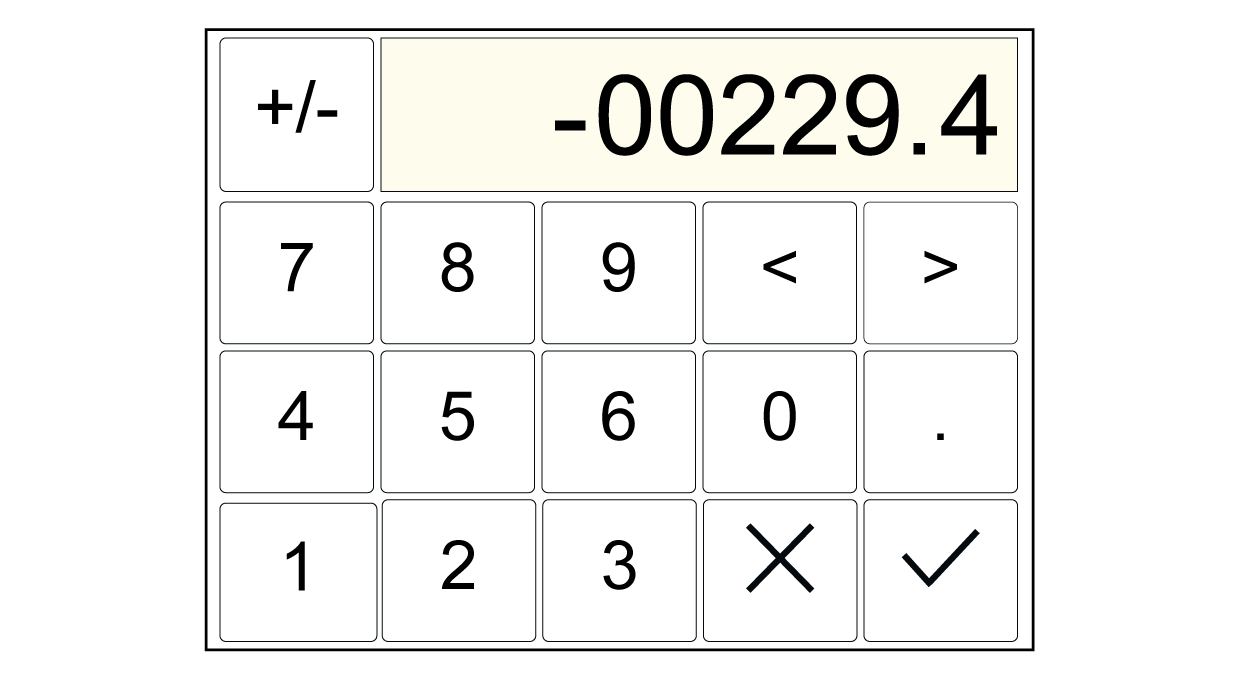
- A numeric input keypad appears in the display.
- Enter the desired value for the controller gain.
- Confirm the entry with the
button.
- The gain setting is complete.

If control oscillations do not occur we recommend setting the maximum gain.
Additional information