Editing the Parameter Value
- The controller is in the Manual operating mode.
- Activate the Switch positions service display (see Displaying Switch Positions).
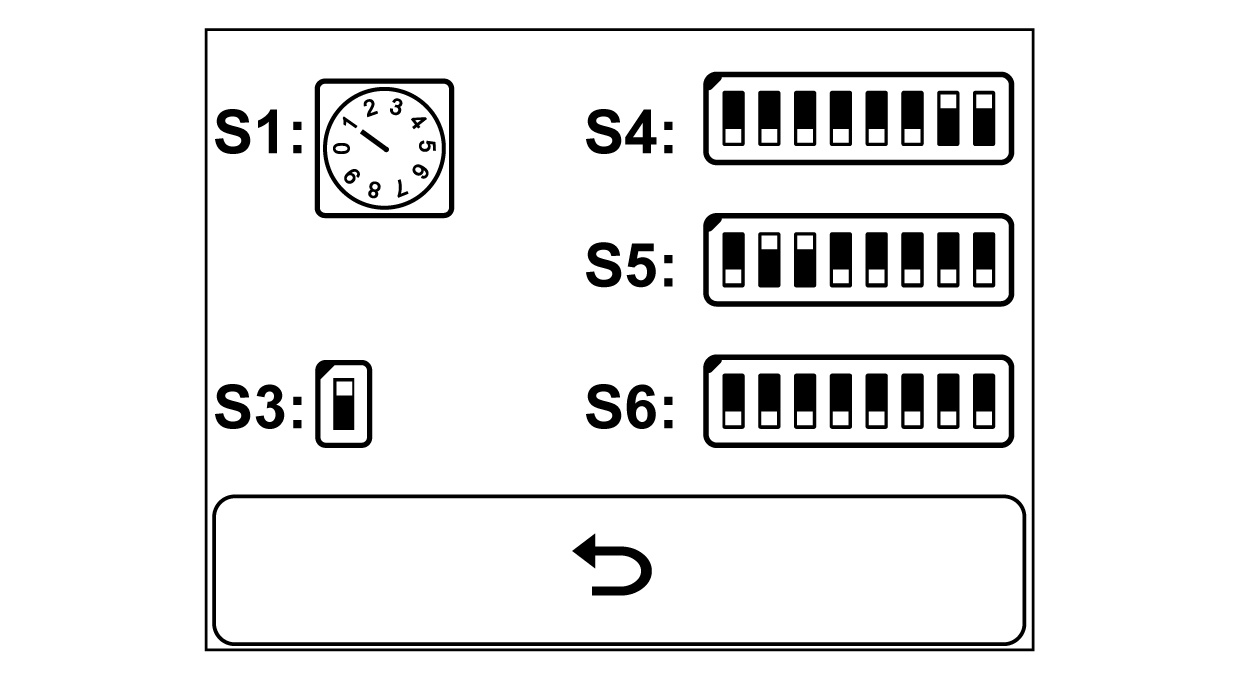

- Press the Sensor 3 key.
- The selection menu for the public parameter lists appears in the display. The currently selected parameter list is displayed in the editing field.
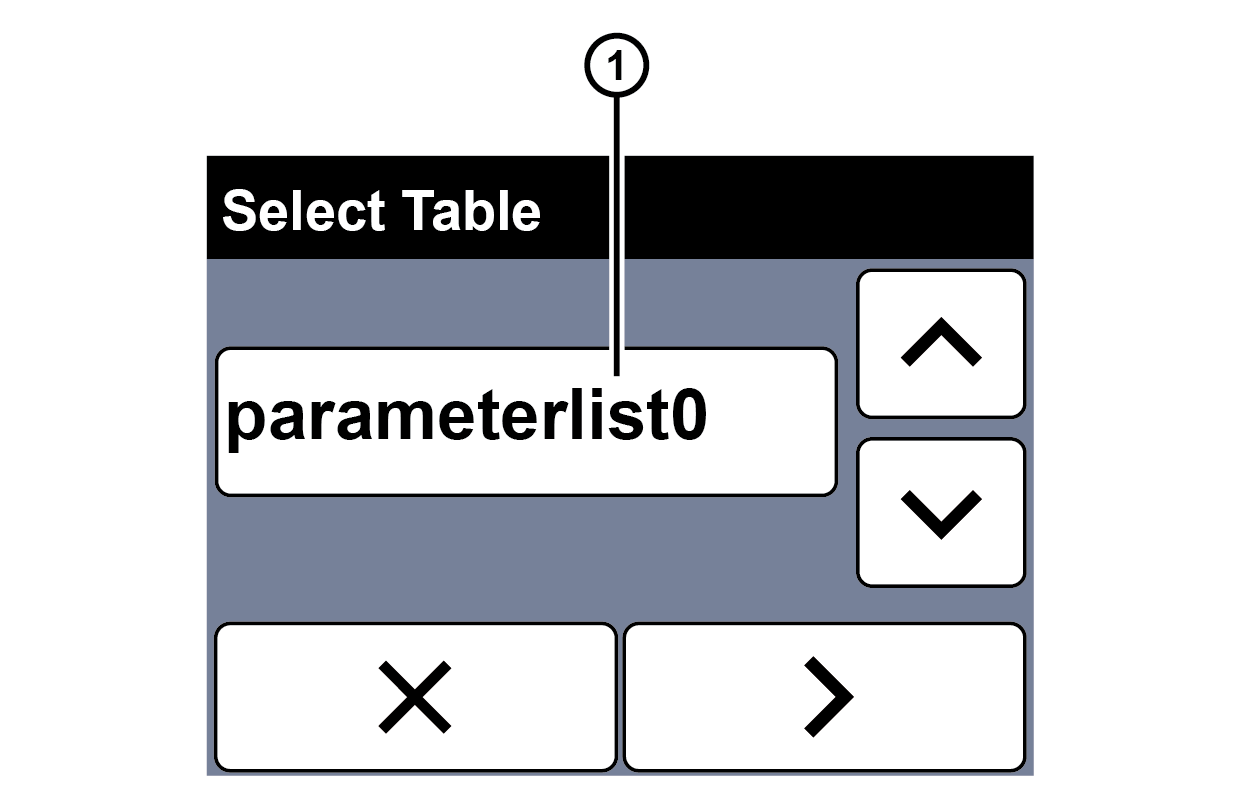
① | Parameter list selected |

- Select the desired parameter list using the arrow buttons on the right side of the display.

- Press the > button.
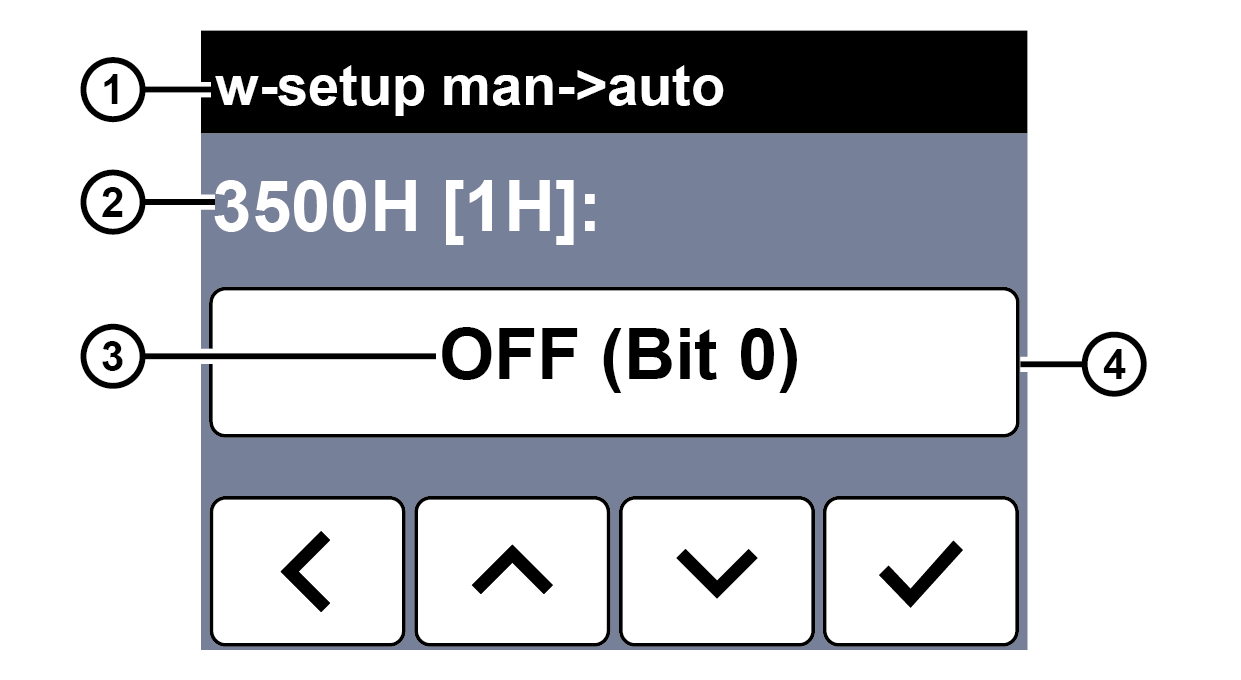
- The first parameter of the parameter list selected appears in the display.
Rotate the smartphone by 90 degrees to show the entire table.
① | Parameter designation | ② | Parameter index |
③ | Parameter value | ④ | Editing field |
- Select the desired parameter using the arrow buttons.
- Tap the editing field on the touchscreen to change the parameter value.
- An input keypad appears in the display.
- Enter the desired parameter value.
- Press the
button to confirm the entry.
- The input keypad is closed.
- The edited parameter value is entered into the editing field.
- Press the
- The Switch positions service display is displayed.