Displaying a Link to the Company Website
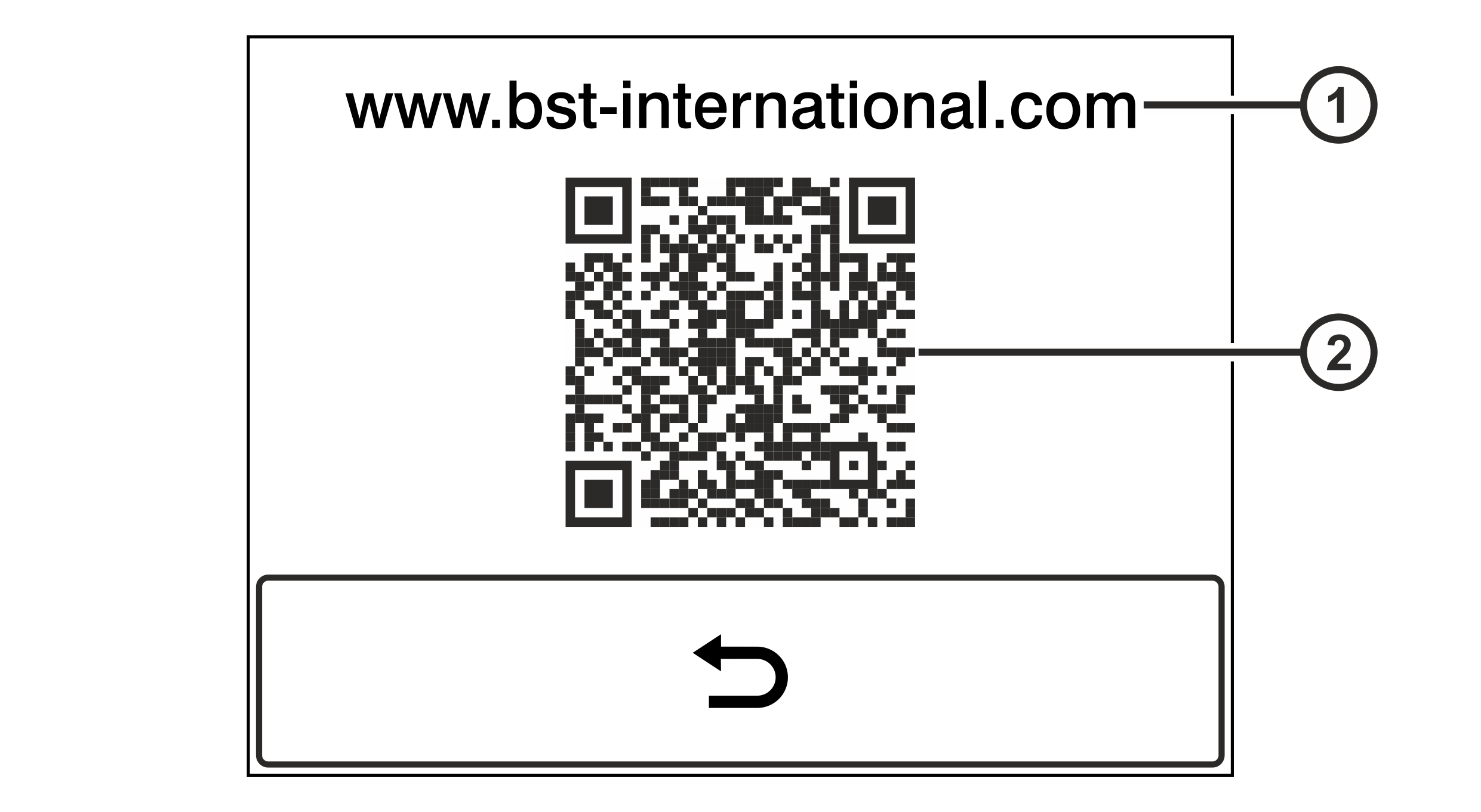
This service display shows the internet address of the company website and a QR code leading you directly to the BST eltromat homepage.
Rotate the smartphone by 90 degrees to show the entire table.
① | Internet address of the company website | ② | QR code |
You can read the content of the QR code using your Smartphone or Tablet PC with camera and a QR code scanner software. You can find free Apps with QR code scanners on the internet.
Calling up the service display
- Activate the Link to the Company Website service display in the setup menu (see Calling up the Setup Menu).
- The internet address of the company website and a QR code are displayed.
- Press the
 button to quit the service display.
- The setup menu is displayed.