Selecting the Positioning Speed
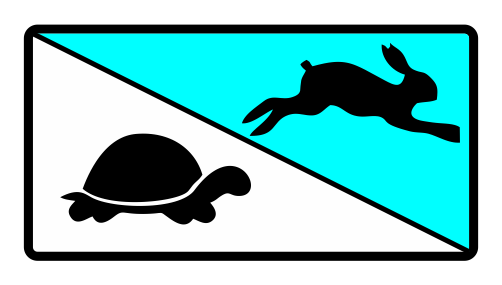
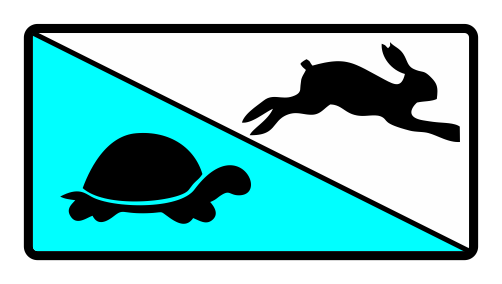
Using the adjacent button you adjust the positioning speed. You can choose from two speed levels. The symbol of the speed level selected (rabbit or turtle) is displayed with a blue background.
Rotate the smartphone by 90 degrees to show the entire table.
Button | Symbol | Positioning Speed | Utilization |
|---|---|---|---|
| Rabbit | fast | Rough positioning |
| Turtle | slow | Fine positioning |