CCD Cameras Operation Display
The operation display for the CCD cameras appear only when the respective CCD cameras with the correct CAN address are connected to the controller.
One-camera system
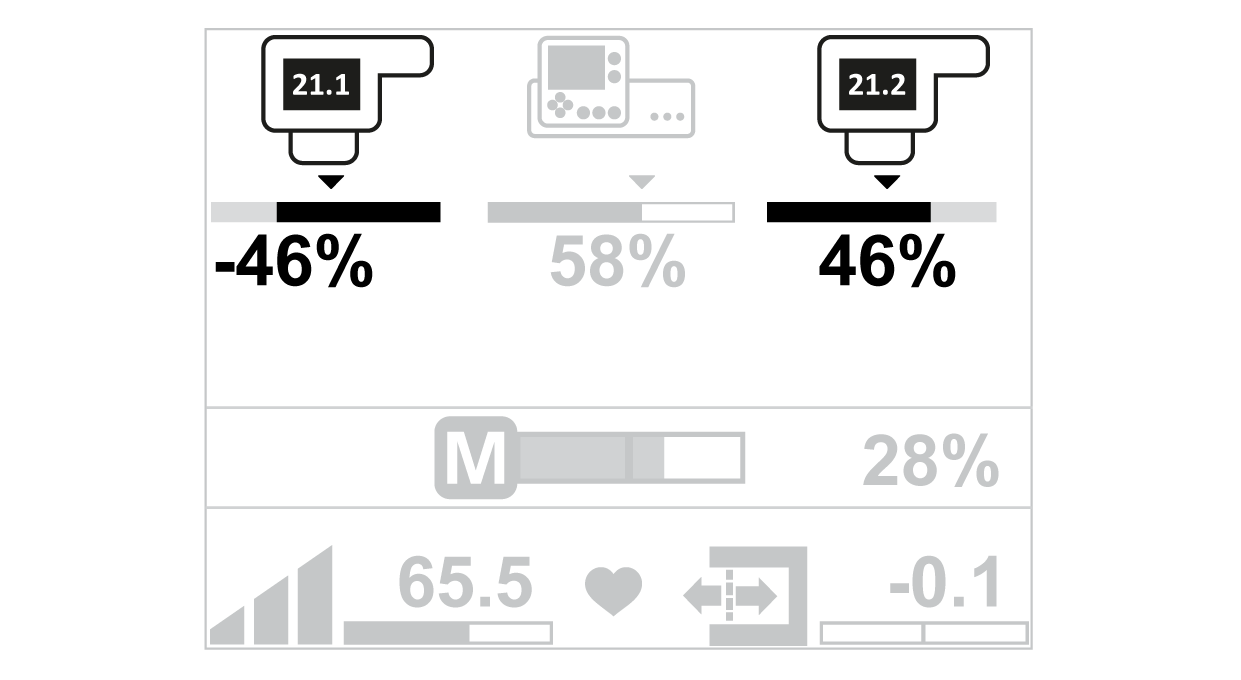
CAN address camera 1 = 21
Dual-camera system
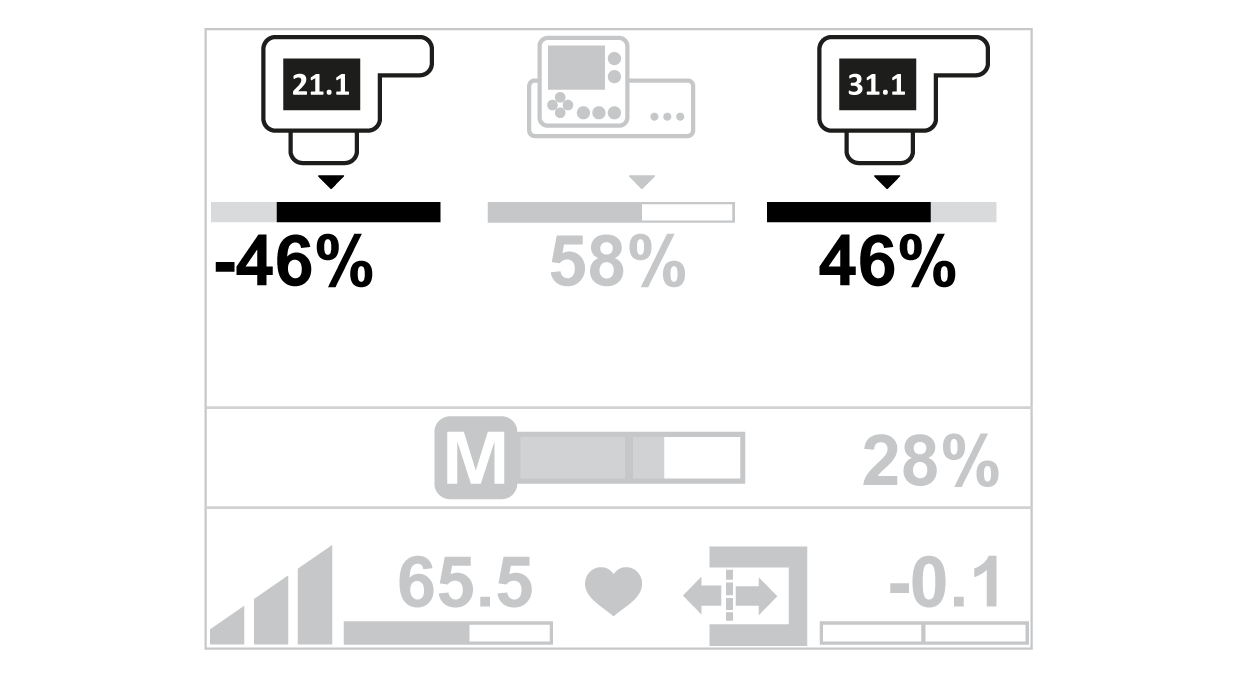
CAN address camera 1 = 21
CAN address camera 2 = 31
Adjustment of the CAN address of the CCD camera(s), see separate instruction manual.
CCD Camera | Instruction Manual (Document Number) |
|---|---|
CCDPro 30000/5000 | MD.167 |
CCD CAM 100 | MD.465 |
CCD camera operation display |
|---|
|
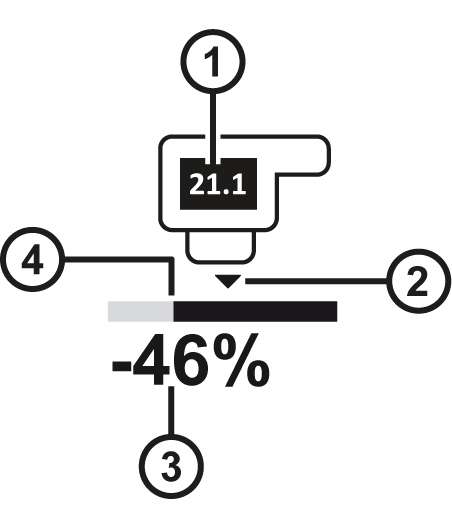
Symbol meanings
① | CAN address of the assigned CCD camera |
② | The triangle marks the guiding setpoint. |
③ | The value specifies the web edge position as a percentage or absolute value (see Display of the Web Edge Position). |
④ | The contrast transition (white / black) marks the actual position of the web edge. |