Automatic Setpoint Acceptance
If the Automatic setpoint acceptance function is activated, after switching to Automatic operating mode, the sensor positioner carries out an automatic edge detection. In doing so, the sensor slides of the sensor positioner run towards the web of material until the sensors have detected a web edge. The position of the web edge detected is taken over as the setpoint for guiding.
When using a sensor positioner with two sensor slides, the web detection behaviour depends on the guiding mode selected.
Controller Keys | Guiding Mode | Sensor Slide Behaviour |
|---|---|---|
| Guiding to the left or right web edge | Only the sensor slide with the selected sensor (Sensor 1 or Sensor 2) carries out the edge detection. The other sensor slide runs to its park position. |
| Web center-line guiding | Both sensor slides carry out the edge detection. |


If the guiding mode is changed during Automatic operating mode, e.g. from the left edge (Sensor 1) to the right edge (Sensor 2), the controller does not switch to the new guiding mode until the other sensor has completed the edge detection and the automatic edge sensor norming (if activated).
For activating the Automatic setpoint acceptance function see installation and commissioning manual , document number .
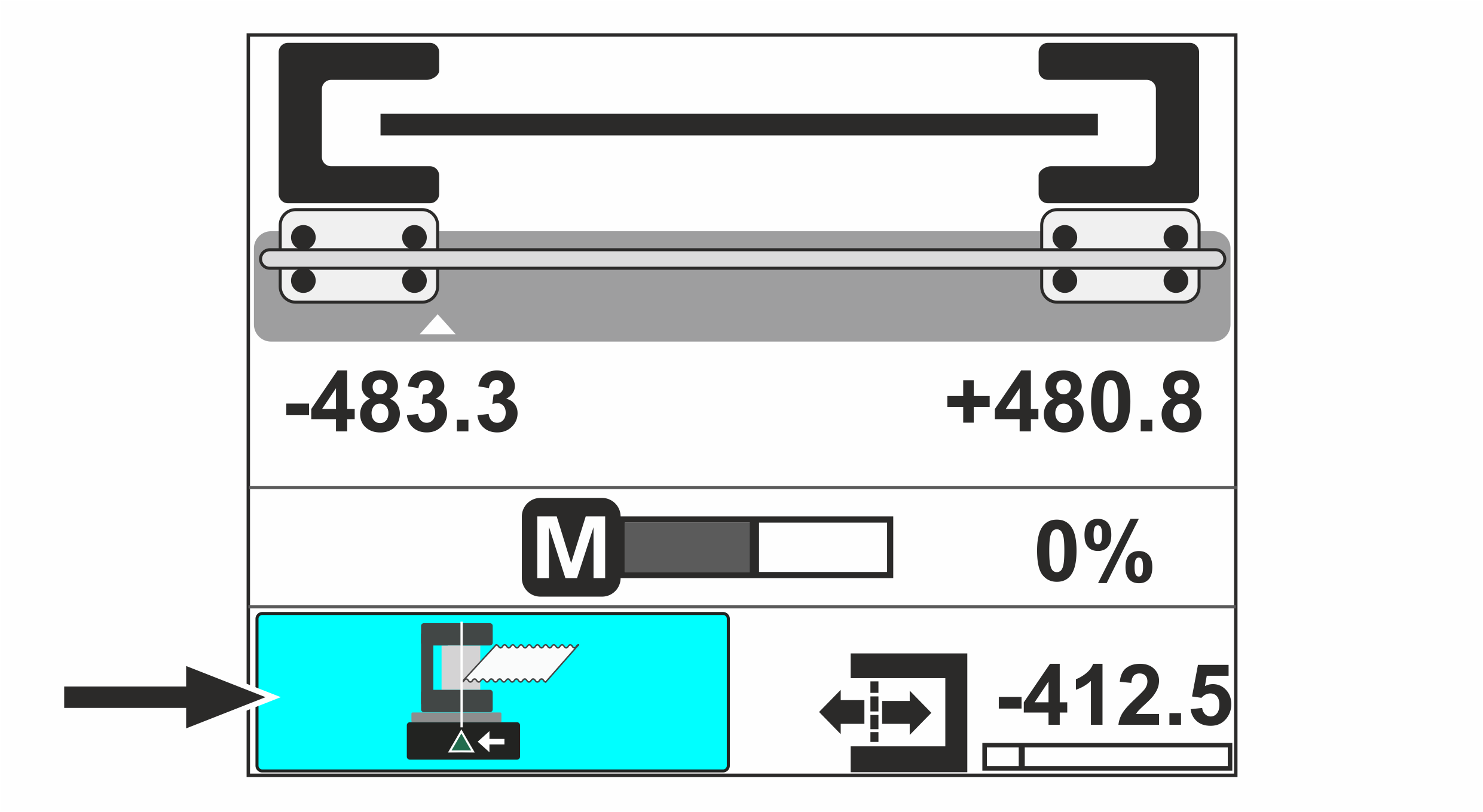
If the function is activated, in the lower left corner of the operation display, the button Automaticsetpoint acceptance is displayed.

- ▶To switch the function Automatic setpoint acceptance on / off, press the adjacent button.
- When the function is switched on, the button is displayed with a blue background.