Installation and Commissioning Manual
Electrical Connection
EMC Suitable Wiring
EMC Suitable Wiring
Figure
Wiring step
▶
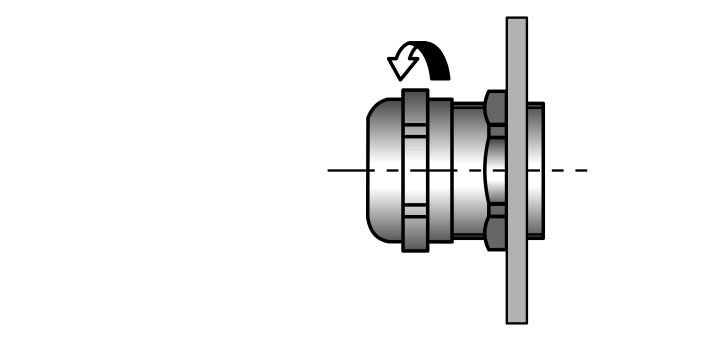
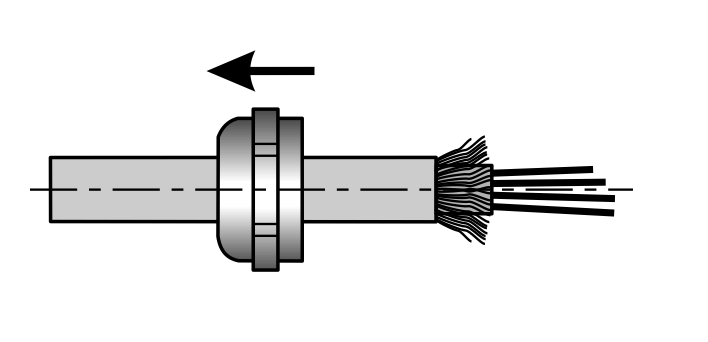
Unscrew the union nut on the cable gland.
▶
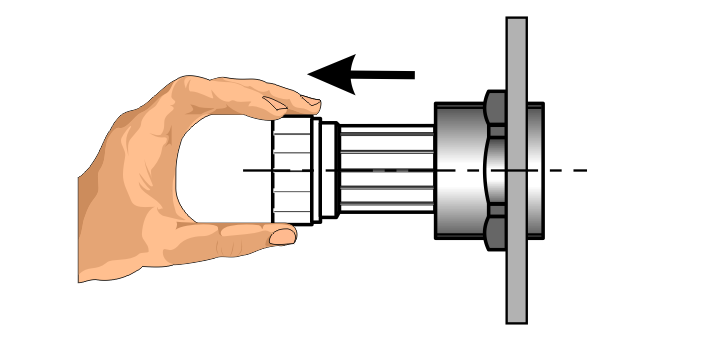
Pull out the clamping insert from intermediate support.
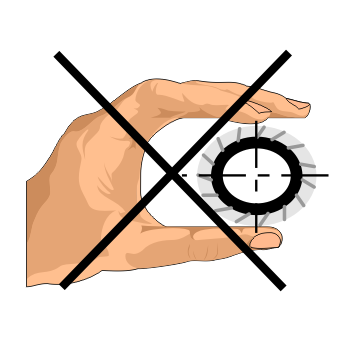
Attention! When pulling out the clamping insert, do
not
bend it (do
not
press too hard).
▶
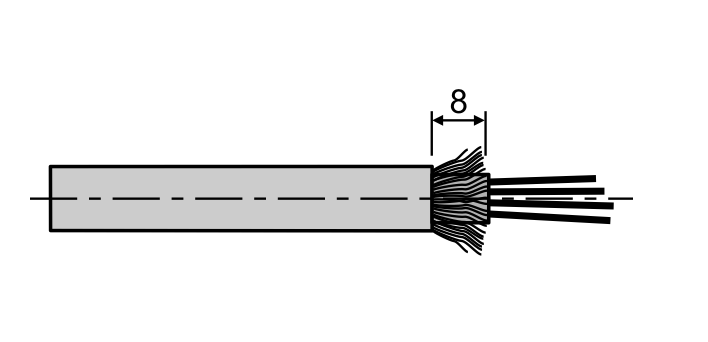
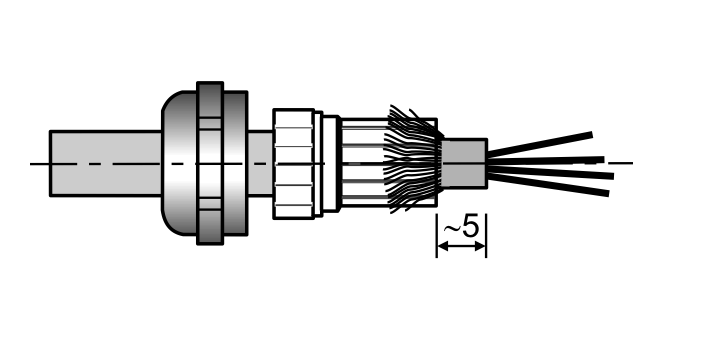
Strip cable back by 8 mm so that the screen braiding is uncovered.
▶
Pull the union nut onto the cable.
▶
Feed the cable into the clamping insert and bend the screen braiding back over the clamping insert.
▶
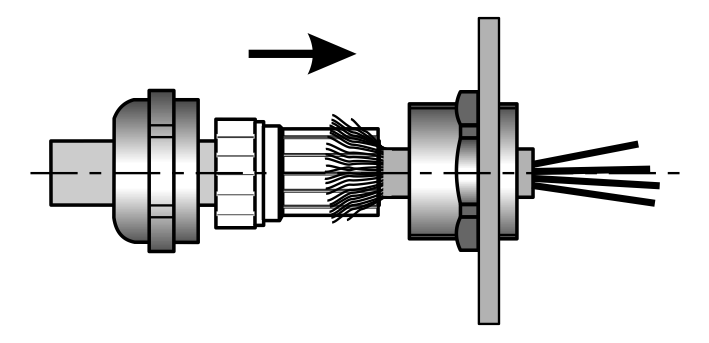
Push the clamping insert into the intermediate support.
▶
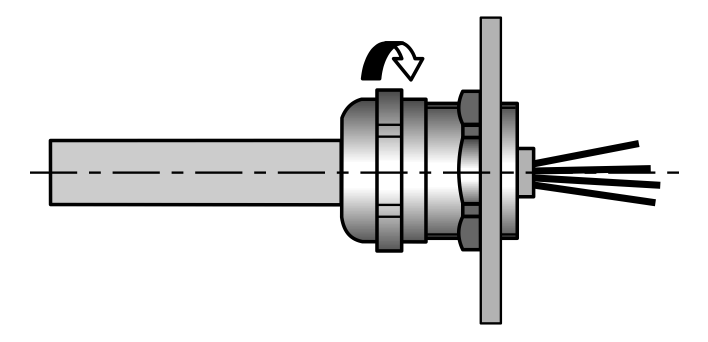
Fit the screws.
ekr CON 600, ekr CON 600 net
Menü
Index
Language
deutsch
english
Home
Index