Defining the Basic Settings
Using the Oscillation setting menu you set the basic oscillation settings (oscillation form and range of values for the oscillation frequency).
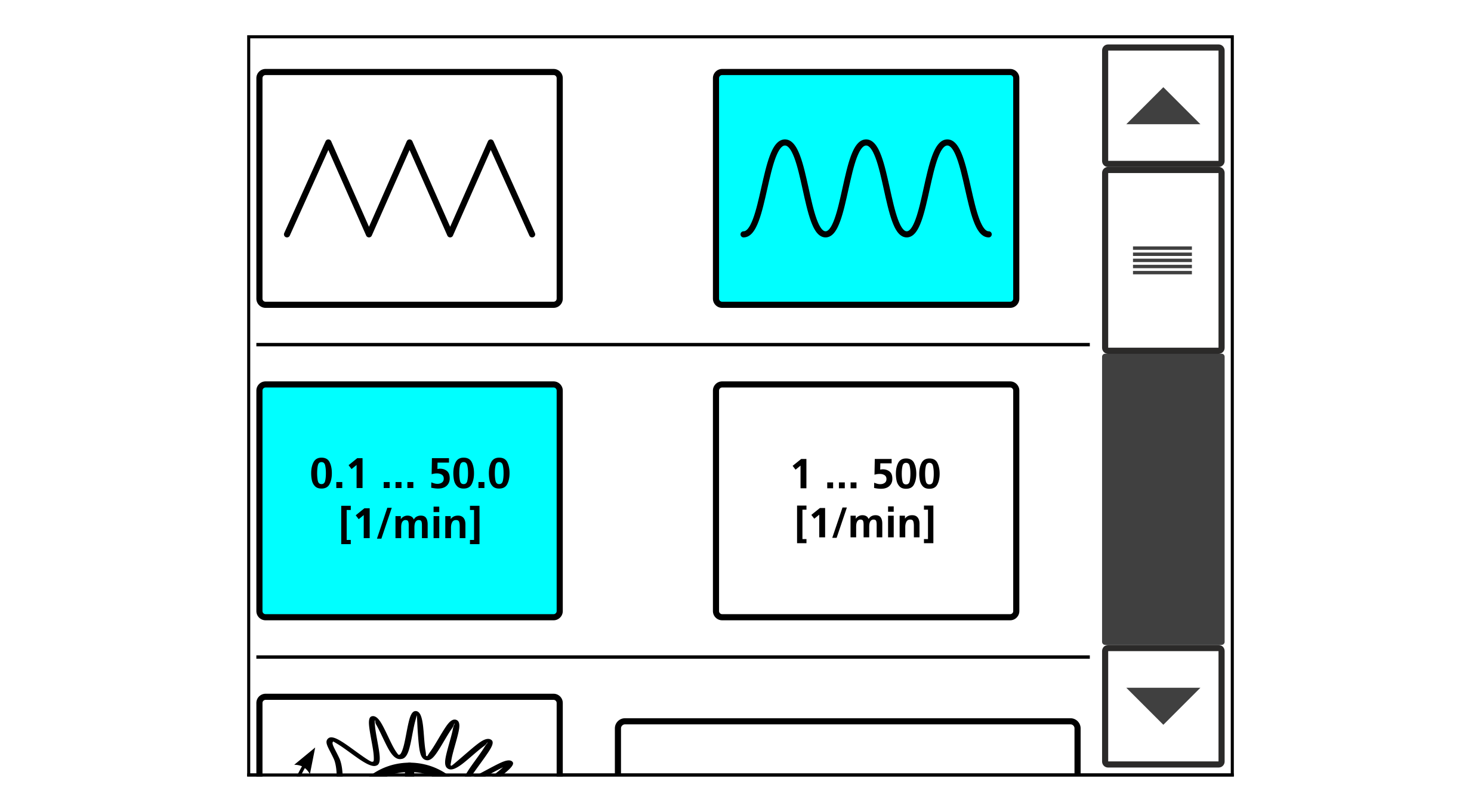
Meaning of the buttons
Rotate the smartphone by 90 degrees to show the entire table.
Basic Setting | Button | Meaning |
|---|---|---|
Oscillation form |
| Triangular curve |
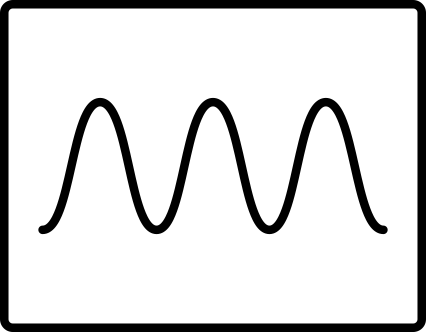
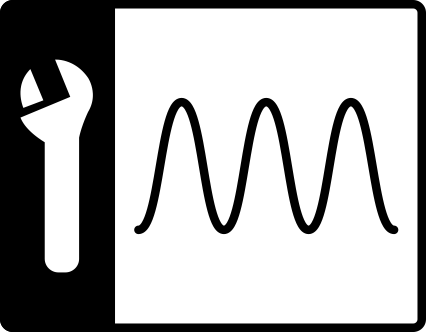
| Sinus curve | |
Range of values for the oscillation frequency |
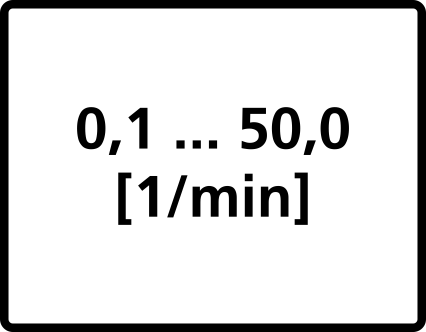
| Range of values |
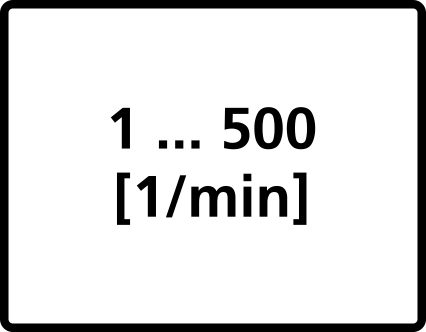
| Range of values | |
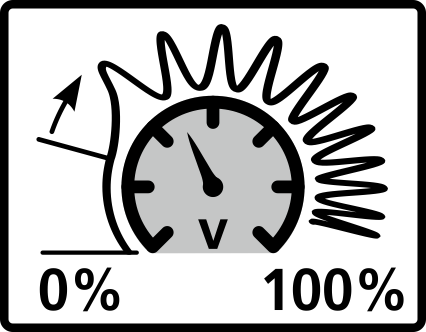
Speed-dependent oscillation |
|

Making basic settings
- Select the desired oscillation form and the desired range of values for the oscillation frequency by tapping the corresponding button.
- The selected buttons are displayed with a blue background.
- Confirm the settings by pressing the
 button.
- The setting menu is closed.
- The setup menu is displayed.
