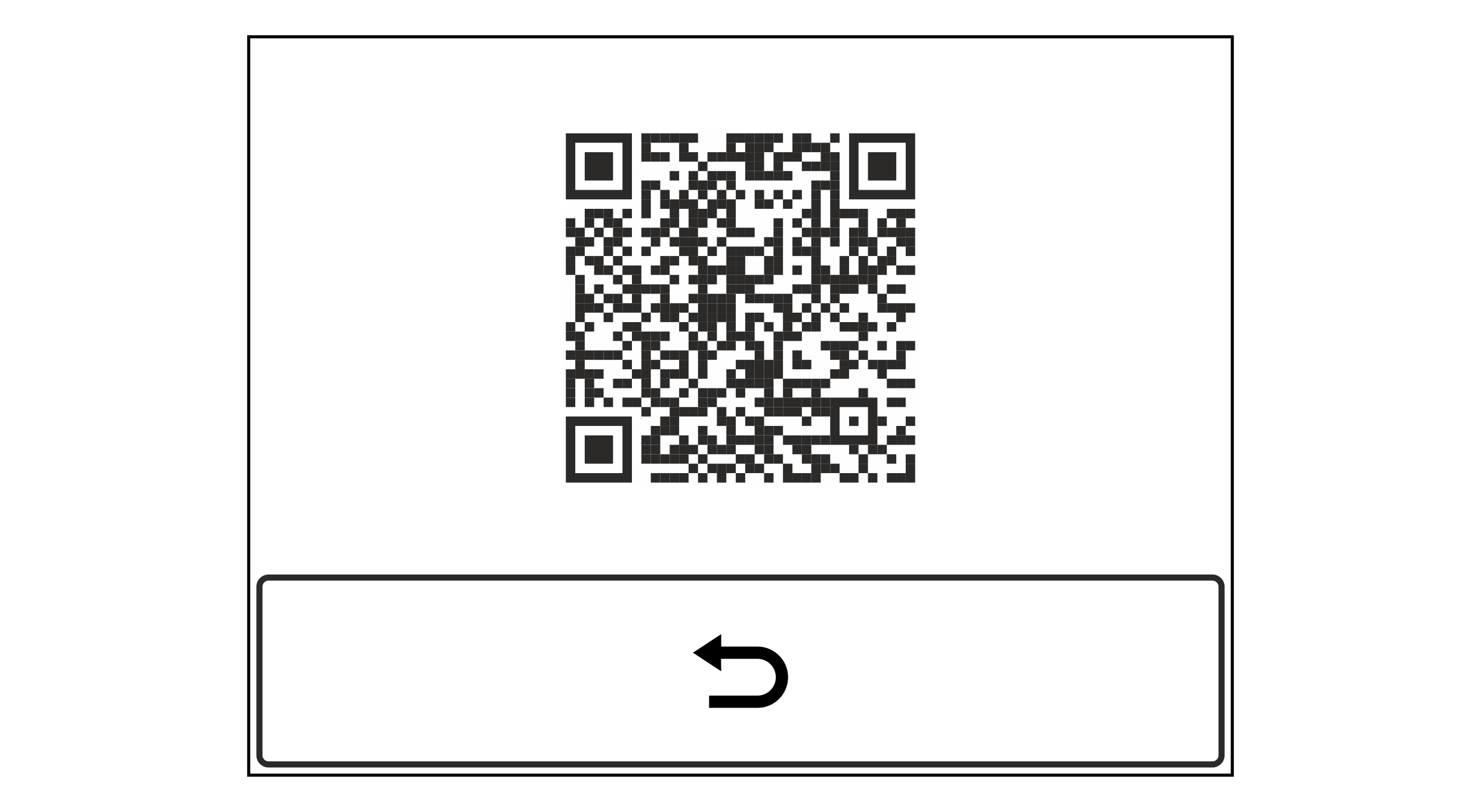
This service display shows a QR code leading you directly to the BST homepage.
Service display with link to the company website
You can read the content of the QR code using your Smartphone or Tablet with camera and a QR code scanner software. You can find free Apps with QR code scanners on the internet.
Calling up the service display
Activate the Link to the Company Website service display in the setup menu (see Calling up the Setup Menu).
 button to quit the service display.