Specifying the Target Width
Using this function, you specify the target width of the web of material.
- »
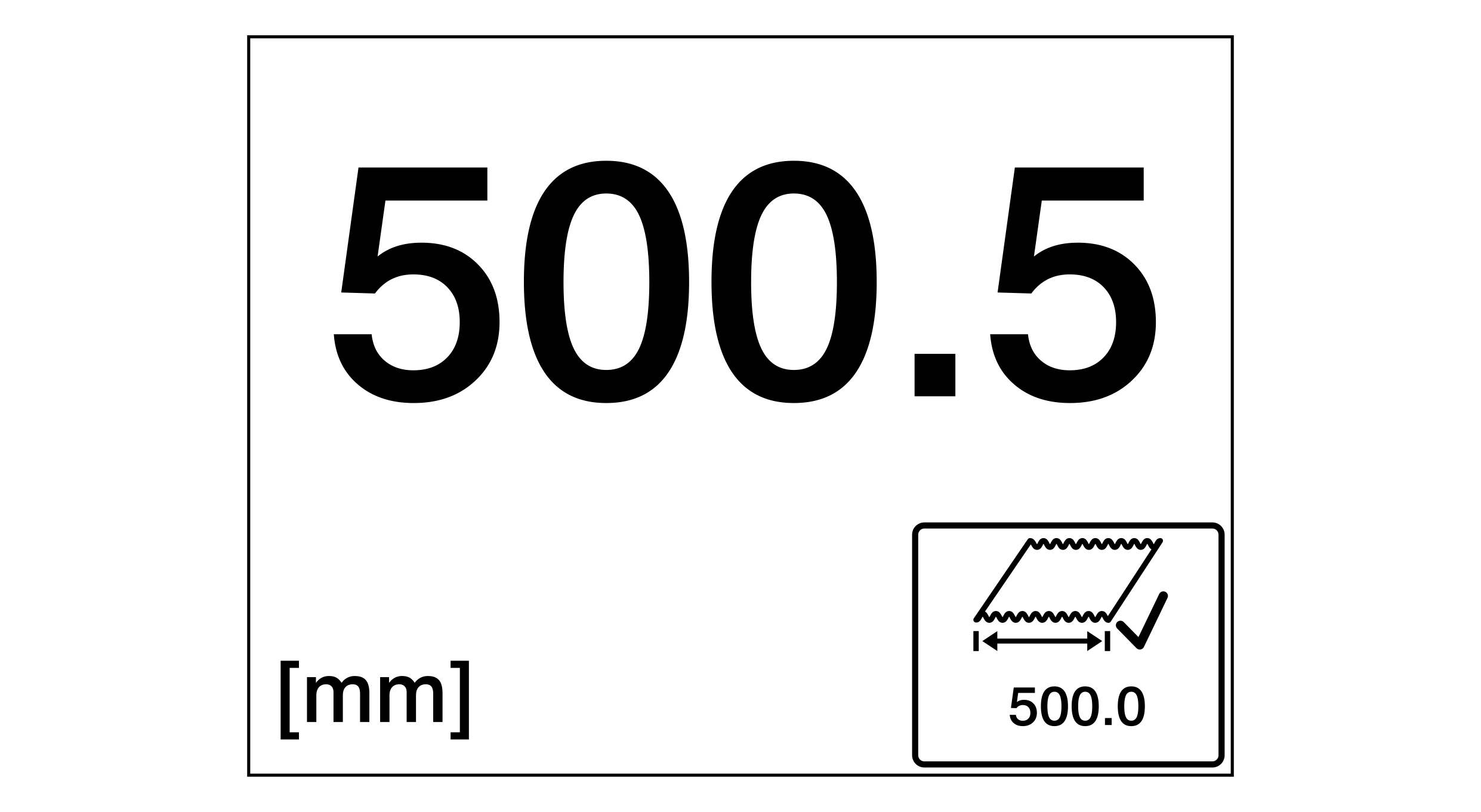
- »The web width is displayed. For activating the web width display see Displaying the Web Width).
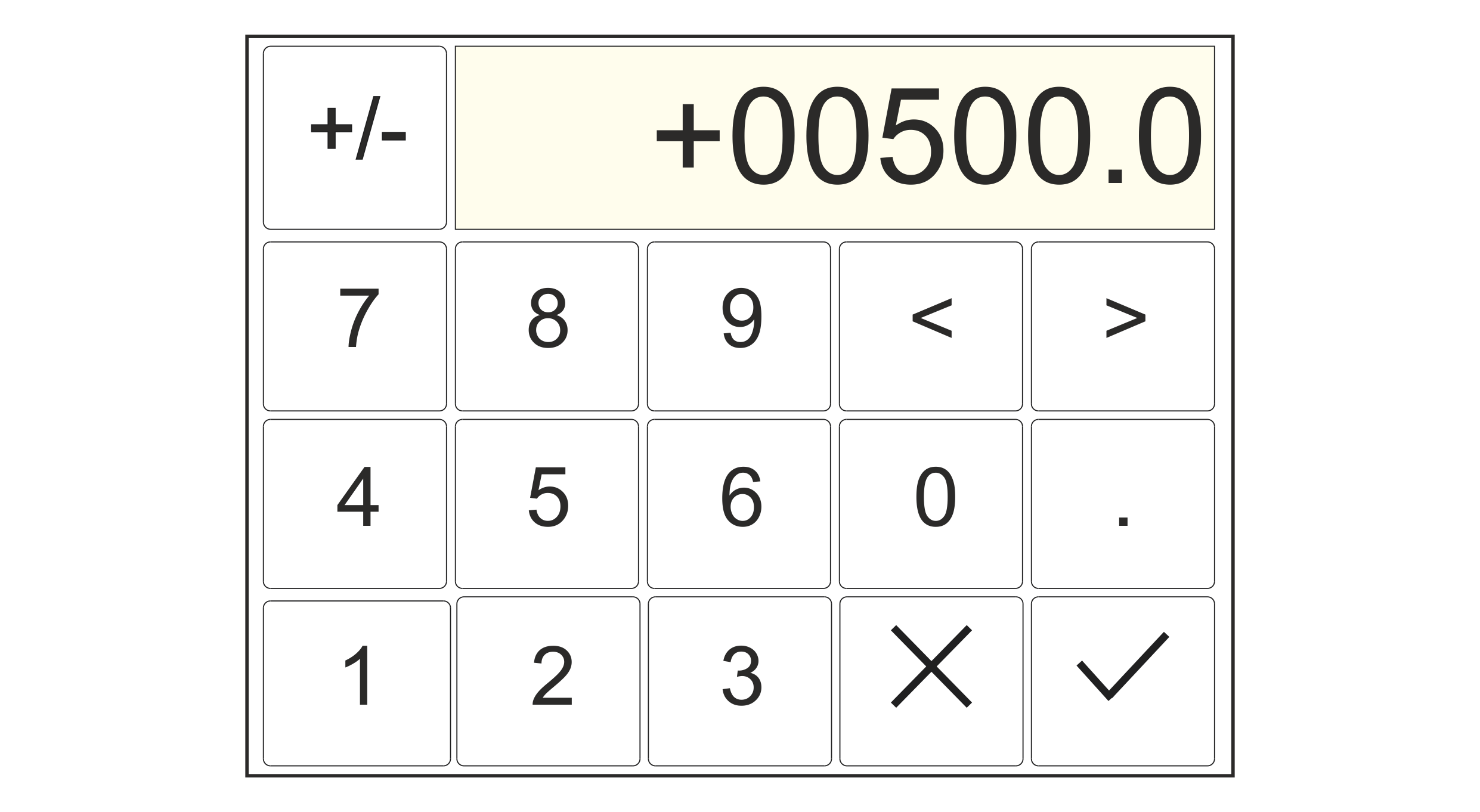
- Enter the desired target width.
- Confirm your entry with the
 button.
- The keypad is closed.
- The new target width (500.0 in the example) is displayed on the button.
