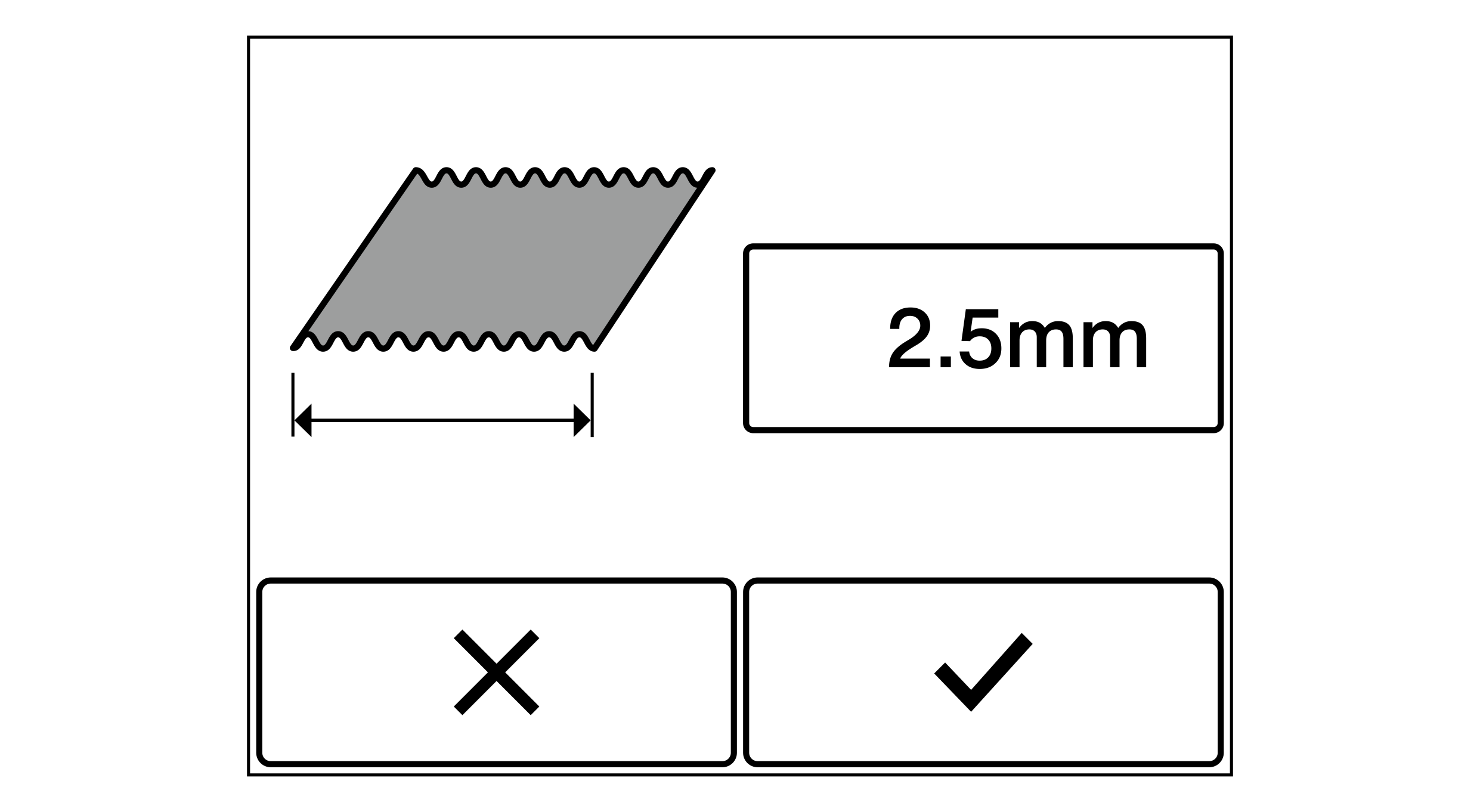
Using this function you calibrate the line width measurement.
For the calibration, introduce a printed line with a known width (reference line) into the measuring range of the CLS Pro 600 line and contrast sensor or the CLS CAM 100 object sensor connected and determine the line width as reference width.
Select the line/contrast guiding mode (Sensor 3).
Introduce the printed line into the measuring range of the line and contrast sensor or the object sensor.
Carry out a line setup at the line and contrast sensor or the object sensor (procedure see separate operating manual CLS Pro 600 line and contrast sensor, document number MD.323 or operating manual CLS CAM 100 object sensor, document number MD.577).

 button.