This service display indicates the settings of the internal switches of selected system components. As such, you can check the switch positions without having to open the device housing.
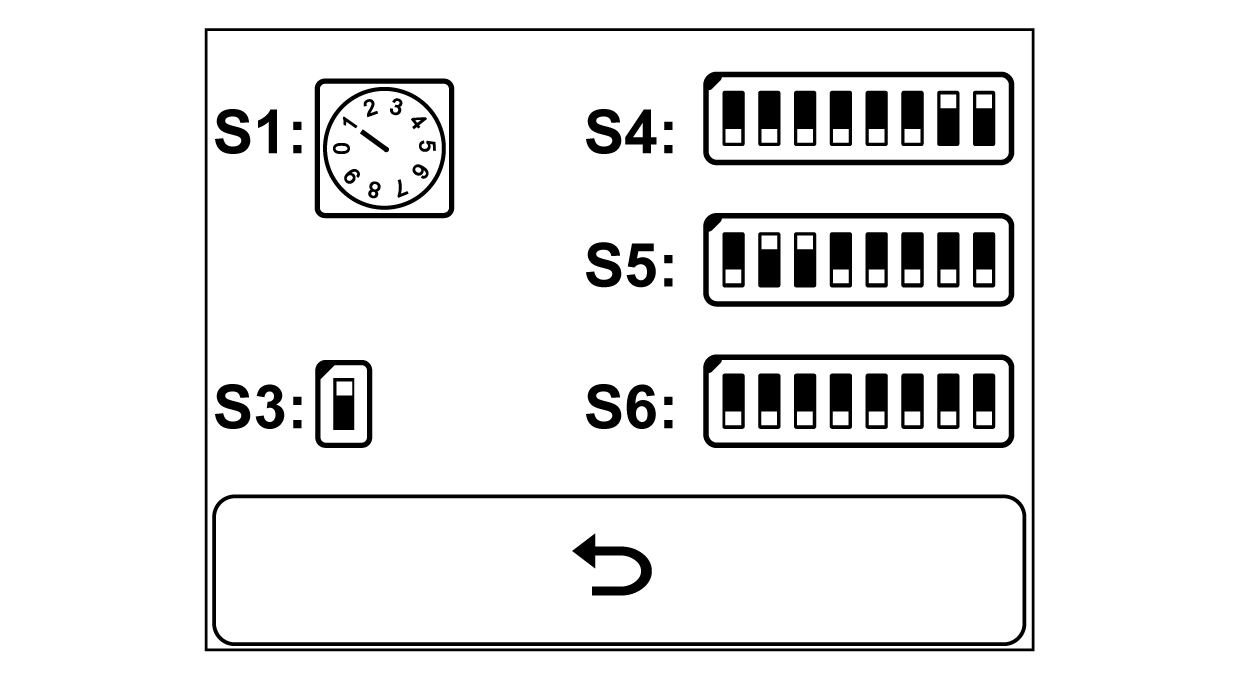
Display of the switch positions (here for the ekr 500 digital Unit Touch controller)
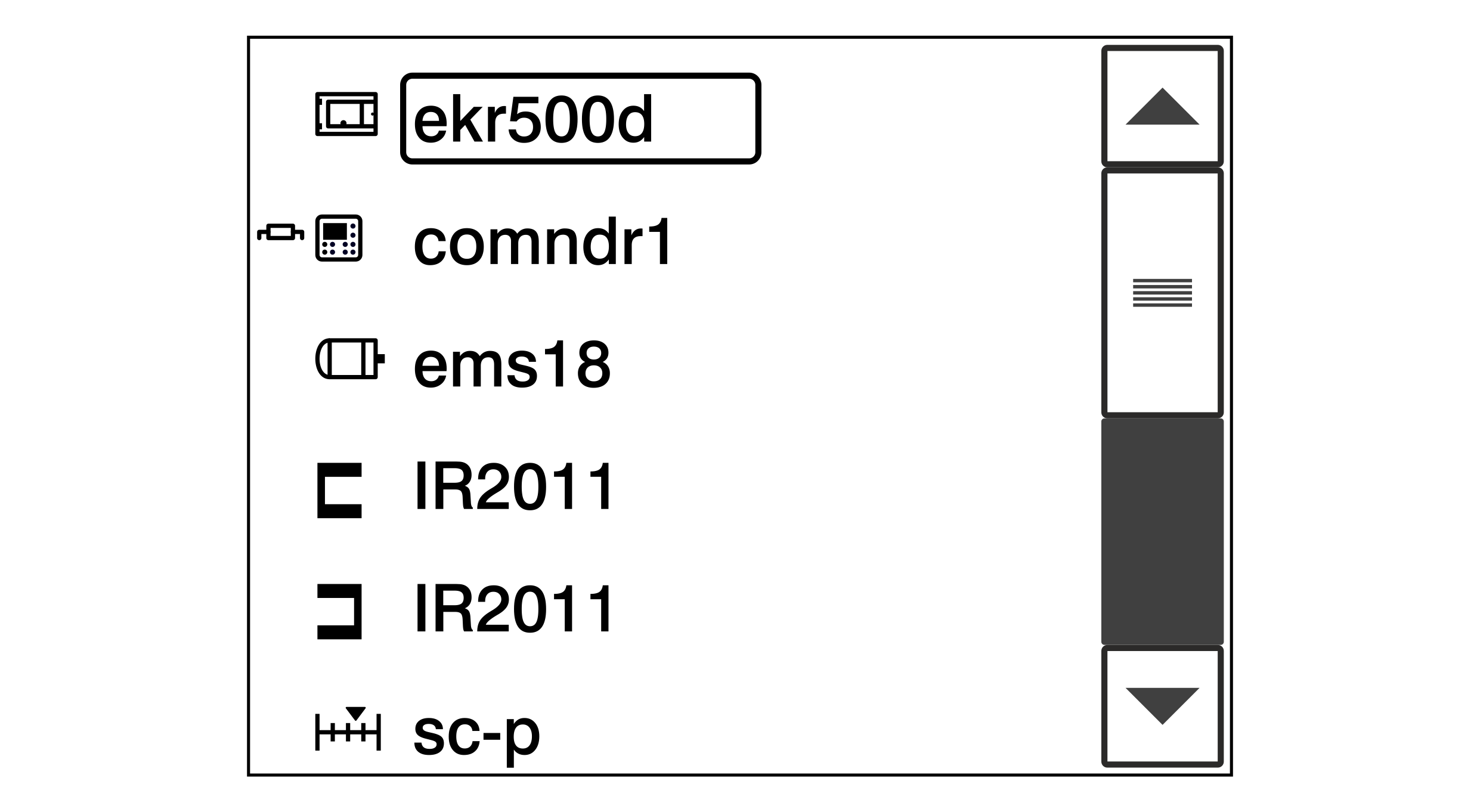
A list including all system components connected is displayed.
For system components, for which the Switch Positions service display is available, the type designation is placed in a black frame (in the example ekr500d).
Tap the type designation in the black frame on the touchscreen.
The settings of the internal switches of the selected system component are displayed.
Press the button to quit the service display.
The display changes back to the System Components service display.
 button to quit the service display.