Positioning the Sensor Slide
You can select two methods to position the sensor slide:
- Positioning with the arrow keys of the ekr commander control panel of the controller
- Positioning by entering a defined target position
Positioning the sensor slide with the arrow keys
In this method, you use the arrow keys of the controller’s control panel to move the sensor slide of the positioning unit to the desired position.
WARNING
Risk of crushing from motorized traversing of the sensor slides!
Parts of your body could be crushed, cut or hit.
- ▶Never reach into the traversing area of the sensor slides.
- ▶Before setting up / operating, ensure that no other persons are in the traversing area of the sensor slides.
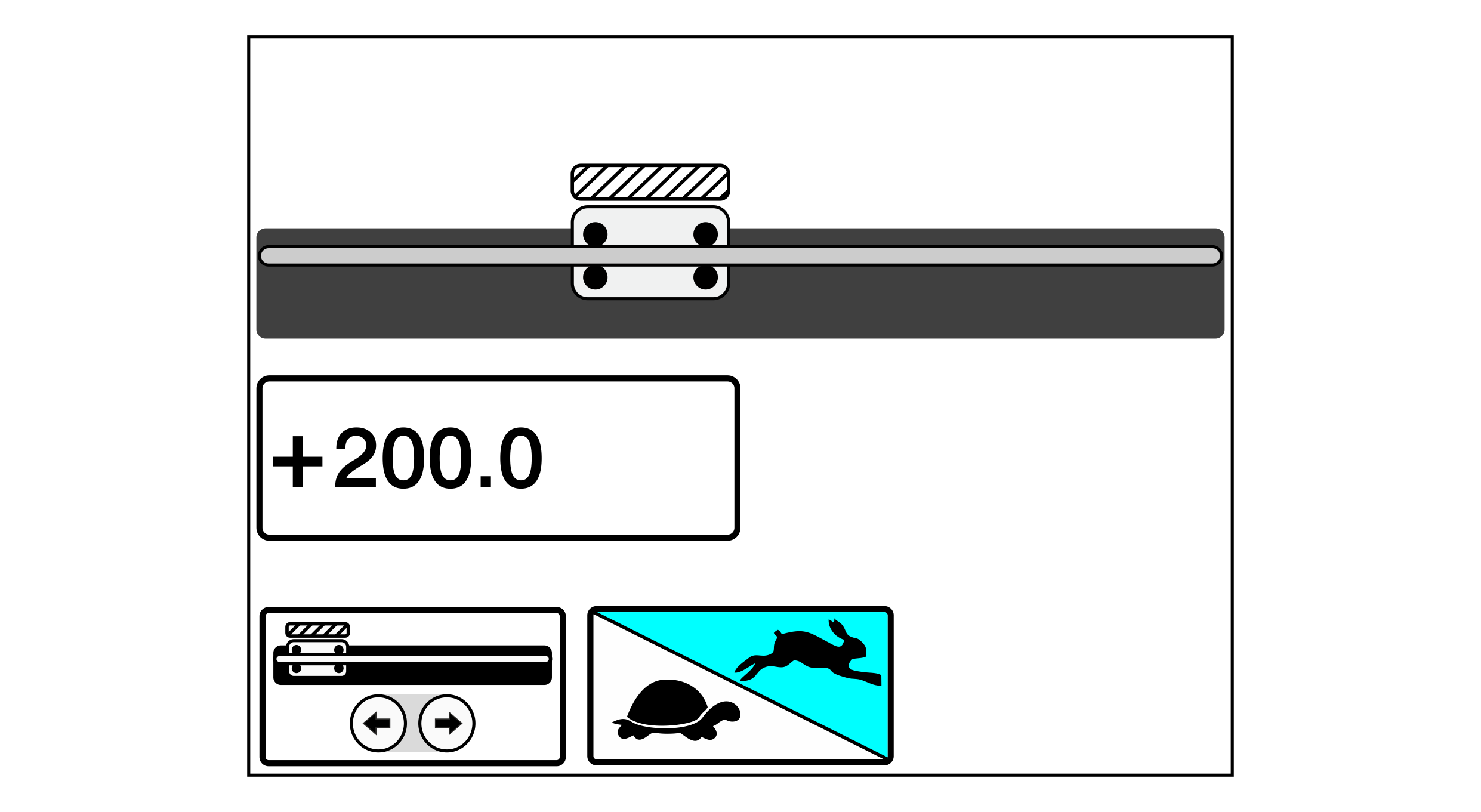
- The operation menu for the positioning unit is displayed. For calling up the menu see Calling Up the Operating Menu.

- Activate the positioning with the arrow keys of the control panel by tapping the adjacent button.
- If activated, the button is displayed with a blue background.
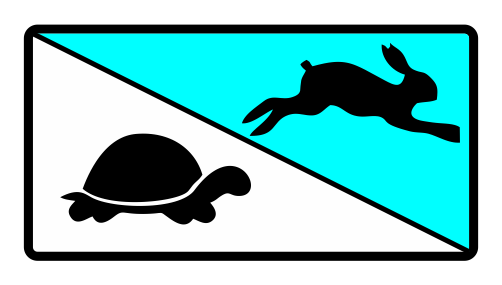
- Activate the fast speed level for the rough positioning of the sensor slide.
- If activated, the rabbit symbol is displayed with a blue background.

- Carry out rough positioning of the sensor slide using the arrow keys of the control panel.
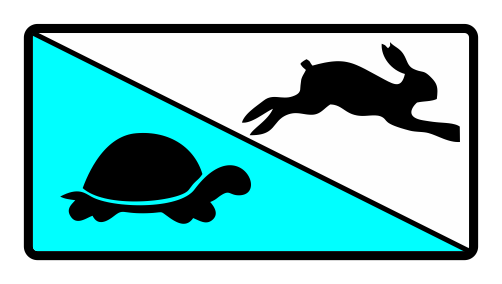
- Activate the slow speed level for the fine positioning of the sensor slide.
- If activated, the turtle symbol is displayed with a blue background.
- Carry out fine positioning of the sensor slide using the arrow keys of the control panel.
Entering the target position
Using this method, you move the sensor slide of the positioning unit to a defined target position.
WARNING
Risk of crushing from motorized traversing of the sensor slides!
Parts of your body could be crushed, cut or hit.
- ▶Never reach into the traversing area of the sensor slides.
- ▶Before setting up / operating, ensure that no other persons are in the traversing area of the sensor slides.
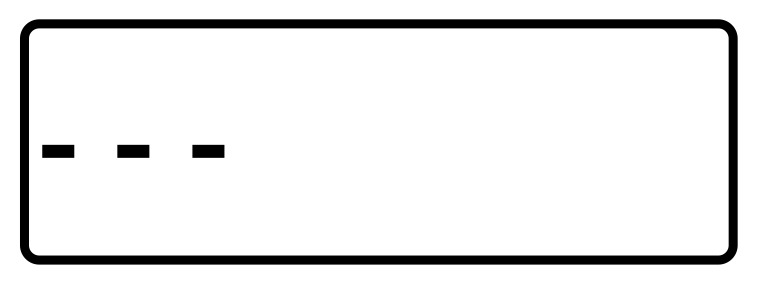
Before using this method for the first time, three dashes are displayed in the editing field for the target position. They indicate that the sensor slide is in an undefined position.
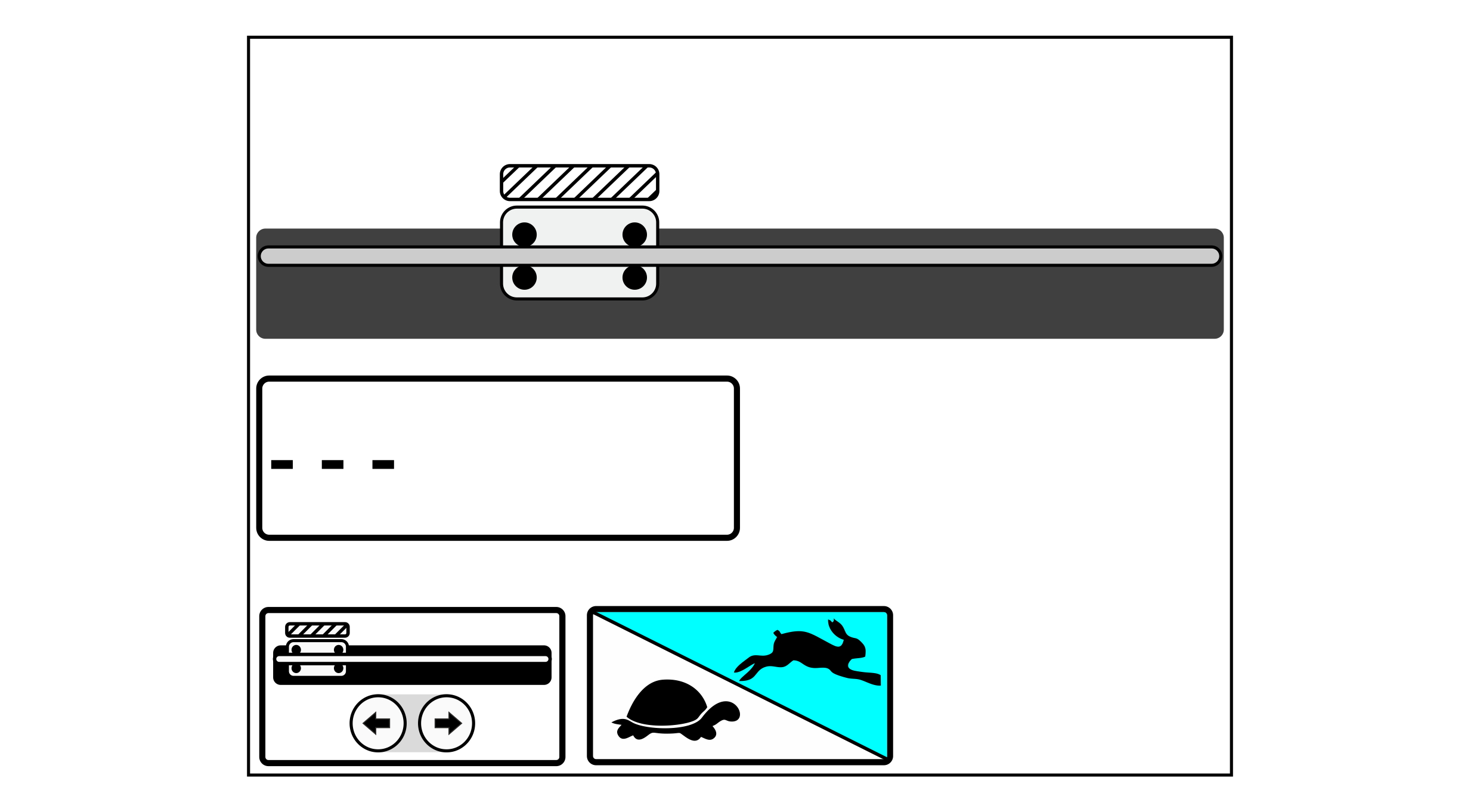
- The operation menu for the positioning unit is displayed. For calling up the menu see Calling Up the Operating Menu.
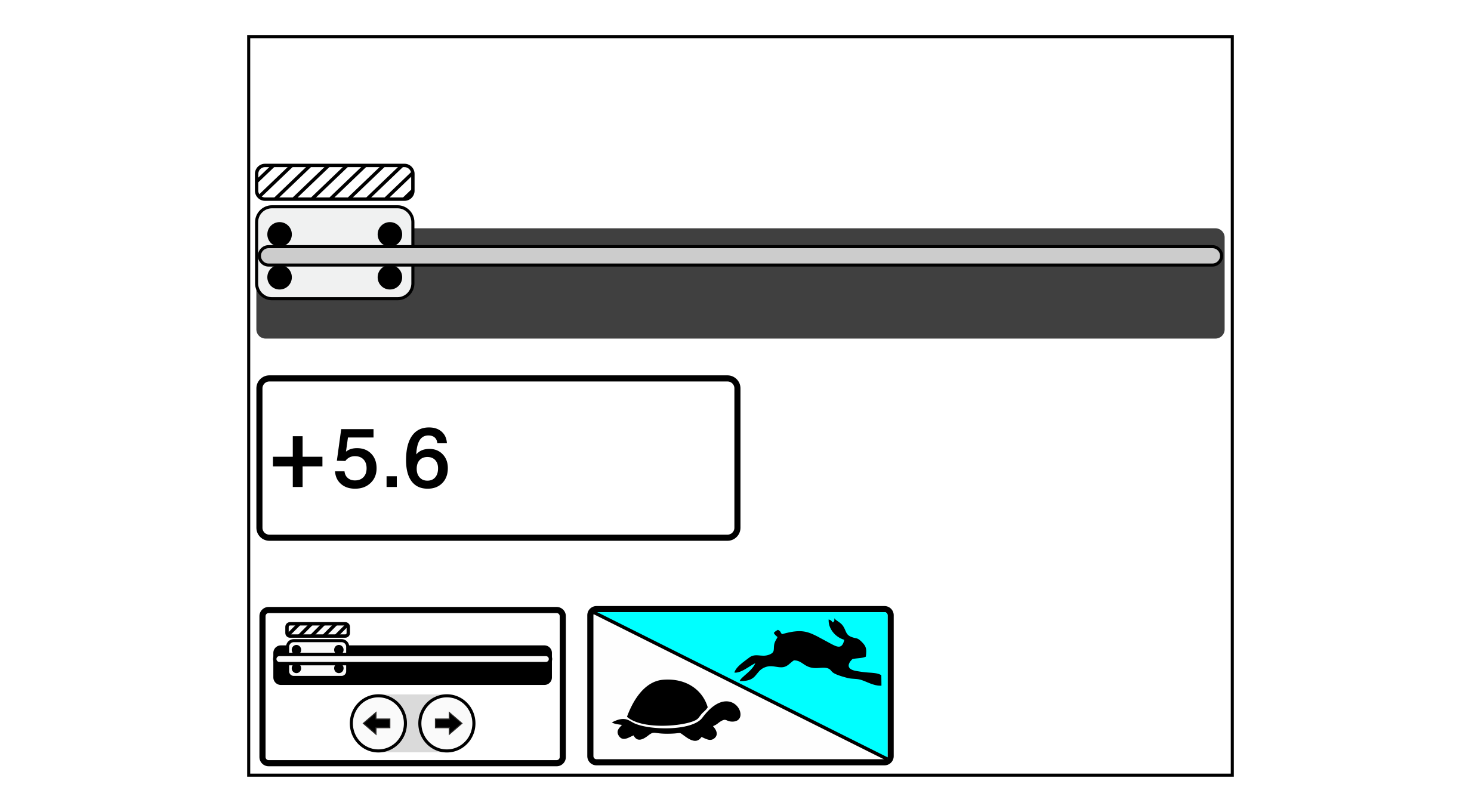
- Tap on the editing field for the target position.
- The sensor slide moves to its outer end position (park position) and remains there.
- The current position value (+5.6 in the example) is displayed in the editing field for the target position.
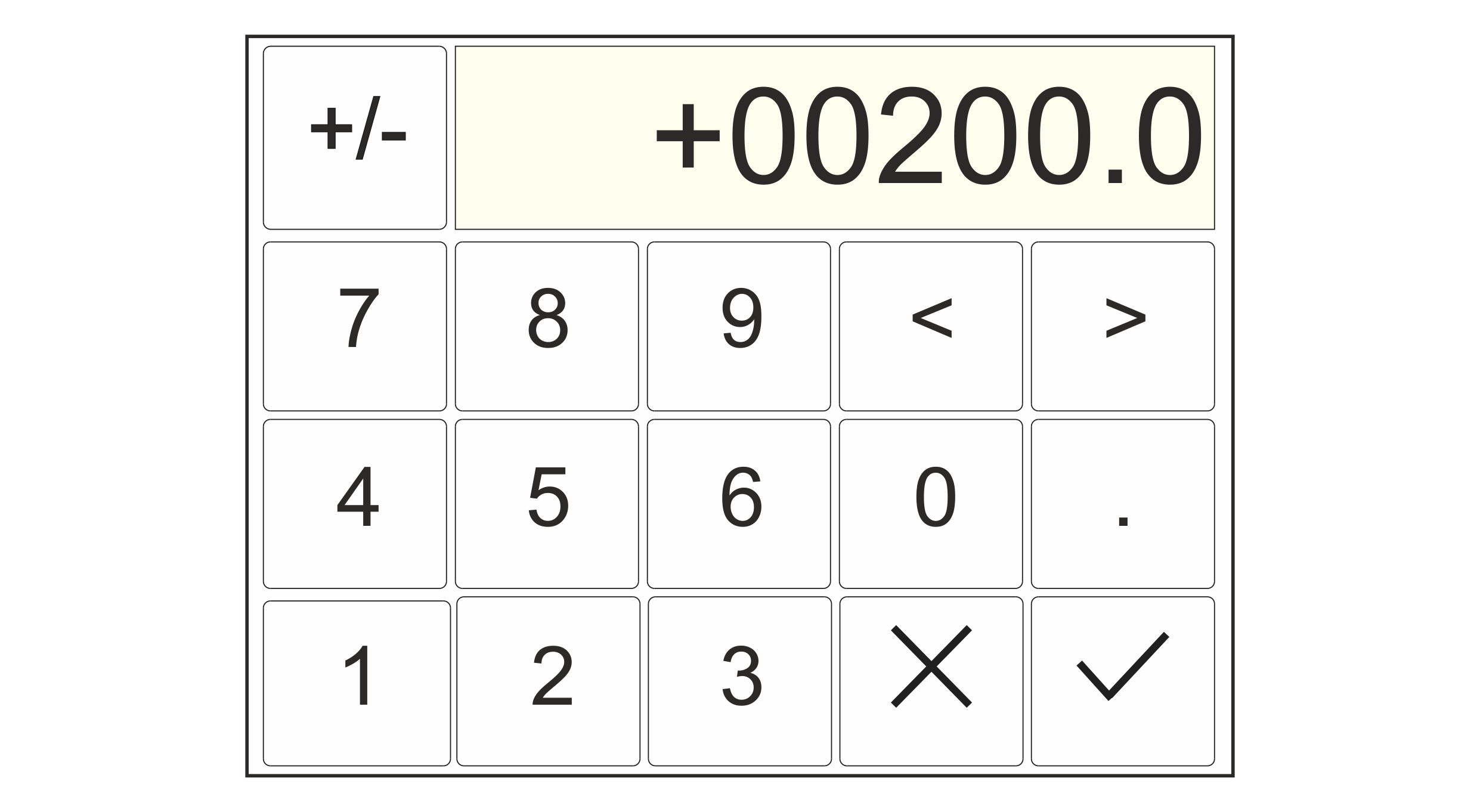
- Tap on the editing field for the target position again.
- A numeric keypad is displayed.
- Enter the desired target position.
- Confirm your entry with the
button.
- The keypad is closed.
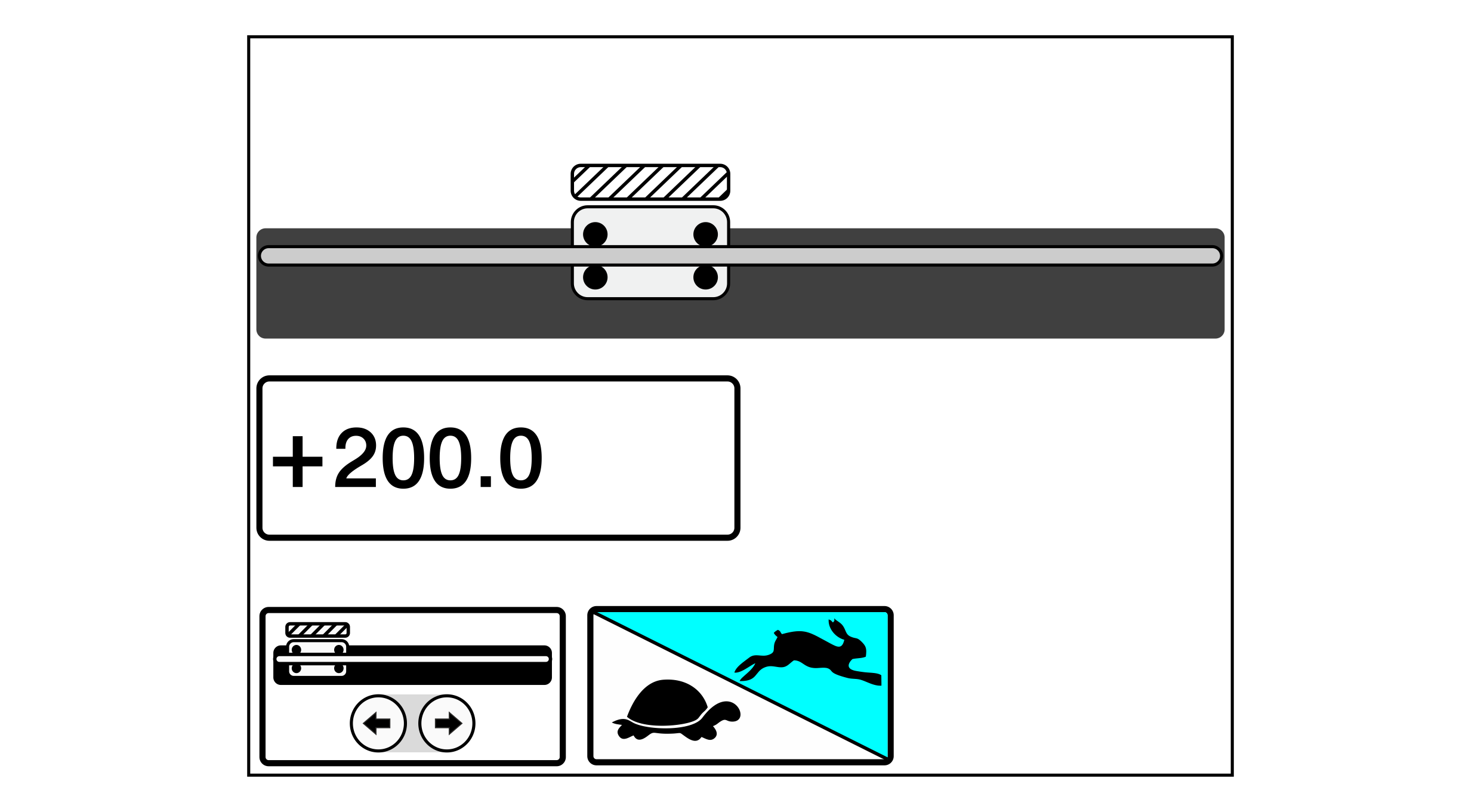
- The sensor slide moves to the defined target position (+200.0 in the example).