Entering the Position Offset for the Sensor Slides
Entering the Position Offset for the Sensor Slides
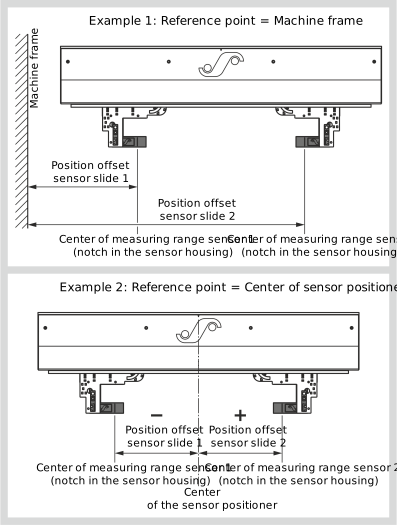
With the position offset, you can create a reference system with an absolute reference point for the position of the sensor slides. This reference point can be a distinctive point on the machine (e.g. machine wall or center of the machine). As an alternative, you can also use the park position of a sensor slide or the middle of the sensor positioner as reference point. The set offset value (position offset) is added to the current position of the sensor slide and then results in the absolute distance to the reference point selected. This distance is displayed in the operating display under the symbol for the sensor slides.
Example for the determination of the position offset
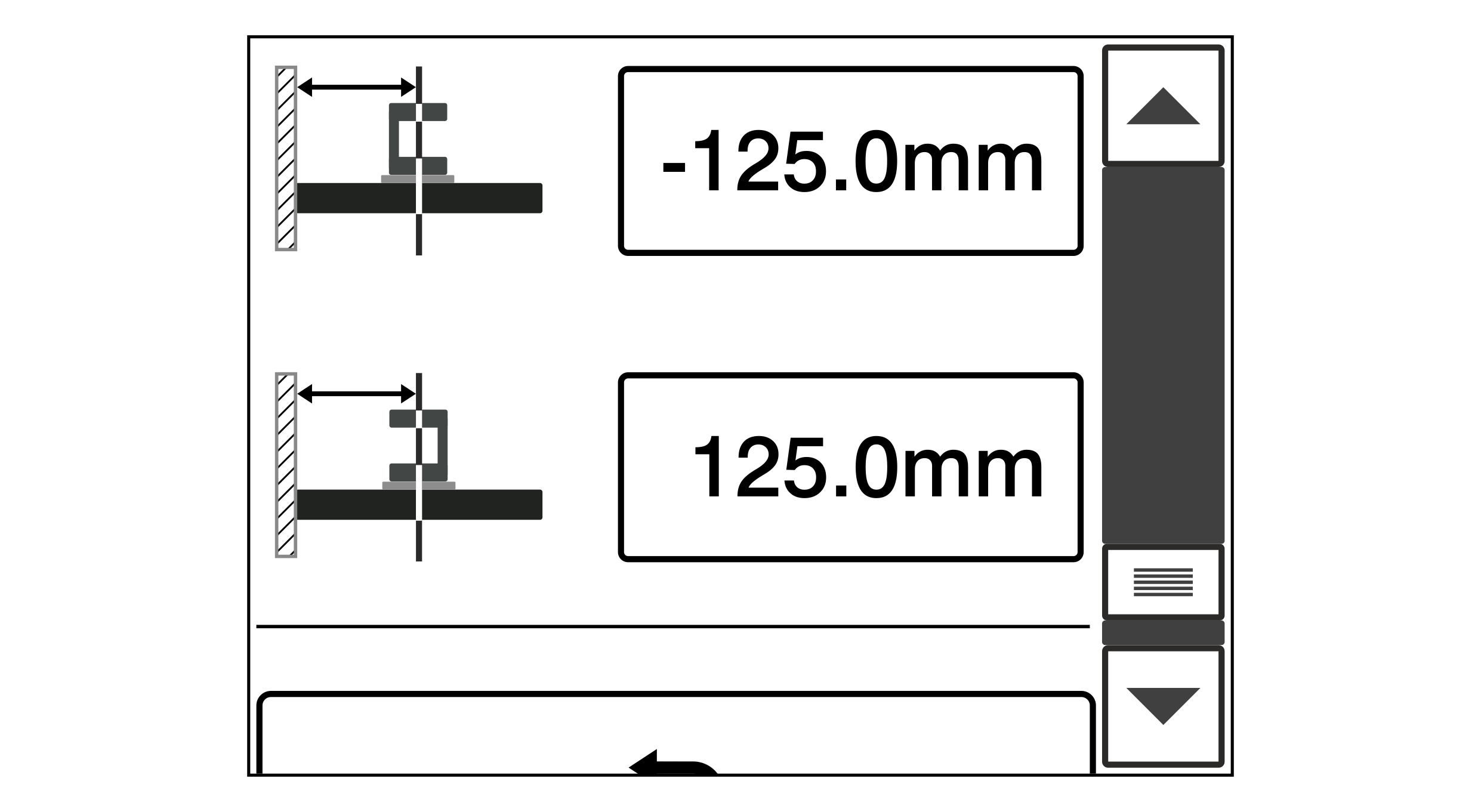
If you use the middle of the sensor positioner as a reference point (see example 2), a negative position offset results for one sensor slide (in the represented example, sensor slide 1). In this case, the position value of the sensor slide appears in the operating display with a negative prefix sign. When entering the position offset, it is essential to observe the prefix sign (+/-).
Determining and entering the position offset
WARNING
Risk of crushing from motorized traversing of the sensor slides!
Parts of your body could be crushed, cut or hit.
▶Never reach into the traversing area of the sensor slides.
▶Before setting up / operating, ensure that no other persons are in the traversing area of the sensor slides.
»No material web has been threaded in. With web of material threaded in, damage may be caused to the web during the reference run!
»The Sensor positioner setting menu is open.
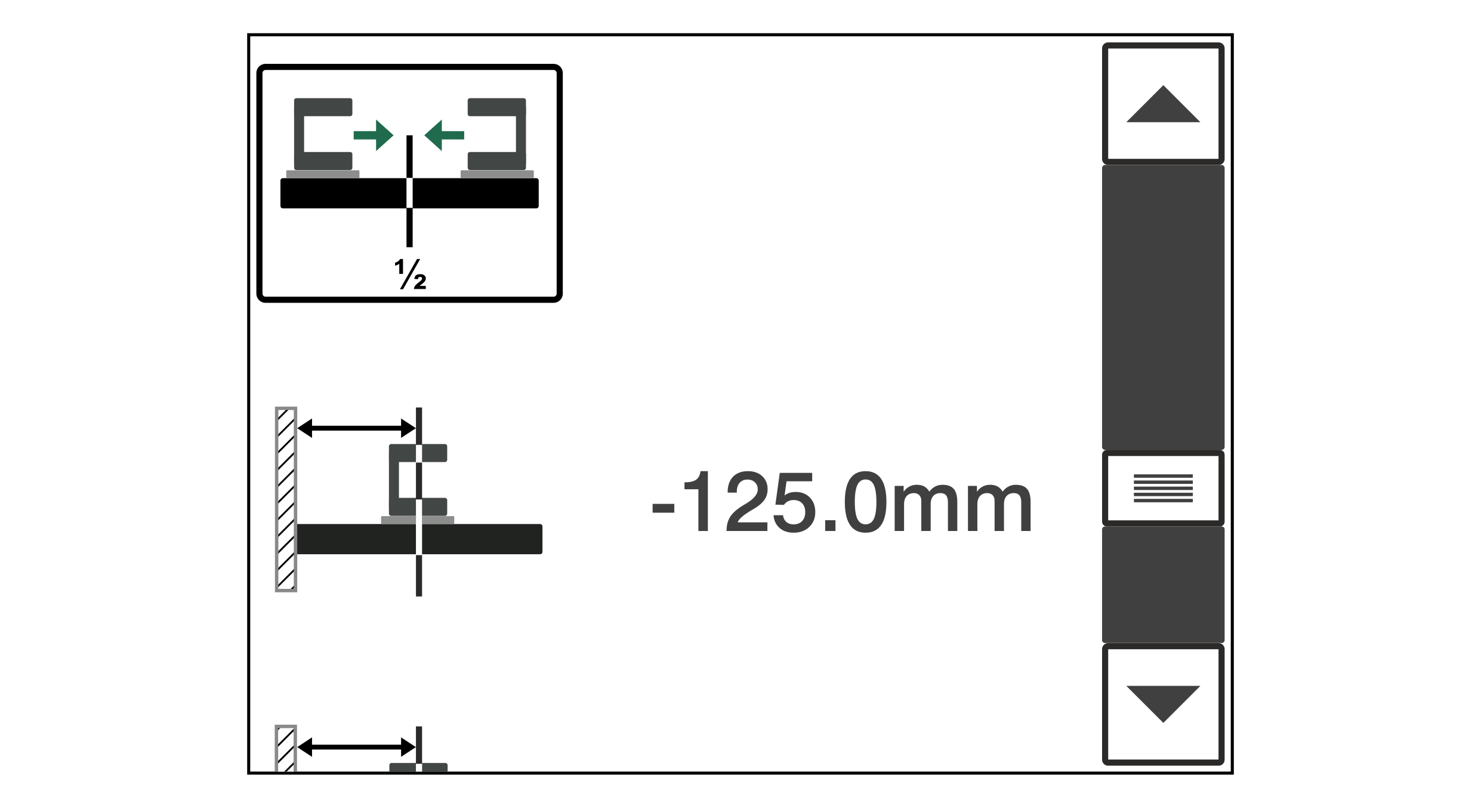
Using the scroll bar in the Sensor positioner setting menu, scroll down until the adjacent menu for entering the position offset is shown in the display.
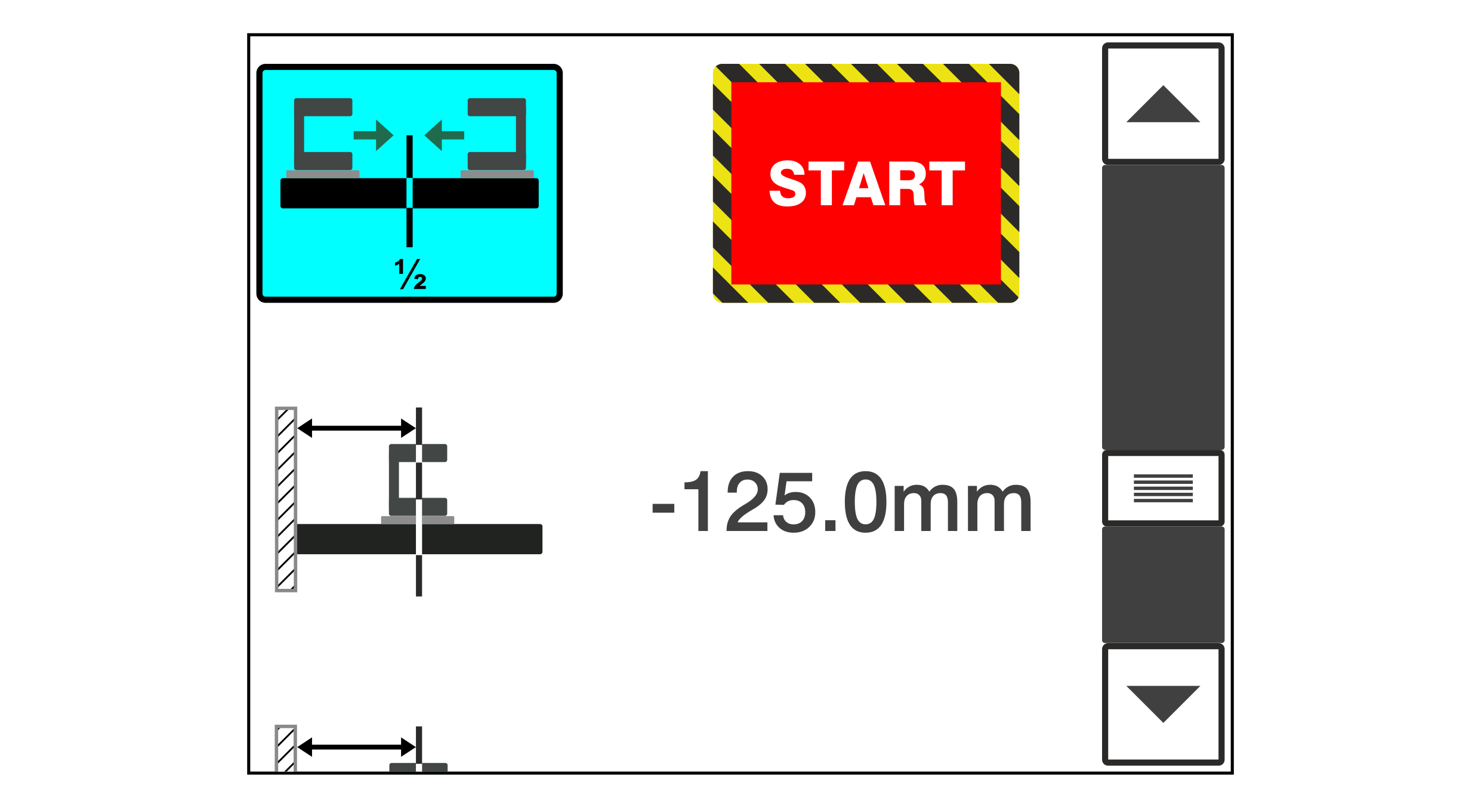
Press the Reference run button.
The red START button is faded in on the display.
Make sure again that no web of material has been threaded in and that no persons are in the danger area of the sensor slides.
To start the reference run, press the START button.
The sensor slides move to their reference positions.
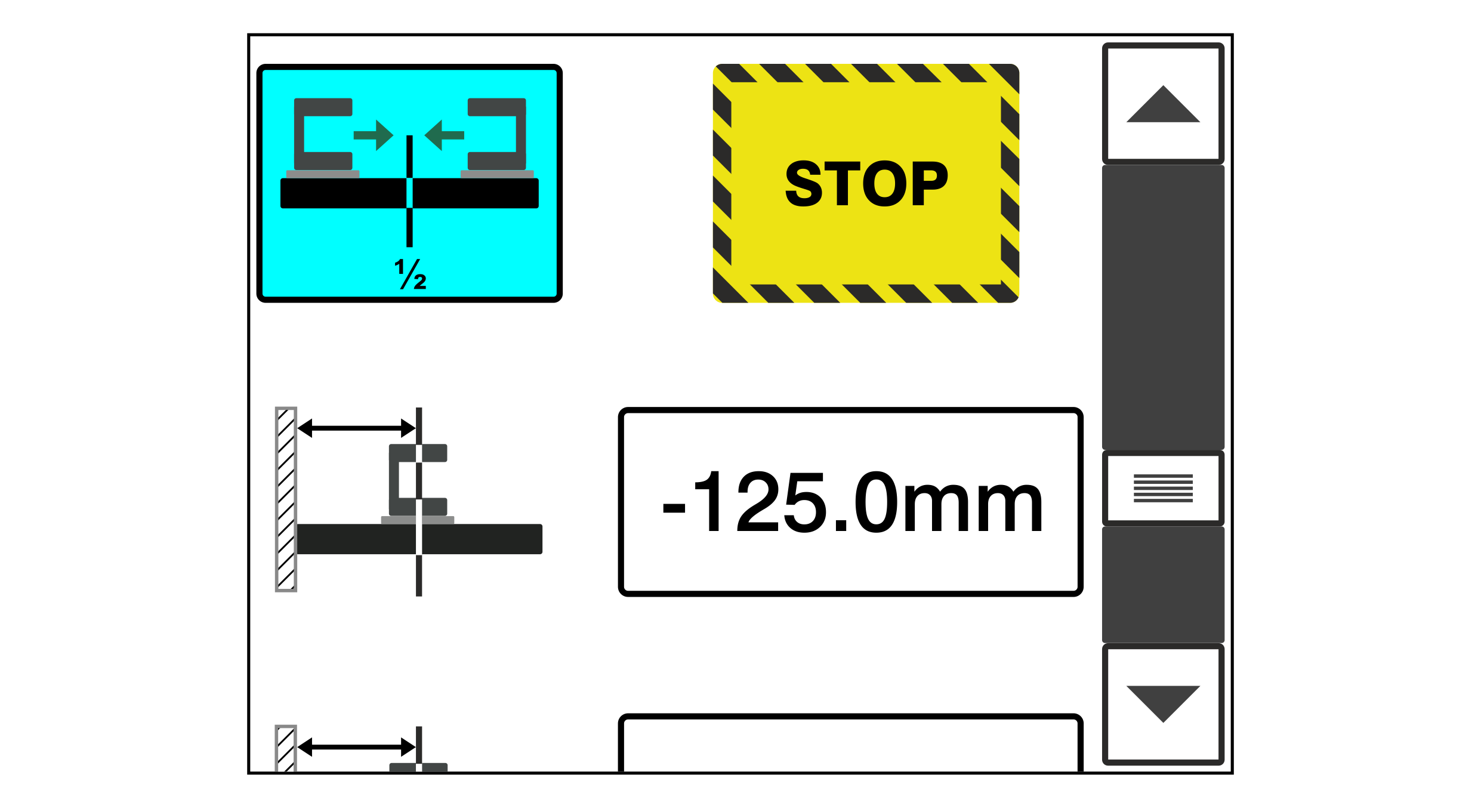
The yellow STOP button is faded in on the display.
To cancel the reference run prematurely, press the STOP button.
Wait until the reference run of the sensor slides has finished.
Determine the position offset for the present sensor slides.
For this purpose, measure the distance from the center of the sensor measuring range (notch in the edge sensor housing) to the reference point selected (e.g. machine wall).
Enter the distance value measured into the input field for the respective sensor slide.
Note: Depending on the reference point selected, it may be necessary to enter a negative prefix sign for the distance value determined (see example 2).