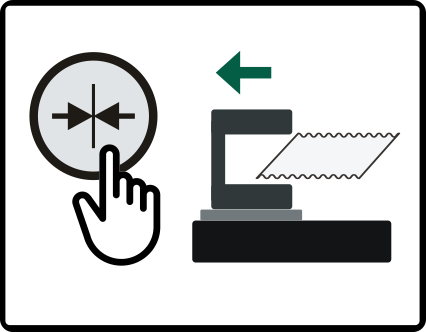
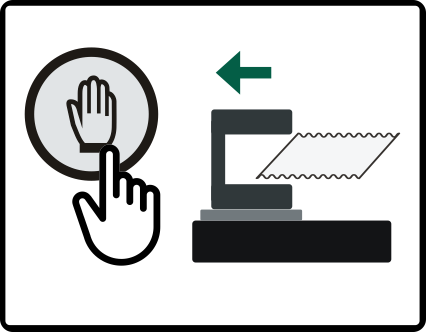
With the retract mode, you specify at which operating mode changes the sensor positioner sensor slides should run to their park position (outer end position). The following retract modes can be selected:
Retract mode “Center positioning”
Upon switching to the Center positioning operating mode, the sensor slides run to their park position.
Retract mode “Manual mode”
Upon switching to the Manual mode operating mode, the sensor slides run to their park position.
You can activate one of the two retract modes or both retract modes.
Activating retract mode
»The Sensor positioner setting menu is open.
Press the button for the desired retract mode (Center positioning and / or Manual mode).
The button selected is displayed with a blue background.