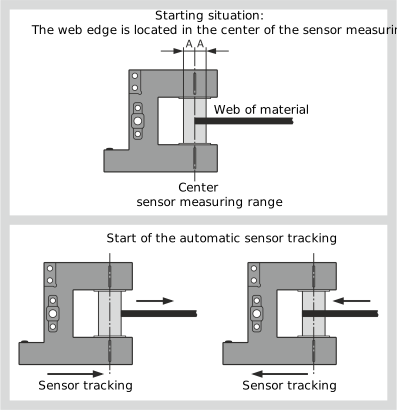
For applications with, e.g. "flattering" web edges, a hysteresis can be specified for the automatic sensor tracking. If the function is activated, the sensor slides of the sensor positioner only follow the web of material after the web edge in the sensor measuring range has left the set area. The size of the hysteresis area in which no sensor tracking takes place is defined with the distance value A (see figure).
Function principle of automatic sensor tracking
Activating the hysteresis for automatic sensor tracking
»The Sensor positioner setting menu is open.
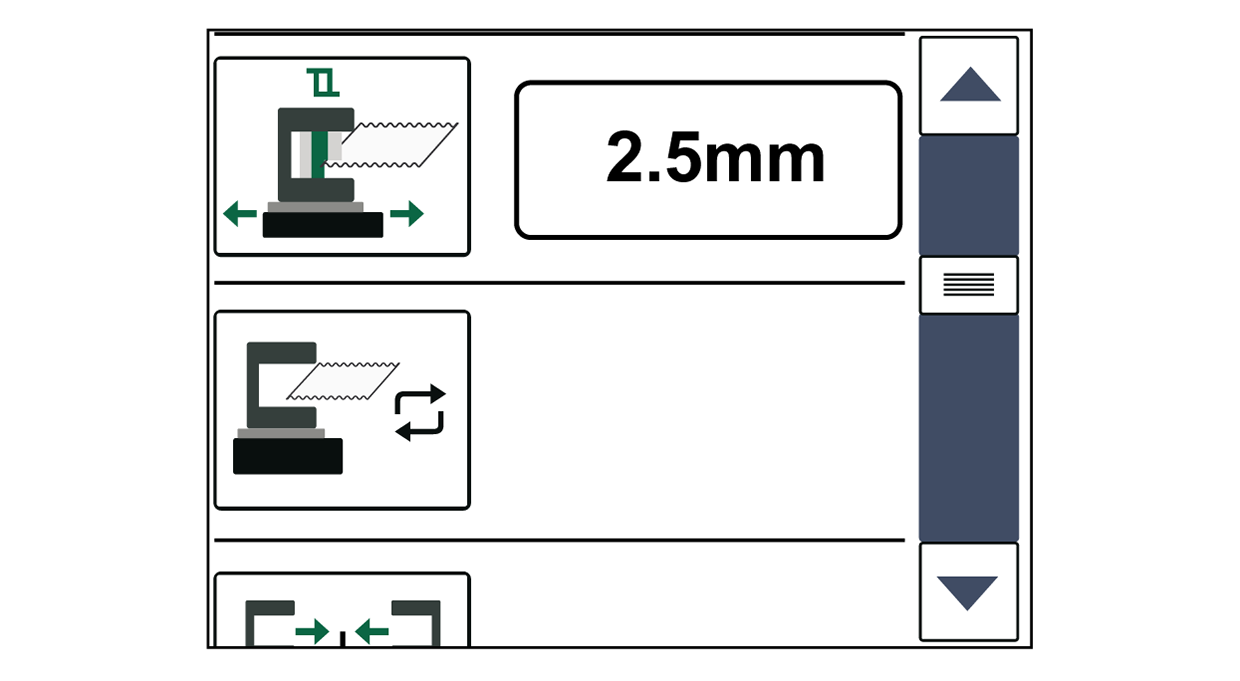
Press the Automatic sensor tracking button.
The hysteresis function of the automatic sensor tracking is activated.
The button is displayed with a blue background.
Enter the desired distance value A (2.5 mm in the example) to define the hysteresis area in the input field.