Overview Setting Menu
The following table shows an overview of the functions and settings than can be selected in the Sensor positioner setting menu.
Button | Designation | Meaning |
|---|---|---|
| Retract mode | Upon switching to the Center positioning operating mode, the sensor positioner sensor slides run to their park position (Home Position). |
| Retract mode | Upon switching to the Manual mode operating mode, the sensor slides of the sensor positioner run to their park position (Home Position). |
| Automatic | Upon switching to the Automatic operating mode, the sensor positioner automatically carries out edge detection. The position of the web edge detected is taken over as the setpoint for guiding. |
| Hysteresis for automatic sensor tracking | For applications with, e.g. "flattering" web edges, a hysteresis can be specified for the automatic sensor tracking. The sensor slides of the sensor positioner only follow the web of material after the web edge has left the specified hysteresis area in the sensor measuring range. |
| Automatic edge sensor standardization | With each edge detection, an automatic bright and dark value standardization is carried out (only for optical edge sensors IR 2011 and IR 2012). |
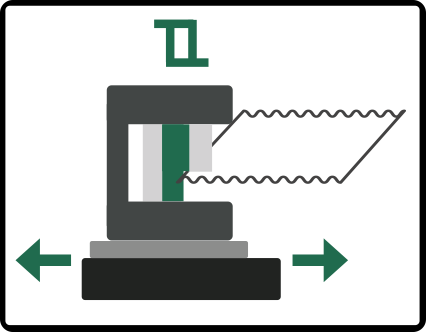
| Reference run of the sensor slides | Approaching the reference position: The sensor slides (one or both) are run to the middle of the respective traversing range. |
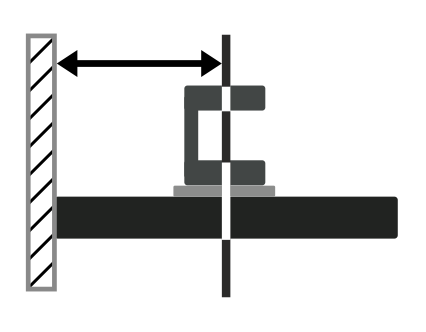
| Position offset for the left sensor slide | Input of the distance of the left sensor slide to the reference point. |
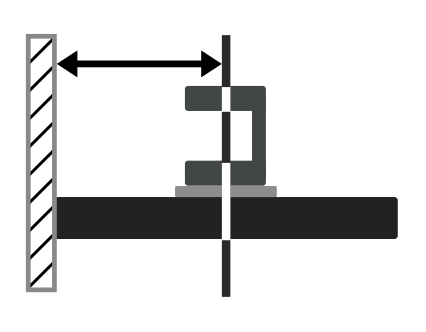
| Position offset for the right sensor slide | Input of the distance of the right sensor slide to the reference point. |



The different functions and settings are described in detail in the following chapters.
