Checking the operating direction of the potentiometer
Press the Automatic key.
The LED of the key will illuminate.
The controller switches to automatic mode.
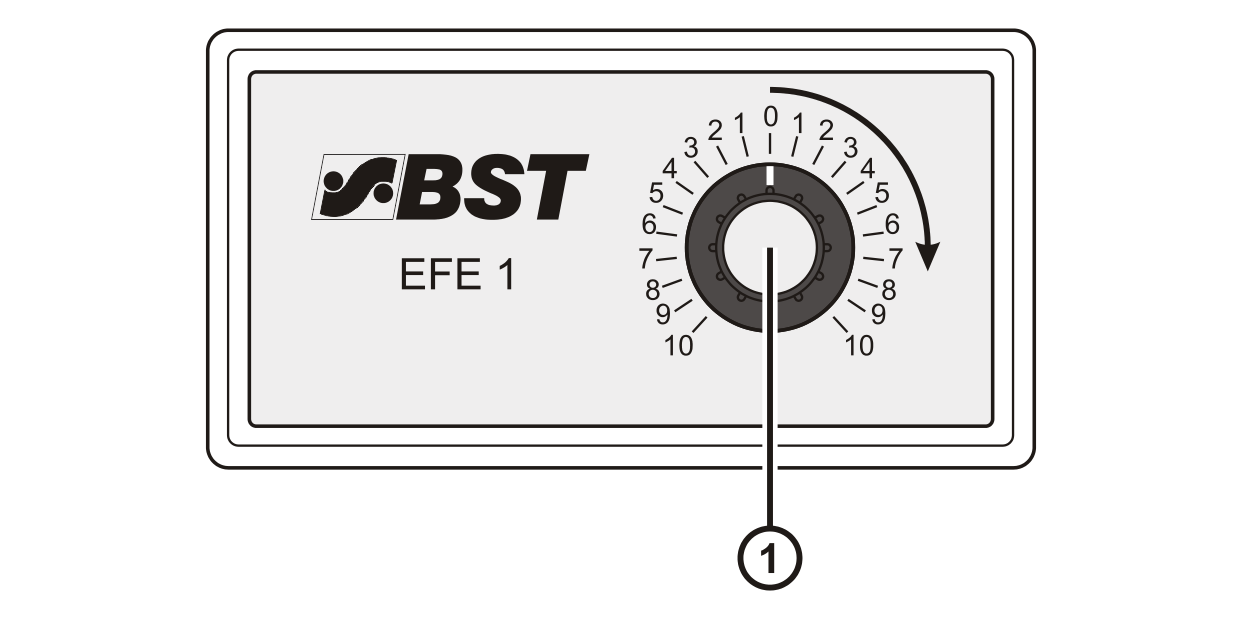
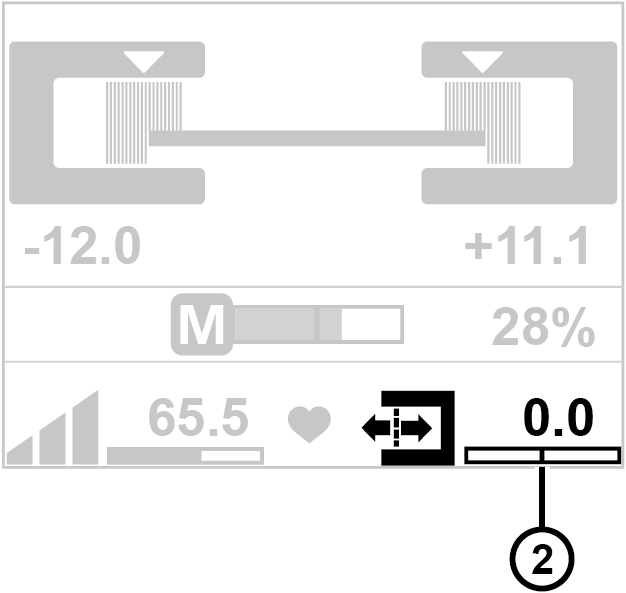
Turn the potentiometer ① clockwise and observe the indicator of the guiding setpoint ② in the display.
The indicator must move to the right (the numeric value displayed increases).
If the indicator of the guiding setpoint moves in the opposite direction (the numeric value displayed decreases), reverse the operating direction of the potentiometer.
Reversing the operating direction
▶Swap the connecting cables of the remote precision adjustment at terminals 6 and 8 of terminal strip X10 in the controller.