Setting the Guiding Direction for Center Positioning
If you use an actuator with position feedback, you have to check the guiding direction for the operating mode Center positioning.

Checking the control direction
WARNING
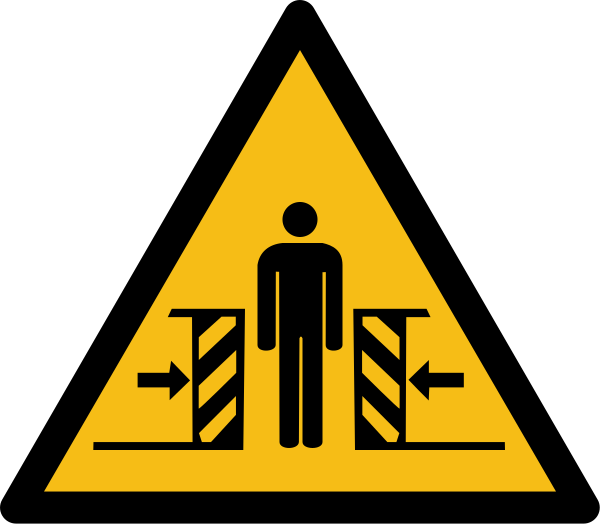
Danger of death from actuator movements!
During function tests, parts of your body may be crushed, cut or hit.
- ▶Make sure that no persons remain in the vicinity of the pivot / traversing area of machine components that are positioned by the actuator.

- The LED of the key will illuminate.
- The controller switches to manual mode.

- The bar indicator must move to the left.

- The bar indicator must move to the right.
If the position indicator in the display moves in the opposite direction then you have to reverse the guiding direction.
Reversing the guiding direction
- ▶Change DIL switch S4.2 on the processor board of the controller (see Setting DIL Switch S4).
