If you use a servo center transducer (OMG 4, OMG 8, CK 37), then you have to set its gain.
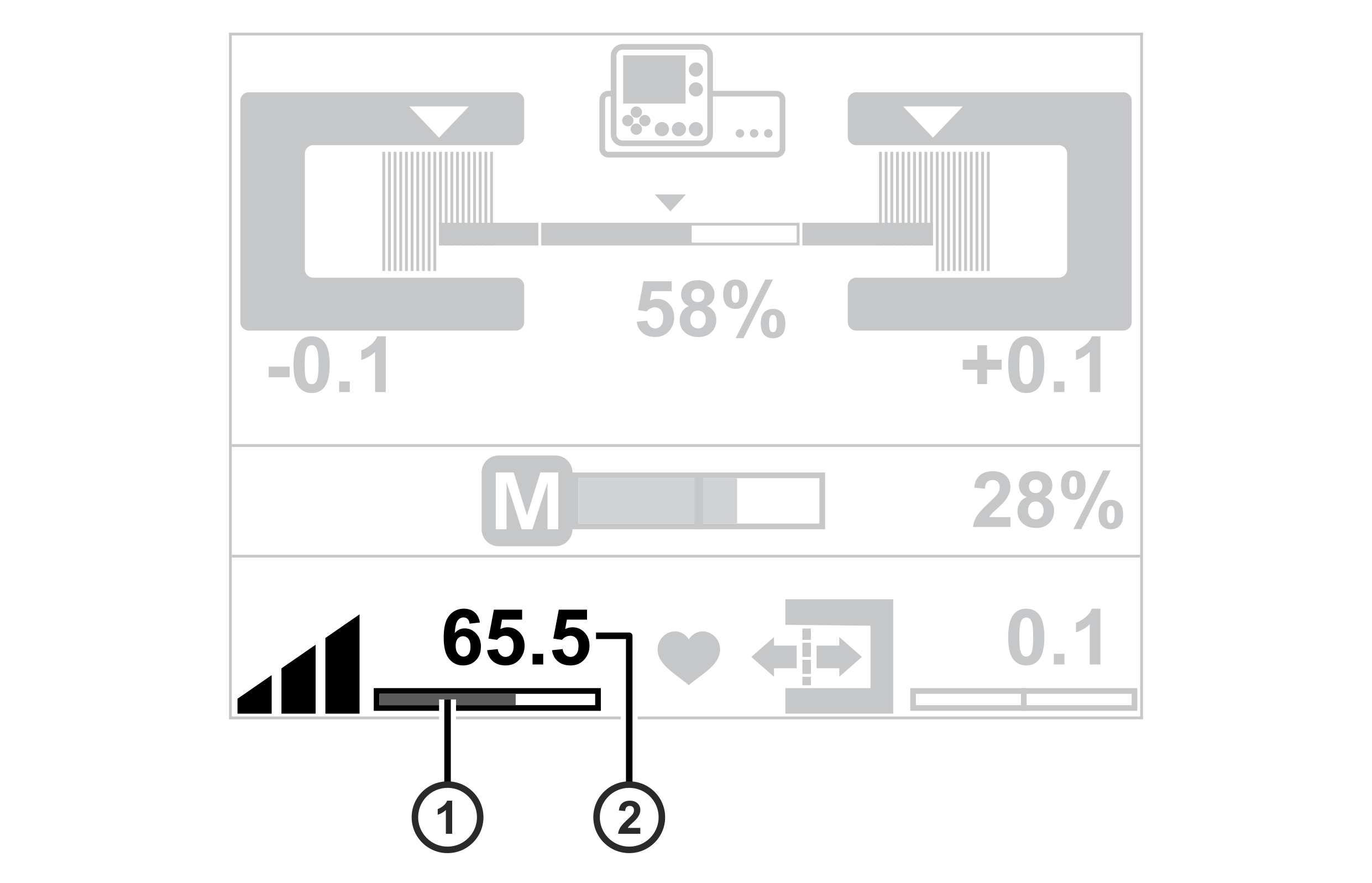
Display the controller gain of the servo center transducer
Setting the gain
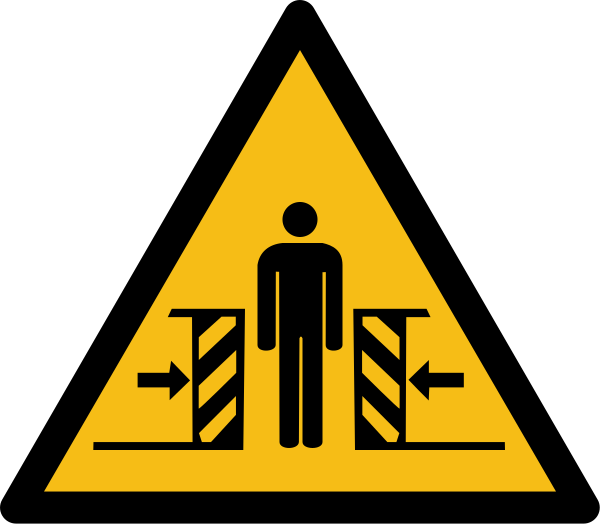
WARNING
Danger of death from actuator movements!
During function tests, parts of your body may be crushed, cut or hit.
▶Make sure that no persons remain in the vicinity of the pivot / traversing area of machine components that are positioned by the actuator.
Press the Center positioning key.
The LED of the key will illuminate.
The guiding device moves to its central position.
Press the SETUP key.
The set gain of the servo center transducer is displayed at the bottom edge of the display using a bar indicator ① and as a numeric value ②.
Keep increasing the gain using the right arrow key until control oscillations occur (the guiding device starts to tremble).
Keep reducing the gain using the left arrow key until the oscillation ceases (stable guiding operation).
If you desire a slower reaction of the control, you can reduce the gain even further.
Pressing both arrow keys at the same time will reset the gain to a value of 20.0.
Press the ENTER key.
The gain setting is complete.
If control oscillations do not occur we recommend setting the maximum gain.
When commissioning, the gain should be adjusted as described above because the optimum gain value for the application is not known at this stage. During operation the gain can also be adjusted using the touchscreen function.
For setting the gain using the touchscreen function please refer to the operating manual ekr CON 600, ekr CON 600 net, document number MD.542.