Overview Setting Menu
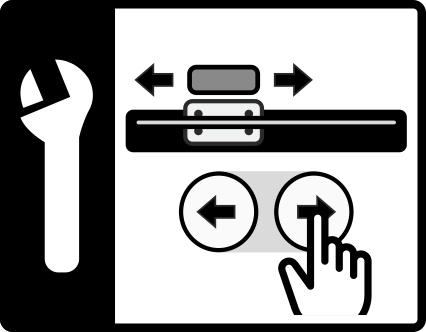
The following table shows an overview of the functions and settings than can be selected in the Positioning unit setting menu.
Button | Function | Description |
|---|---|---|
| Reversal | Reversal of the operating direction of the arrow keys for positioning unit 1 |
| Reversal | Reversal of the operating direction of the arrow keys for positioning unit 2 |
| Reference run | Approaching the reference position: The sensor slides (one or both) are run to the middle of the respective traversing range. |
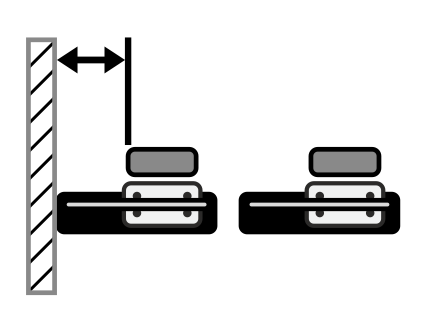
| Position offset | Input of the distance of the sensor slide of positioning unit 1 to the reference point |
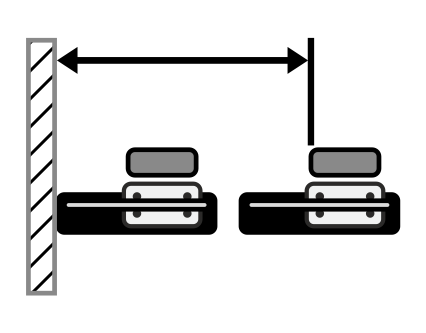
| Position offset | Input of the distance of the sensor slide of positioning unit 2 to the reference point |
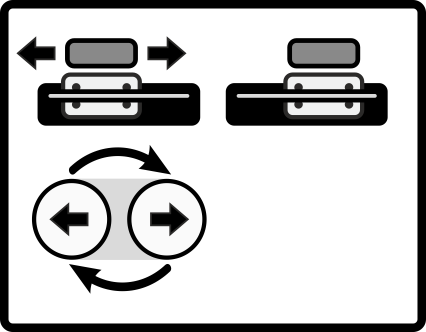
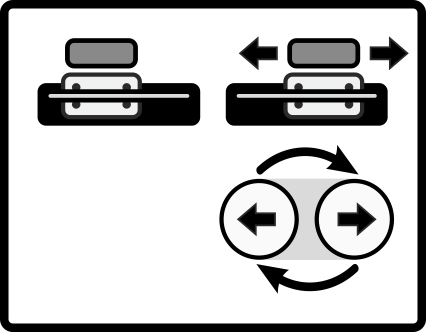
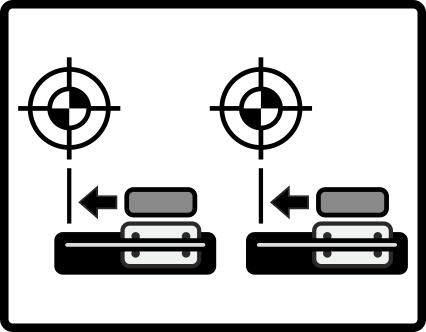
The different functions and settings are described in detail in the following chapters.
