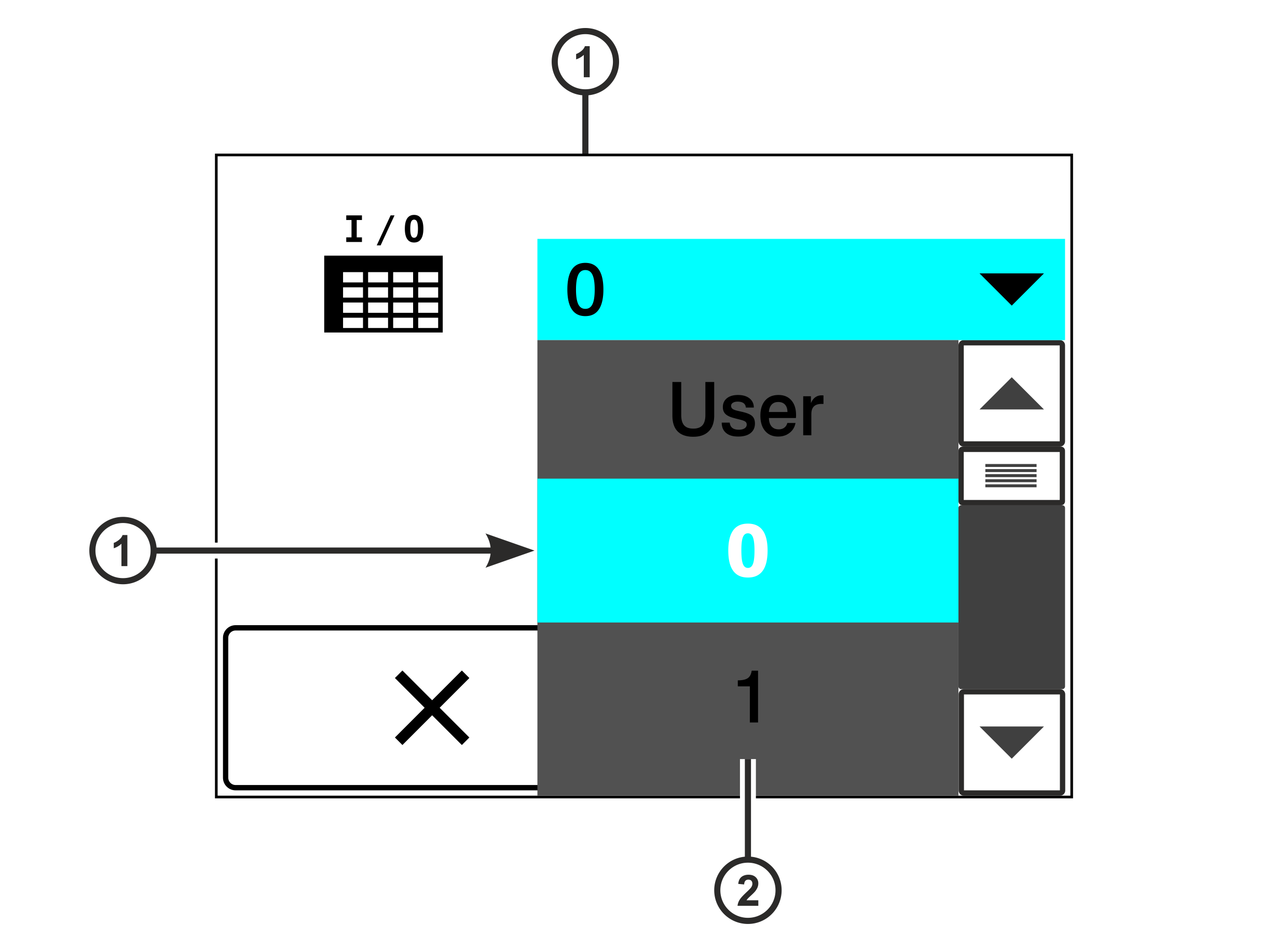
The selection menu for the function tables appears in the display. The currently selected function table is displayed in the field with blue background (function table 0 in the example).
Tap on the field with blue background on the touchscreen to select another function table.
A list opens including all function tables available.
The currently selected function table is displayed in the list with blue background.
Use the scroll bar on the right side to scroll the list up or down until the desired function table is displayed.
Tap on the desired function table in the list.
The list is closed.
The function table selected is displayed in the field with blue background.
Press the button to confirm the selection.
The allocation of the digital inputs and outputs of the controller is changed according to the function table selected.
 button to confirm the selection.