Checking the operating direction of the arrow keys
Press the Manual mode key.
The LED of the key will illuminate.
The controller switches to manual mode.
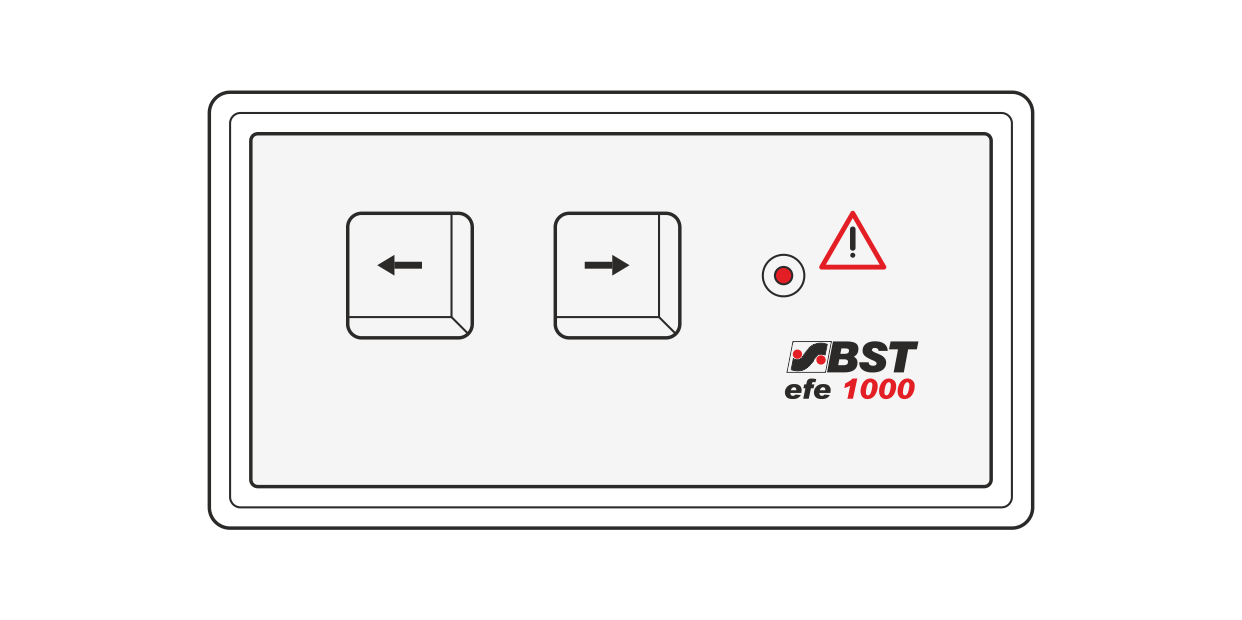
Press the left arrow key of the remote precision adjustment and observe the guiding device.
The guiding device must move in the direction of Sensor 1.
Press the right arrow key of the remote precision adjustment and observe the guiding device.
The guiding device must move in the direction of Sensor 2.
If only one CLS Pro 600 line and contrast sensor (Sensor 3) is connected to the controller then the guiding device must move in the direction of the cable connection on the line and contrast sensor.
If the guiding device moves in the opposite direction, reverse the operating direction of the arrow keys.
Reversing the operating direction of the arrow keys
▶Swap the connecting cables at terminals 15 and 18 of terminal strips X14 and X15 in the controller.