The device address of the control panel has been pre-set to 1 in the factory (delivery state).
The device address must only be edited in agreement with the manufacturer!
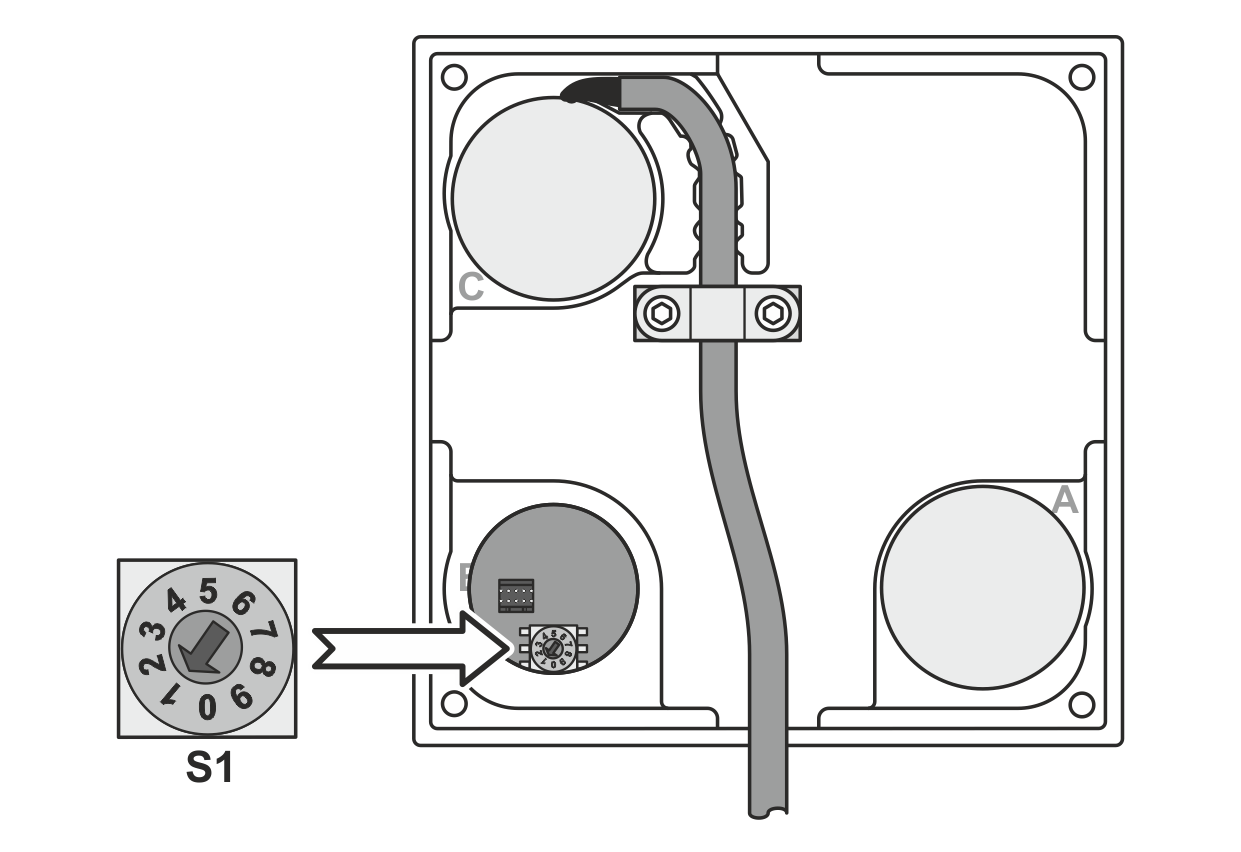
You can set the device address of the control panel using the rotary switch S1 on the control panel board. The rotary switch S1 is mounted behind the stopper B on the rear of the control panel.
Rotary switch S1 on the control panel board
Checking the device address
NOTICE
Damage to the components from working on live parts.
▶Before opening the housing, disconnect the plug on the connecting cable for the control panel from the controller.
Disconnect the plug on the connecting cable for the control panel from the controller.
Carefully remove stopper B from the rear of the control panel.
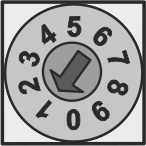
Check the setting of the rotary switch S1 on the control panel board. The rotary switch S1 must be set to position 1.
Switch the rotary switch S1 to position 1 if necessary.
Re-insert stopper B.
Connect the plug on the connecting cable for the control panel into the socket X100 of controller.