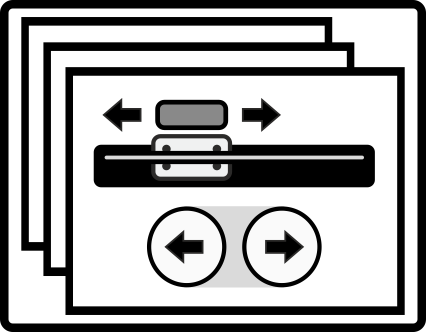
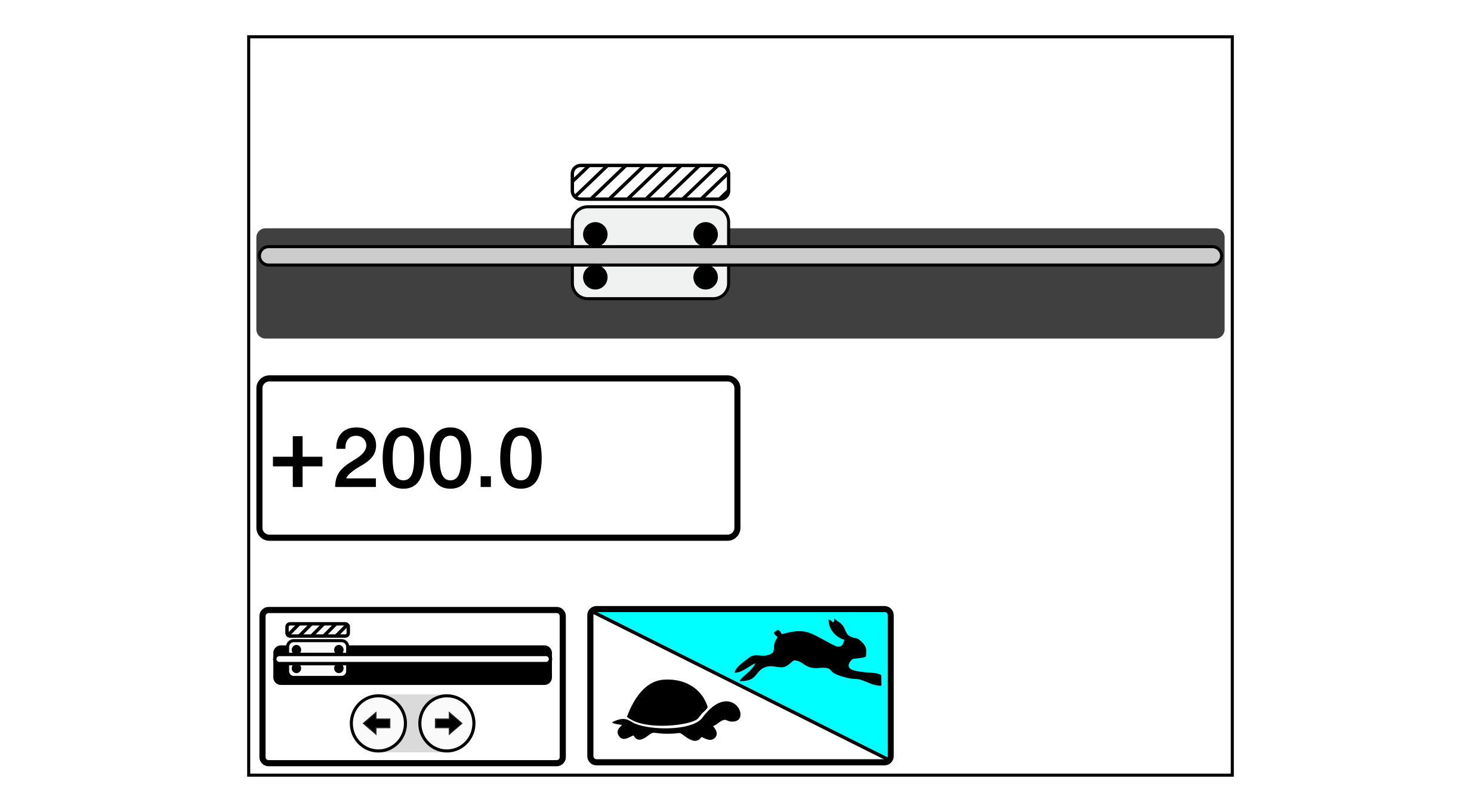
The appearance of the operating menu depends on the number of positioning units connected to the controller. The above illustration and the display screens presented in the following chapters always show the menu for the version with one positioning unit.
Function of the buttons and editing fields
Button/Editing Field
Function
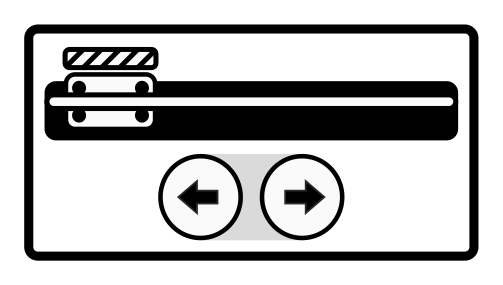
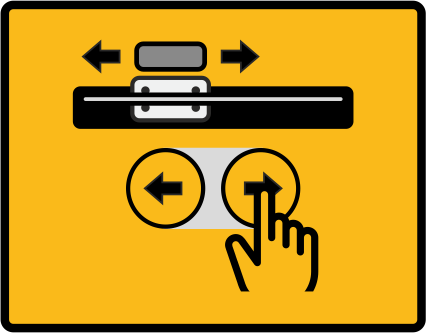
Switching the sensor positioning with the arrow keys on/off
Selecting the positioning speed (slow, fast)
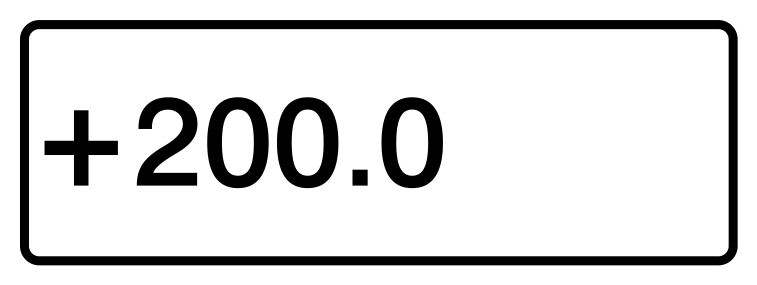
Entering a target position
Warning message when calling up the menu
If the controller has detected no motorized positioning unit, the adjacent warning symbol is displayed instead of the menu.