Adjusting the Guiding Setpoint with the Arrow Keys
Adjusting the Guiding Setpoint with the Arrow Keys
In Automatic mode you adjust the guiding setpoint using the arrow keys of the control panel.
The guiding setpoint is saved separately for each guiding mode.
If the optional electronic remote precision adjustment EFE 1 is connected to the controller, adjust the guiding setpoint using only the potentiometer of the EFE 1. The function of the arrow keys on the control panel of the controller is then blocked in Automatic mode.
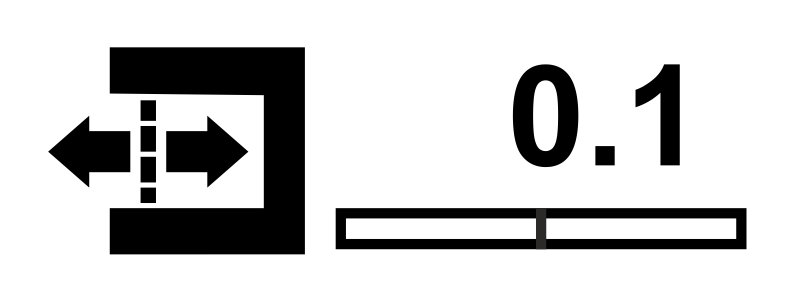
Set the desired guiding setpoint of the web using both arrow keys.
The guiding setpoint set is shown graphically (bar indicator) and as a numeric value at the lower right corner of the display.
The new guiding setpoint will have an immediate effect on the controller. If both arrow keys are pressed at the same time then the guiding setpoint is reset to 0.