Setting the Guiding Setpoint
The guiding setpoint is the desired position of the web edge, printed line, contrast transition or print feature in the sensor scanning area. It is displayed in the operation display.
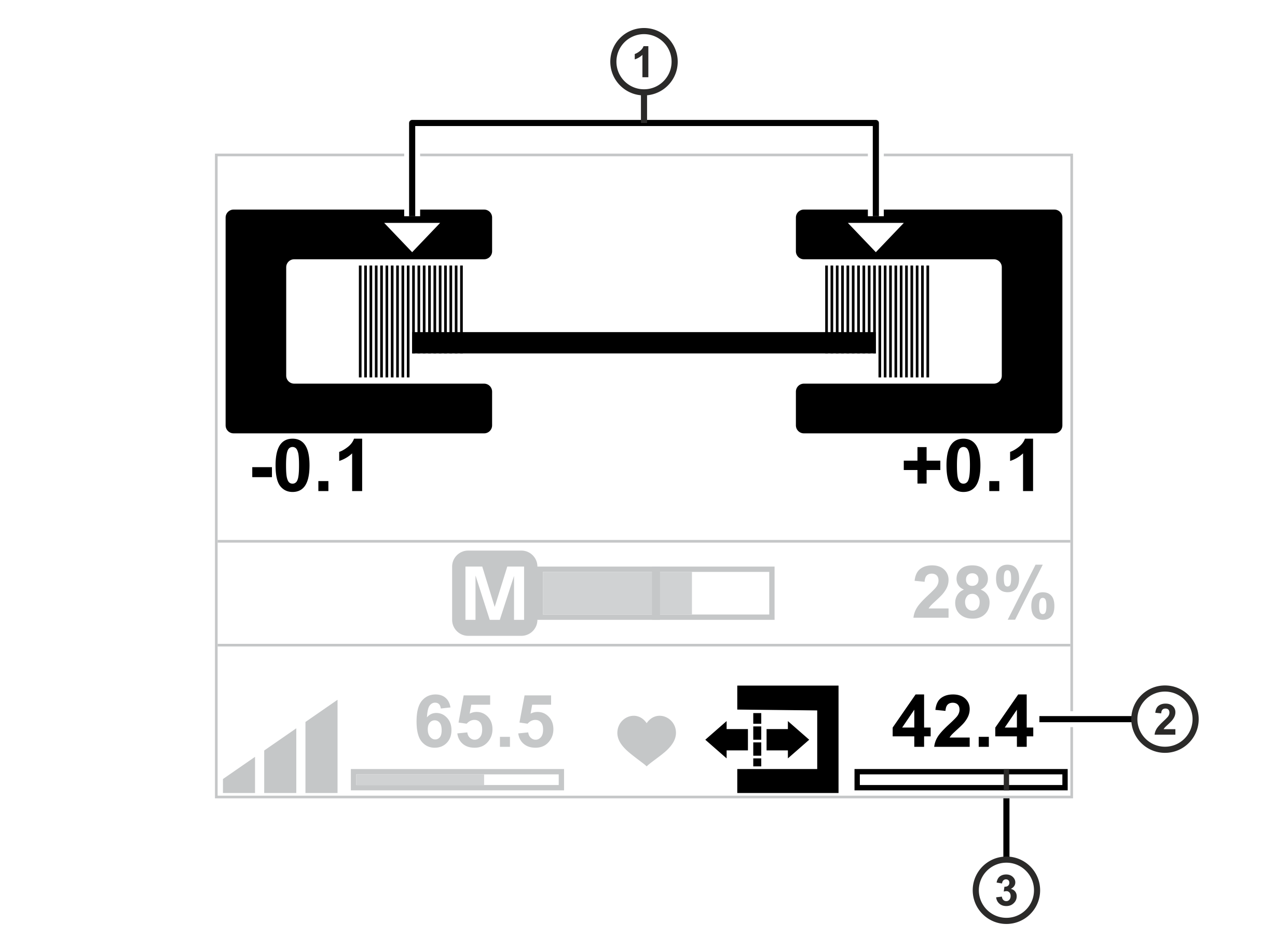
Display for edge sensors (Sensor 1, Sensor 2) |
|---|
|
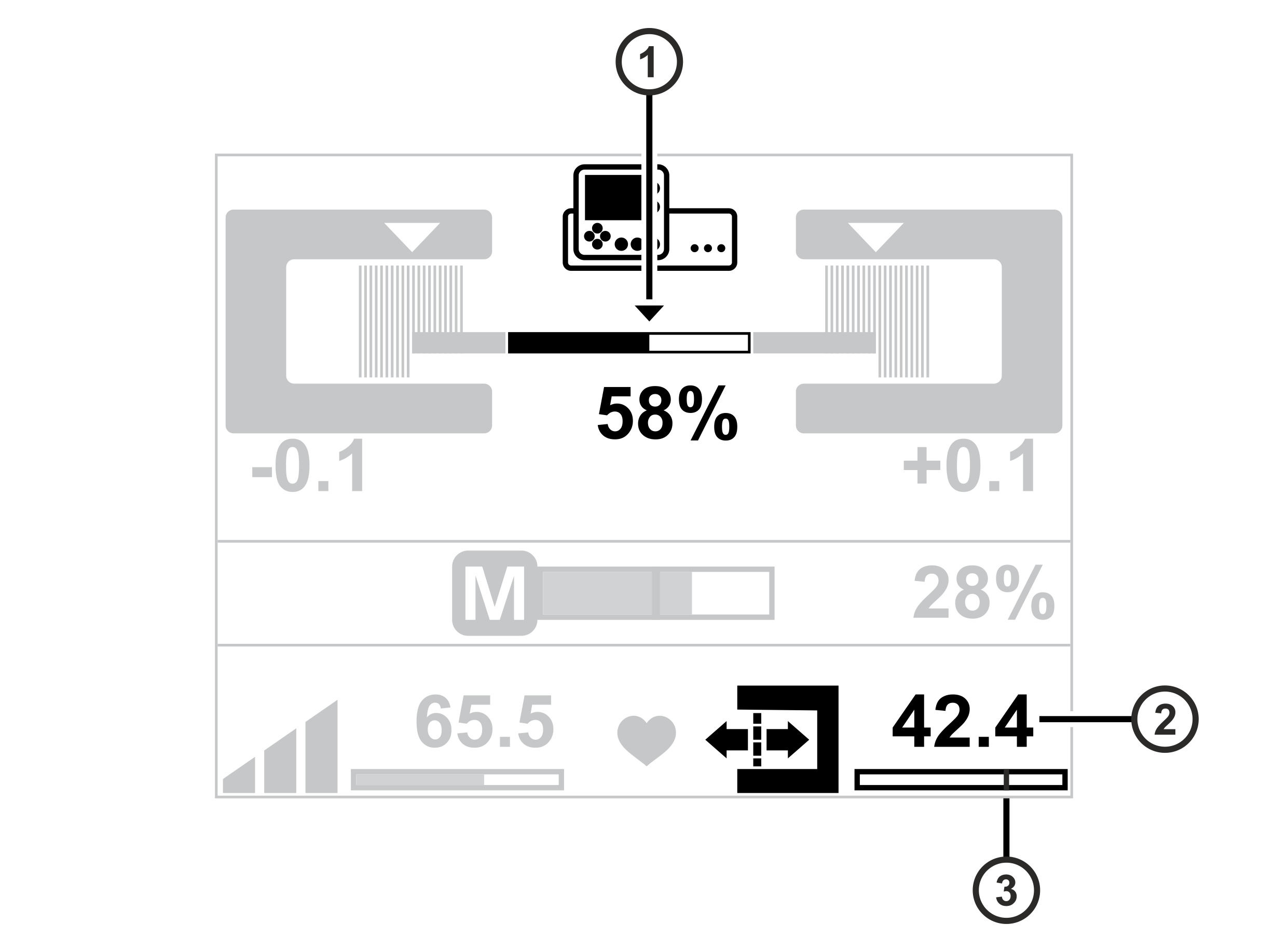
Display for CLS Pro 600 line and contrast sensor (Sensor 3) |
|---|
|
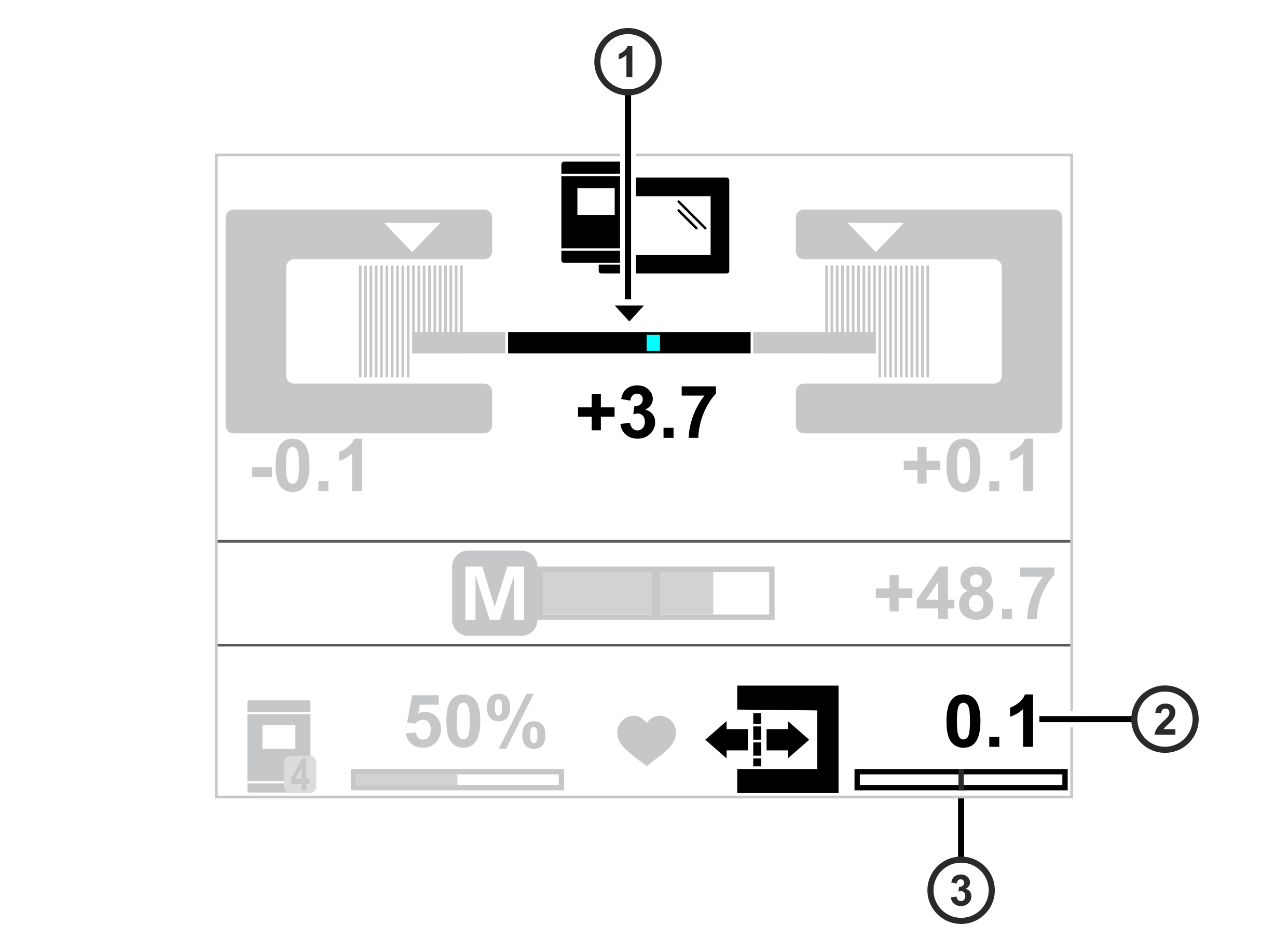
Display for CLS CAM 100 object sensor (Sensor 3) |
|---|
|
Display for CCD cameras |
|---|
|
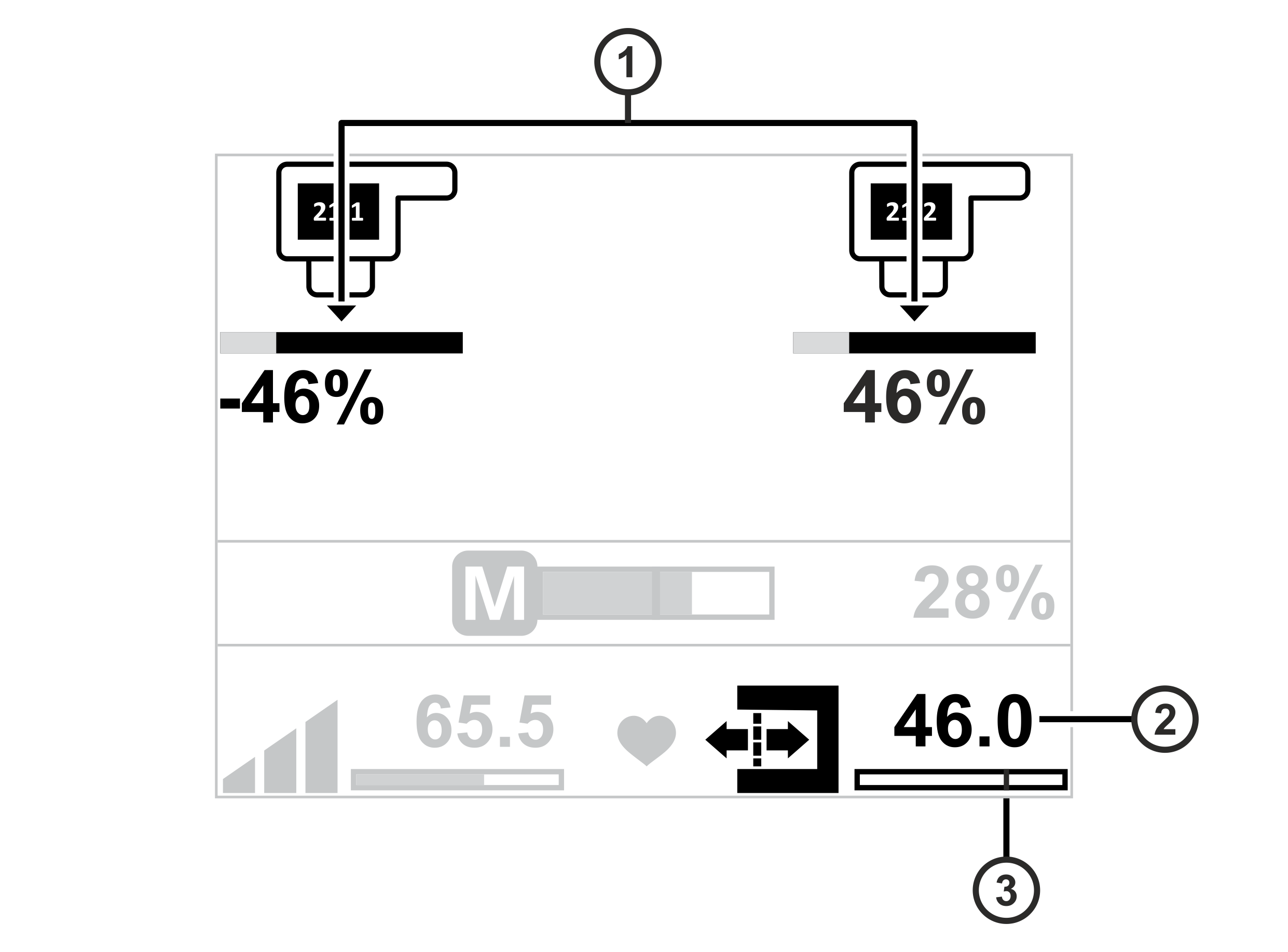
Display for sensor positioner |
|---|
|
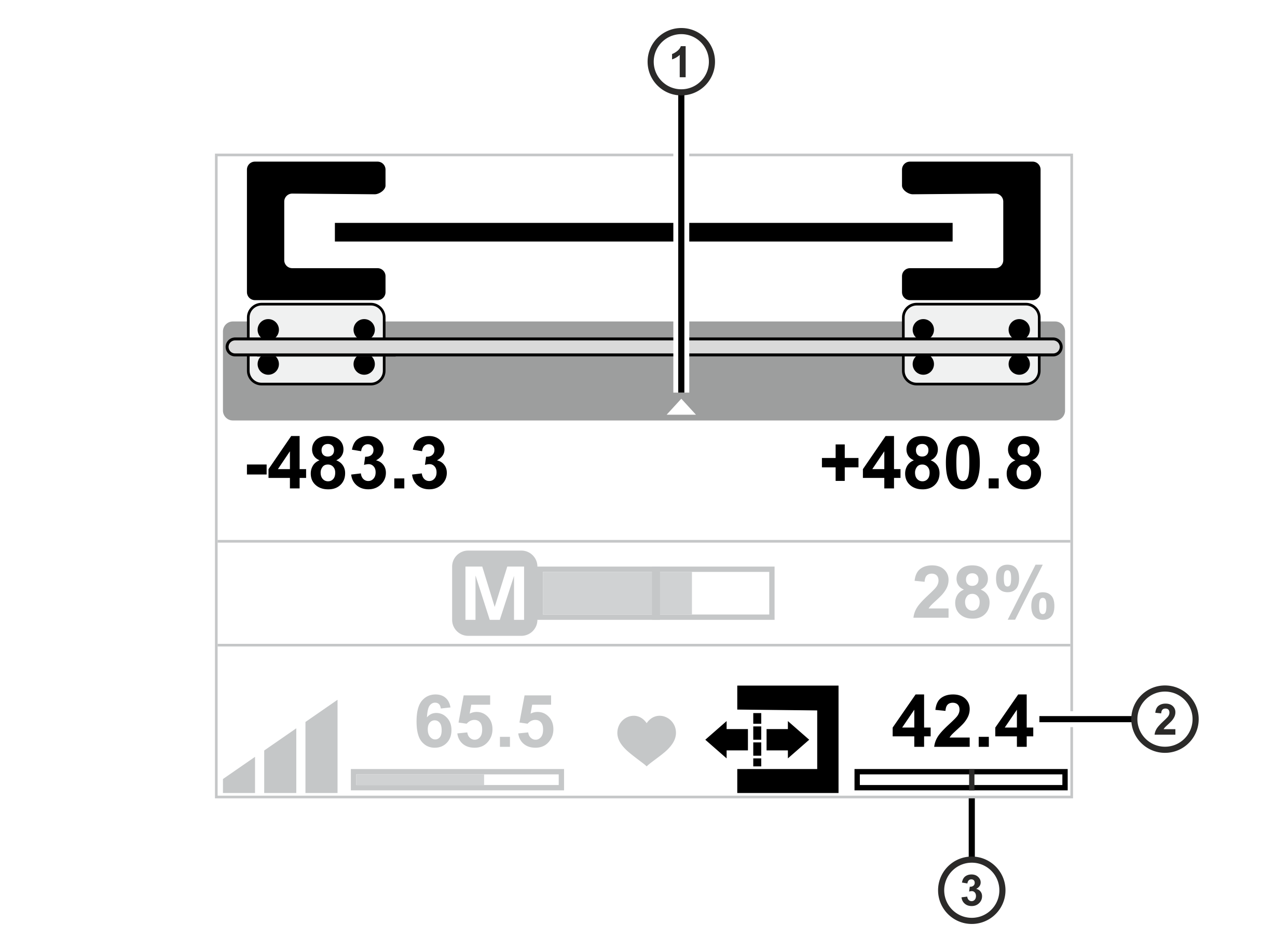
Symbol meanings
① | The triangle marks the set guiding setpoint during operation. |
② | Numeric display of the set guiding setpoint |
③ | The black line marks the set guiding setpoint |
You can select the following two methods to adjust the guiding setpoint:
- Adjusting the guiding setpoint using the arrow keys of the control panel
- Adjusting the guiding setpoint using a special setting menu
The two methods are described in the following chapters.
