Switching On the Speed-Dependent Oscillation
Switching on the speed-dependent oscillation and determining the starting threshold is carried out in the setting menu for the oscillation.
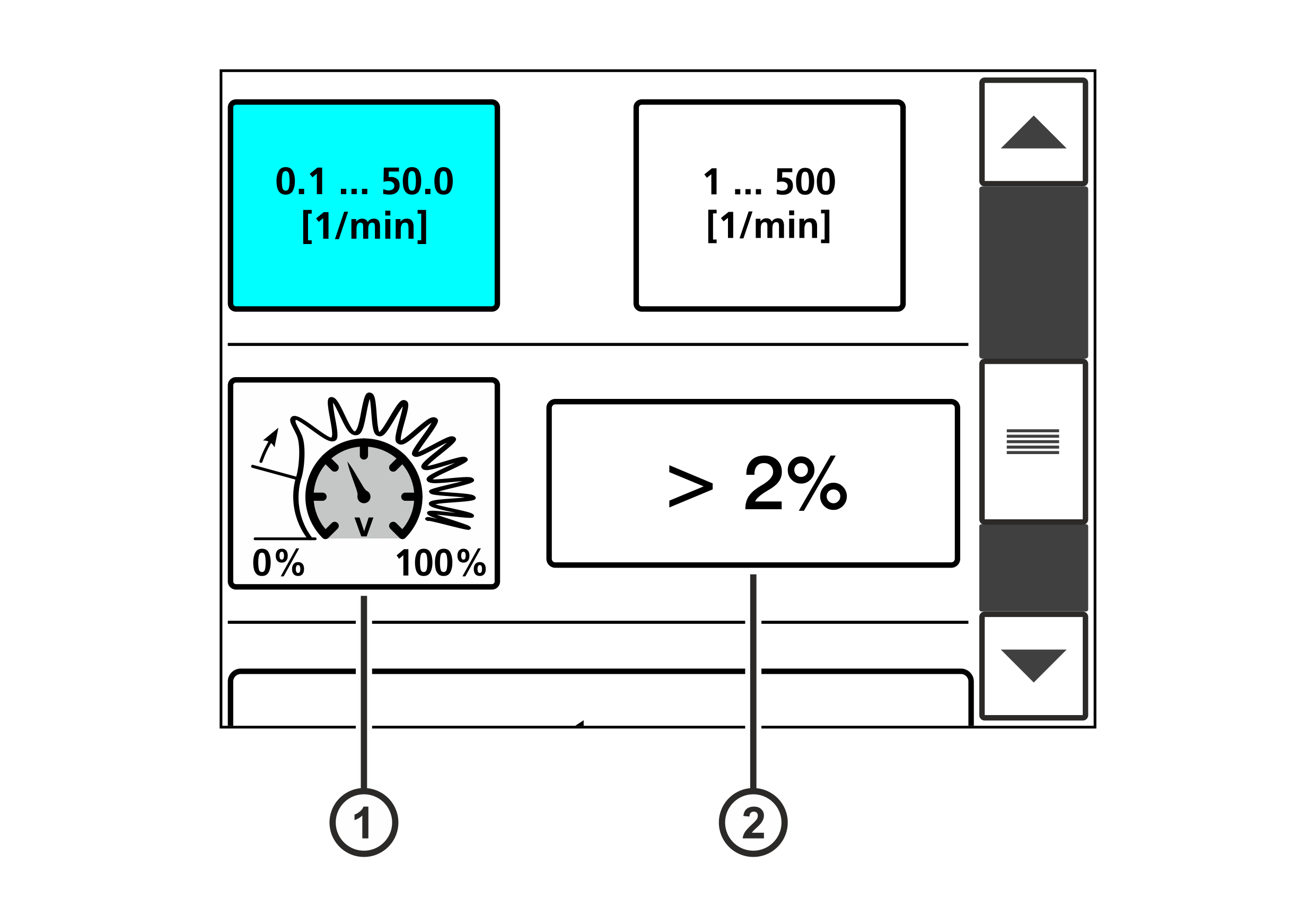
① | Switching on the speed-dependent oscillation |
② | Determining the starting threshold |
With the percentage value in the editing field ② you determine the speed signal level (starting threshold) where the oscillation is started. If the speed signal level is less than the preset percentage, there is no oscillation. This prevents the oscillation from being carried out even at low machine speeds. When using a tacho generator that supplies a speed signal even if the machine is stopped (web speed = 0) for technical reasons (in case of an offset error for example), the starting threshold can be used to prevent the oscillation from being started even when the production machine is at standstill. The starting threshold is entered as a percentage of the signal level at maximum machine speed.
Example
Speed signal at maximum machine speed | 10,000 mV |
Set starting threshold | > 2% |
Speed signal that the oscillation is started from | > 10,000 mV x 0.02 = 200 mV |
Determining the starting threshold and switching the speed-dependent oscillation on

When the oscillation is switched on, the actuator automatically carries out actuating movements. Parts of your body could be crushed, cut or hit.
- ▶Make sure that no persons remain in the vicinity of the pivot / traversing area of machine components that are positioned by the actuator.
- Activate the Oscillation setting menu in the setup menu (see Calling up the Setup Menu).
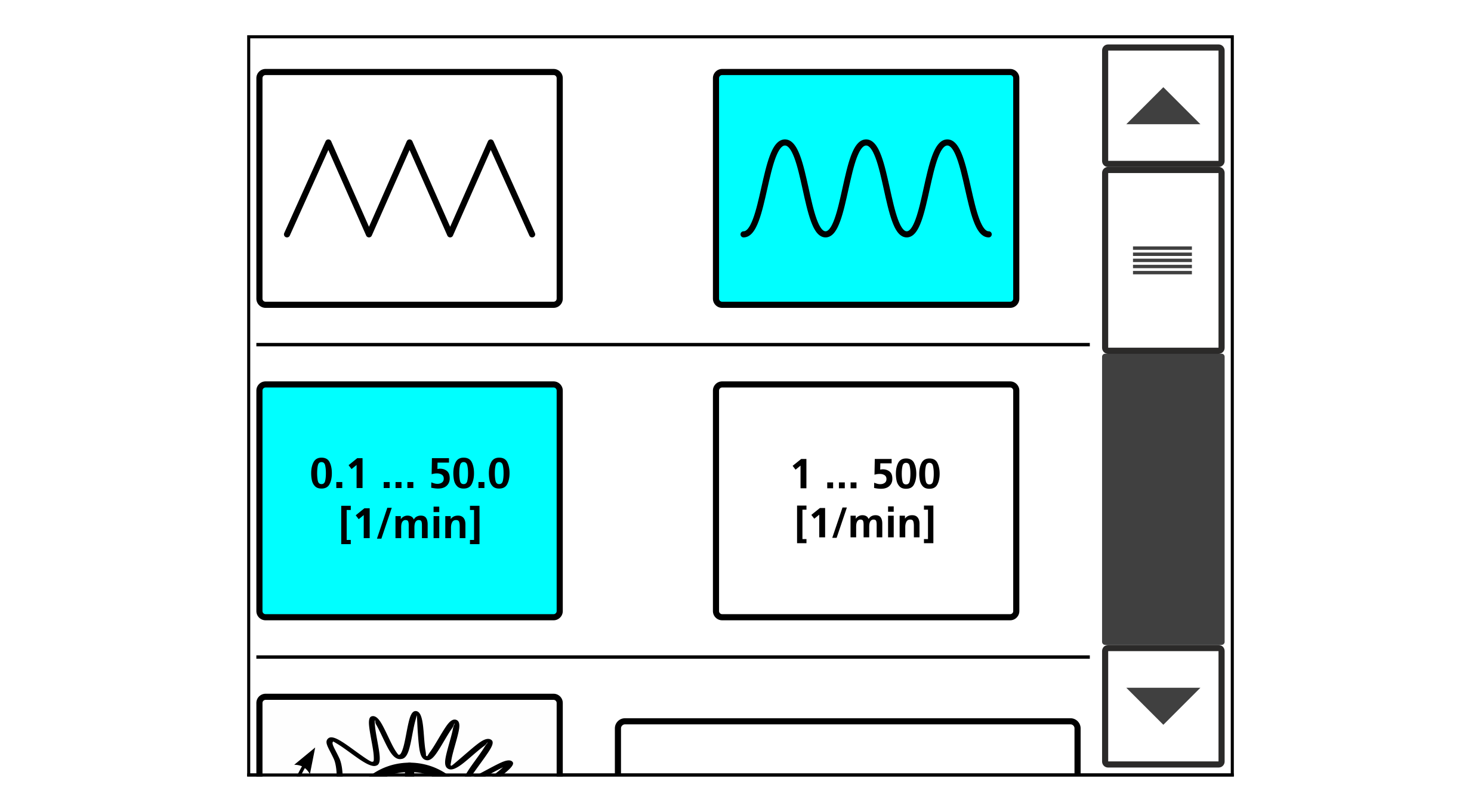
- The setting menu for the oscillation is displayed.

- Enter the desired percentage value for the starting threshold in the editing field (>2% in the example).
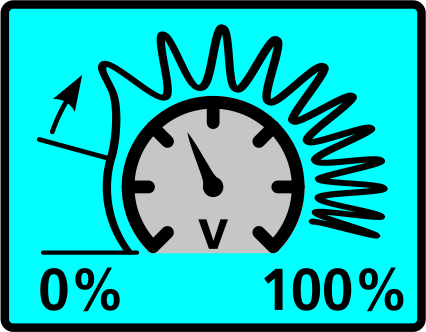
- Switch on the speed-dependent oscillation by tapping on the adjacent button.
- If switched on, the button is displayed with a blue background.
- Confirm the setting by pressing the
 button.
- The setting menu is closed.
- The setup menu is displayed.