Reversing the Operating Direction of the Arrow Keys
Reversing the Operating Direction of the Arrow Keys
When commissioning, you have to check the operating direction of the arrow keys for the positioning of the sensor slide. Depending on the installation position of the positioning unit, it may be necessary to reverse the operating direction of the arrow keys of the ekr commander control panel.
Checking the operating direction of the arrow keys
WARNING
Risk of crushing from motorized traversing of the sensor slides!
Parts of your body could be crushed, cut or hit.
▶Never reach into the traversing area of the sensor slides.
▶Before setting up / operating, ensure that no other persons are in the traversing area of the sensor slides.
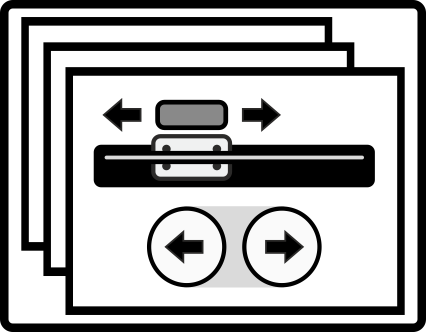
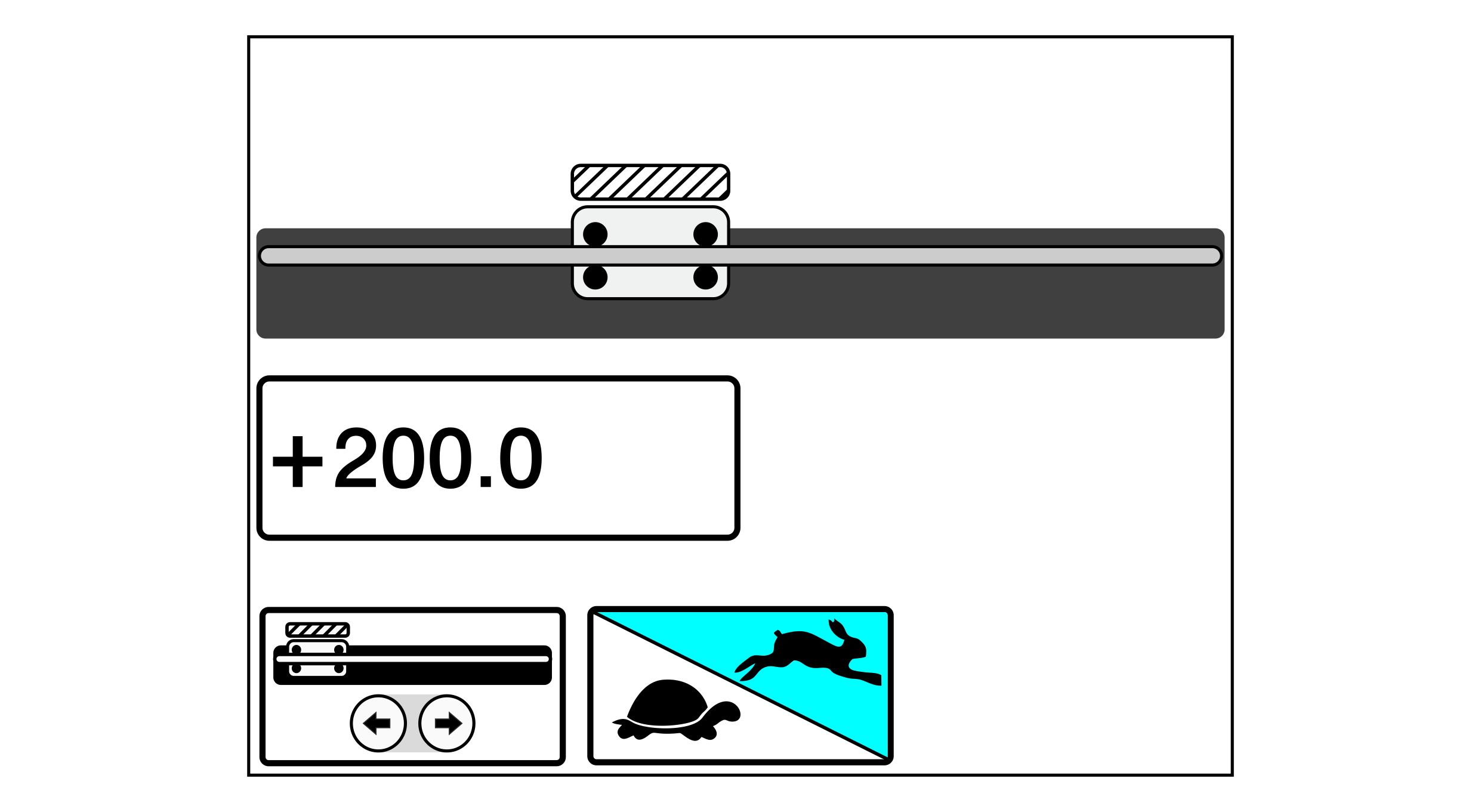
Operation of the positioning unit is carried out with the assistance of a special menu which can be reached from the operation display using the swiping function.
»The Positioning unit menu is activated in the setup menu for the configurable displays and settings menus.
»The display shows the operation display.
»The sensor slide is located in the middle of its traversing range (not in one of its outer end positions).
Call up the Positioning unit menu by swiping on the touchscreen.
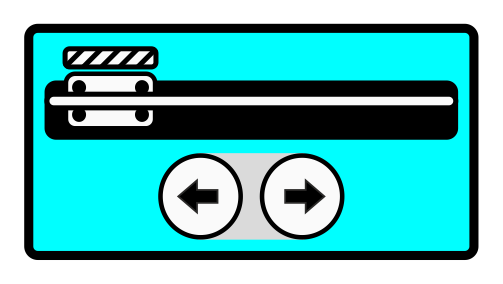
Switch on the positioning of the sensor slide with the arrow keys of the ekr commander control panel by tapping the corresponding button.
When switched on, the button is displayed with a blue background.
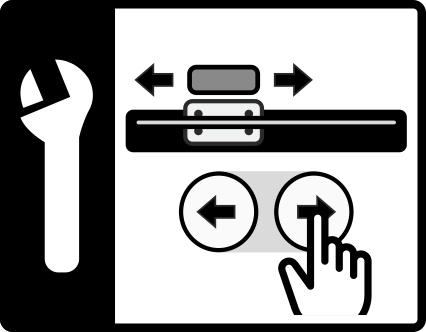
Press the left or right arrow key and observe the sensor slide.
The sensor slide must move in the desired direction (to the left or to the right).
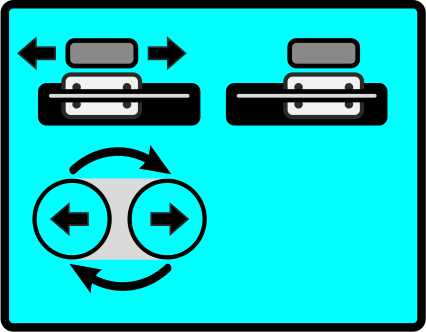
If the sensor slide moves in the opposite direction, you must reverse the operating direction of the arrow keys for the positioning unit selected.
Reversing the operating direction of the arrow keys