The position control is only available for actuators with position feedback (EMS 17 … 23, EMS DRV 400). With position control switched on, the actuator stops in the traversed to position when in manual mode, independently of any external forces acting on the drive.
You activate the position control in the Actuator setting menu.
Actuator setting menu
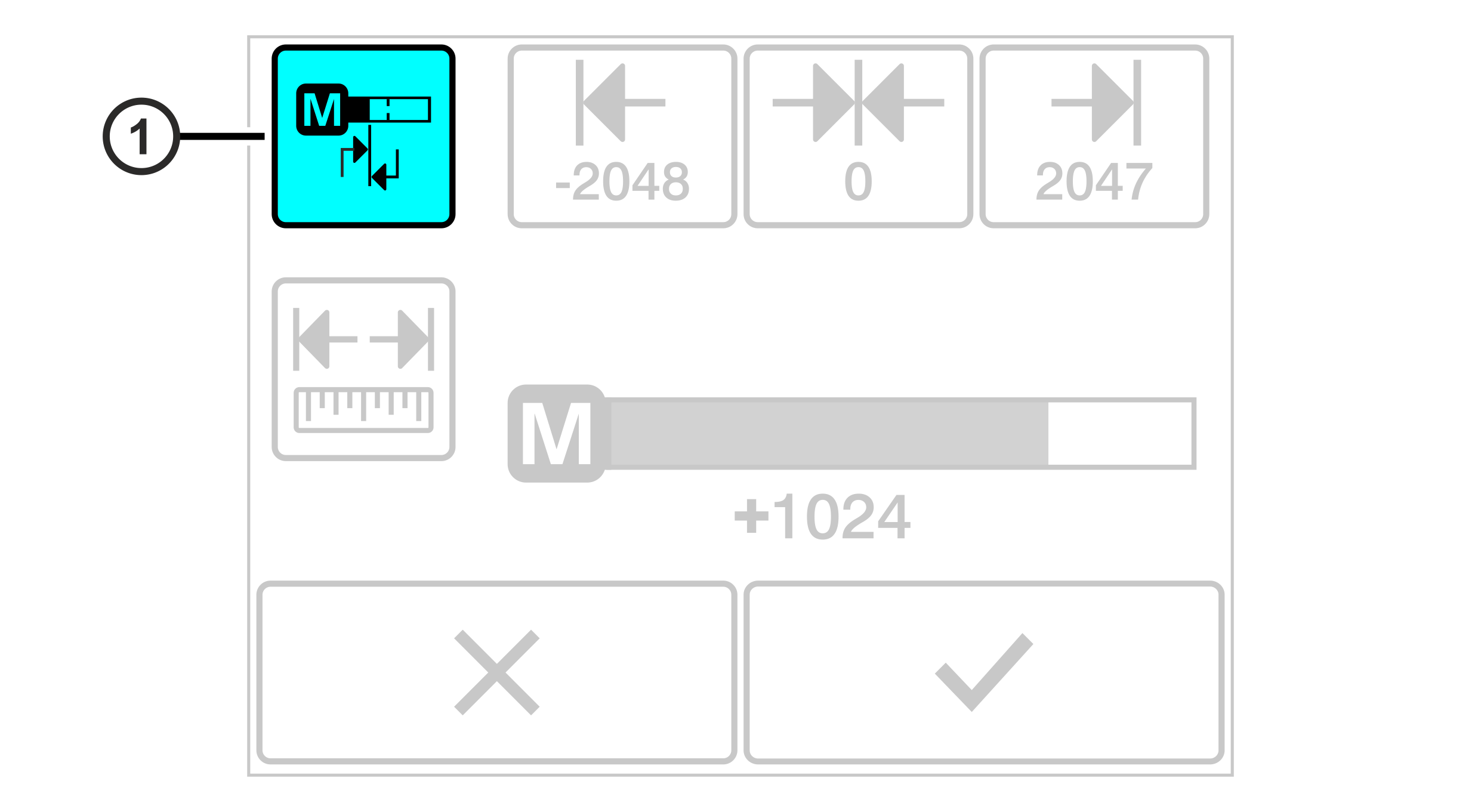
The button ① on the left side of the setting menu indicates whether the position control is switched on or off.
Position control is switched on
Position control is switched off
Switch the position control on / off
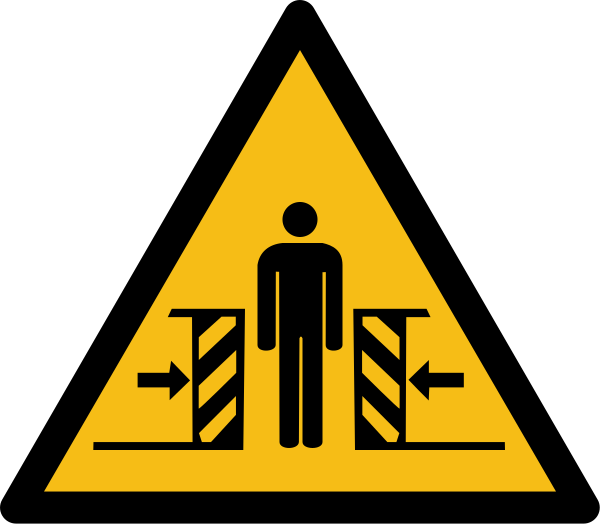
WARNING
Danger to life caused by movements of the setting drive!
If position control is active, the setting drive may execute automatic movements in Manual mode . Body parts could be crushed, sheared or impacted.
▶Ensure that no persons remain in the swivel or positioning range of machine components positioned by the actuator.


 button to confirm the setting.
