Setting the Material Thickness (After Changing the Material)
This function is no longer available from firmware version 1.9.16 of the ekr commander control panel. In this case, the material thickness is set on the CCD CAM 100 camera. For the procedure, please refer to the separate installation and operating manual CCD CAM 100, document number MD.465.
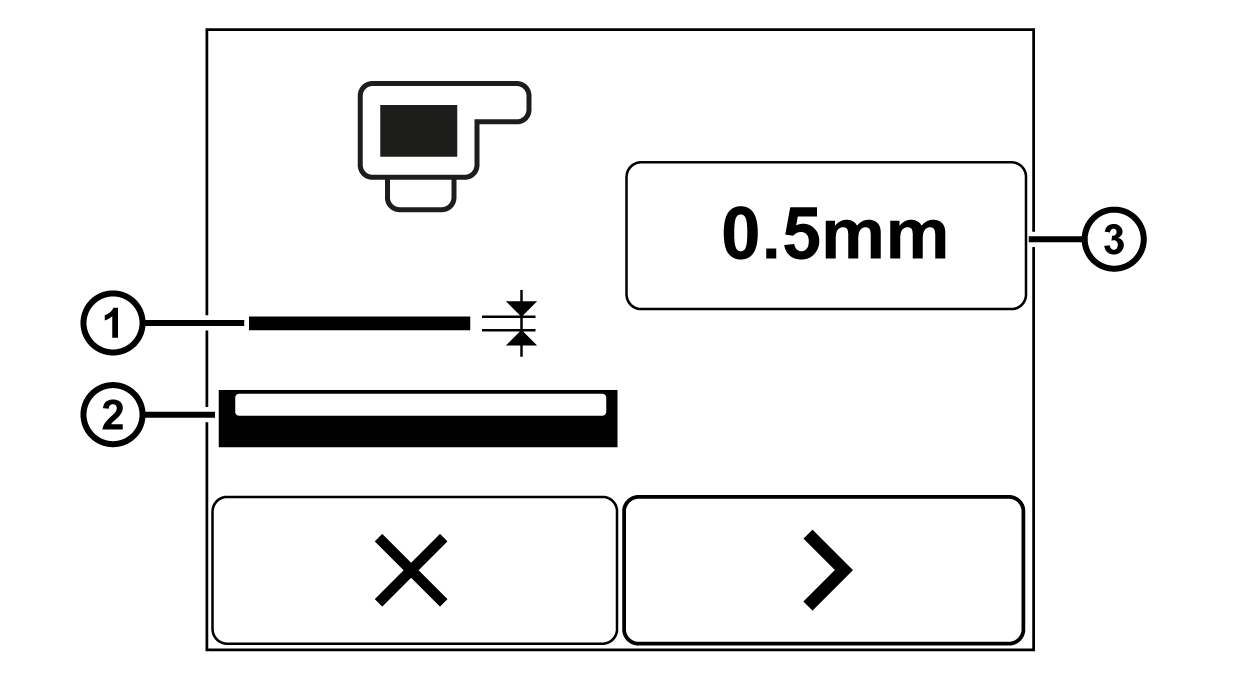
This setting is necessary if you want to process materials with different thicknesses in the production. In order to attain optimum guiding / measurement results, after changing the material the new material thickness must be entered on the controller. Use the setting menu Material thickness compensation for the entry. Procedure, see Performing a Material Thickness Compensation, step 7.
Rotate the smartphone by 90 degrees to show the entire table.
① | Material web | ③ | Material thickness set |
② | Light source |
|
|
