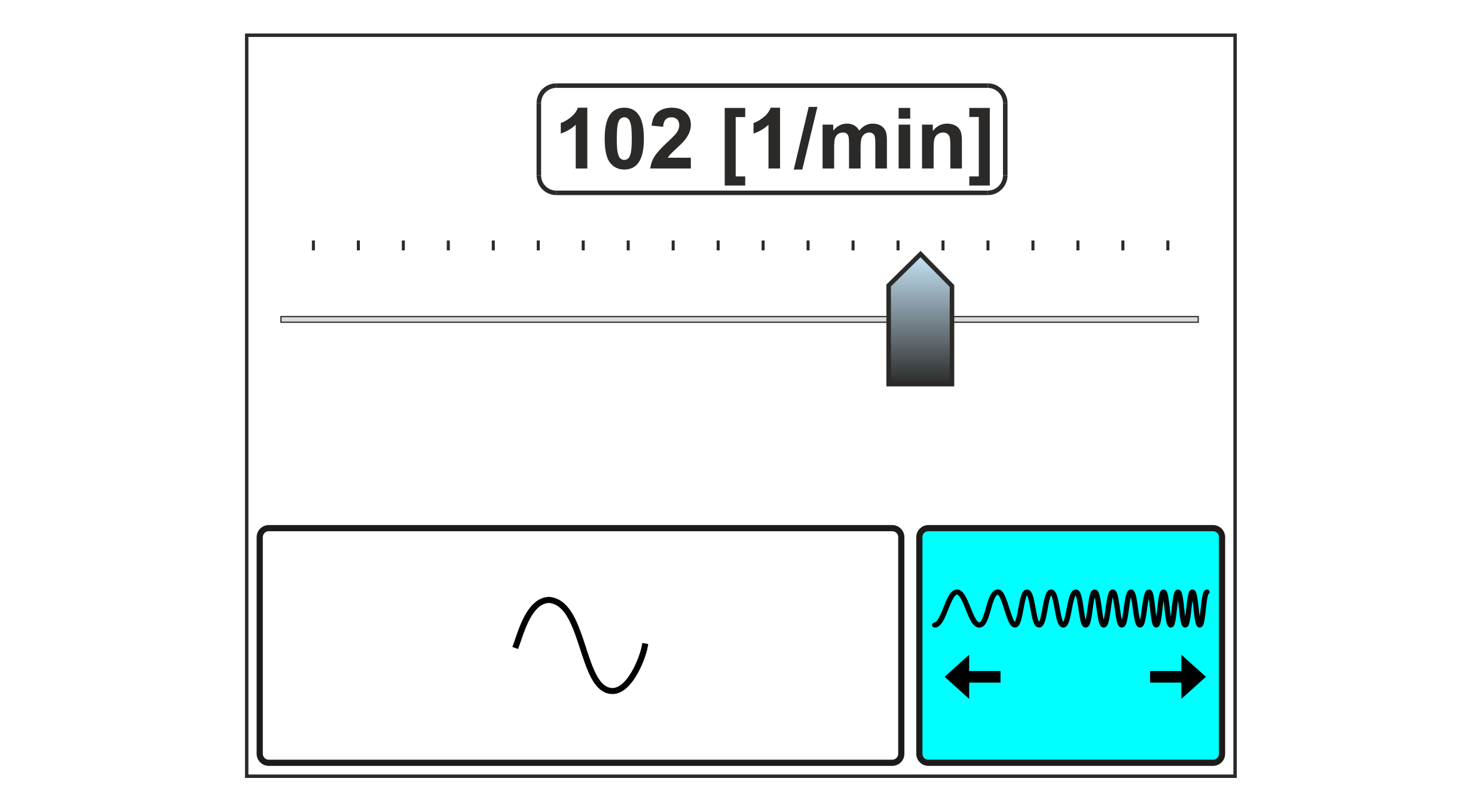
Using the Oscillation Frequency setting menu you set the frequency of the oscillation (speed of the transverse web displacement) and switch the oscillation on or off.
Setting menu for the oscillation frequency
Adjustment range
1 … 500 [1/min] *
* The maximum possible oscillation frequency is restricted by
the maximum actuating speed of the actuator used
the actuating path of the actuator used
the set amplitude of the oscillation
Adjusting the oscillation frequency
WARNING
Danger of death from actuator movements!
When the oscillation is switched on, the actuator automatically carries out actuating movements. Parts of your body could be crushed, cut or hit.
▶Make sure that no persons remain in the vicinity of the pivot / traversing area of machine components that are positioned by the actuator.