Displaying the Line Width
You can show the line width measured in the display of the ekr commander control panel.
- »A CLS Pro 600 line and contrast sensor or a CLS CAM 100 object sensor is connected to the controller.
- »The line and contrast sensor or the object sensor is in line mode.
- »The line to be monitored is within the measuring range of the line and contrast sensor or the object sensor.
- »The line width measurement has been calibrated (see Calibrating the Line Width Measurement).

- »The line and contrast guiding mode (Sensor 3) is selected on the controller. The LED of the key is illuminated.
- »The width display is activated in the setup menu for the configurable displays and setting menus (see Switching the Configurable Displays and Setting Menus On/Off).
- »The display shows the operation display.
- ▶
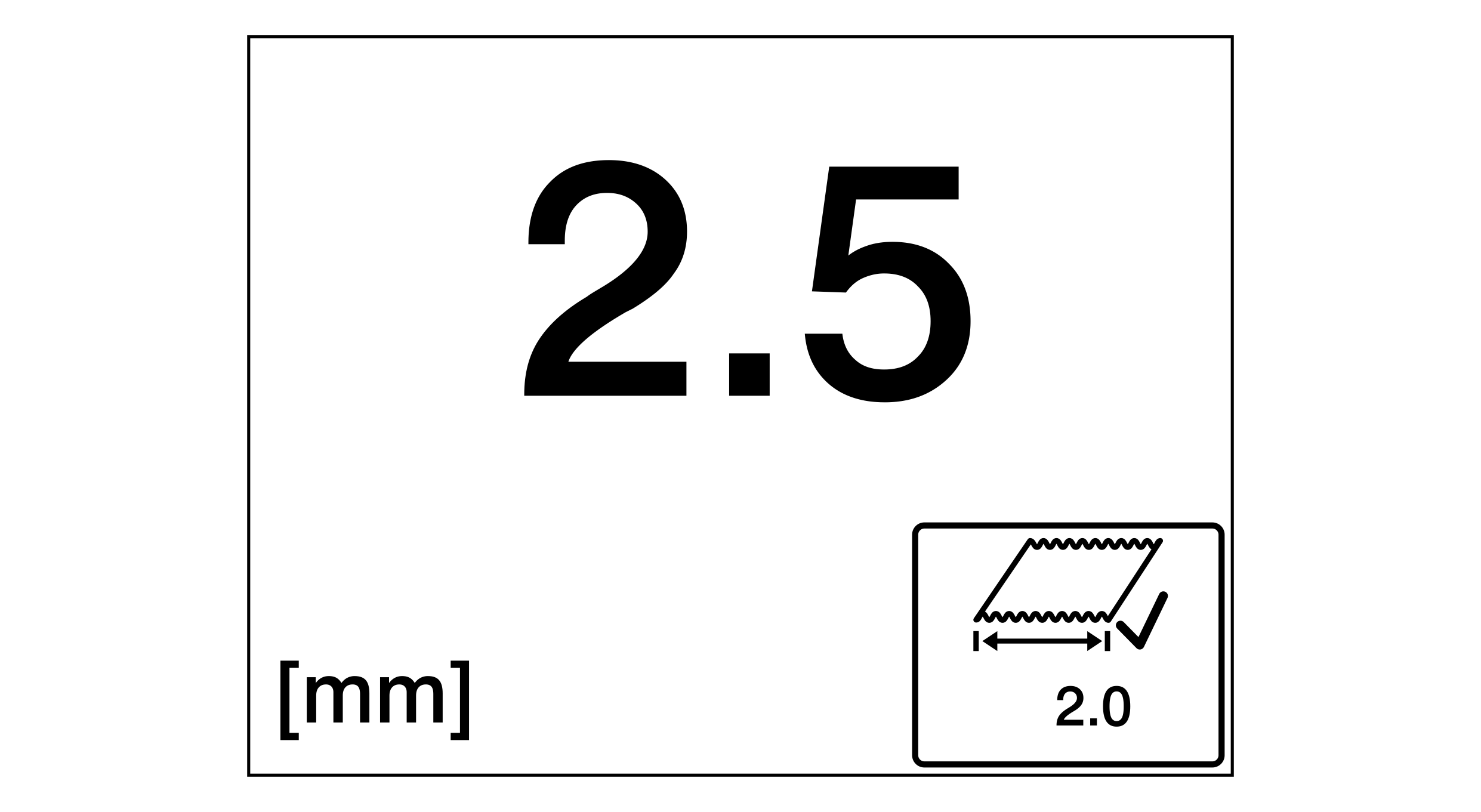
- The line width deternined by the width measurement is shown in the display (2.5 mm in the example).
