Adjusting the Guiding Setpoint with the Setting Menu
Using the swiping function, you can call up a special setting menu for the guiding setpoint.
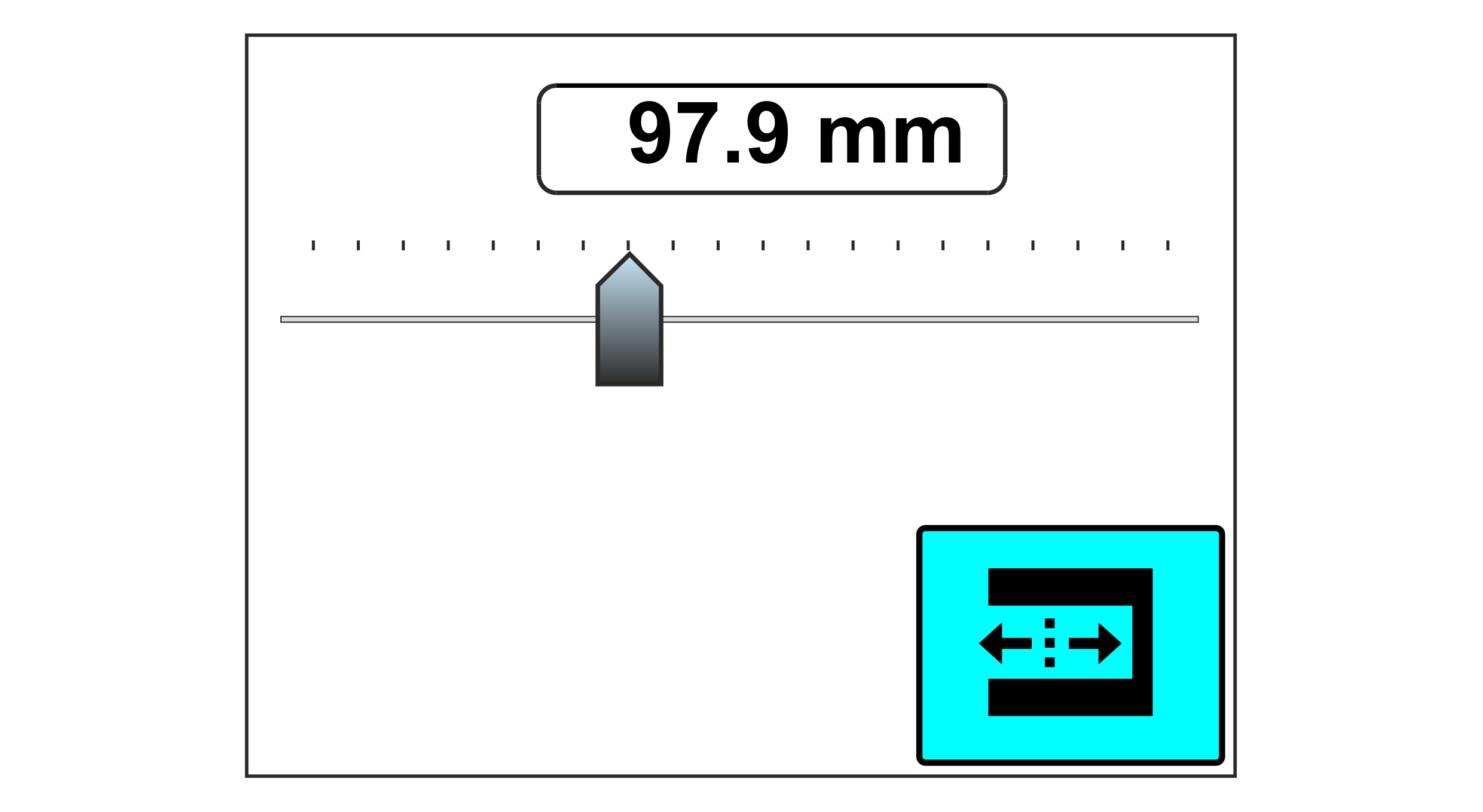
Adjusting the guiding setpoint
The guiding setpoint is saved separately for each guiding mode.
- »The setting menu for the guiding setpoint has been activated in the setup menu for the configurable displays and setting menus (see Switching the Configurable Displays and Setting Menus On/Off).
- »The display shows the operation display.
- Select the desired guiding mode (see Selecting the Guiding Mode).
- The set guiding setpoint is shown in the display as a numeric value and using a ruler display with slider.
- Set the desired guiding setpoint by entering the corresponding numeric value (see Entering the numerical values via the input keyboard) or using the slide bar (see Editing the numerical values via the slide bar).
- The new setting will have an immediate effect on the guiding.
