Configurable Displays and Setting Menus
You may reach the configurable displays and setting menus from the operation display by horizontally swiping on the touchscreen.
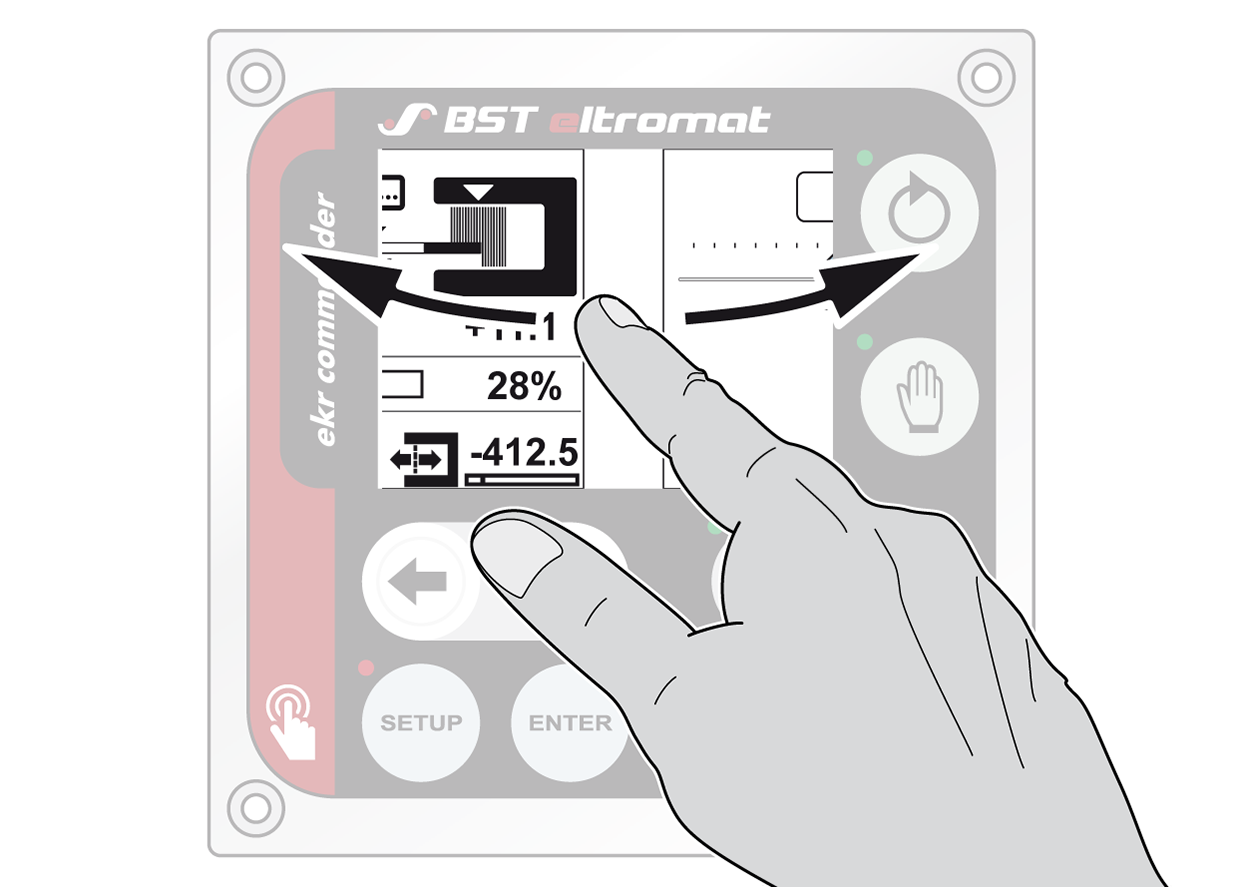
You can select the pages that are displayed using the swiping function. This means that the display is configurable. The selection of the displays and setting menus that are displayed using the swiping function is done in a special setup menu (see Switching the Configurable Displays and Setting Menus On/Off).
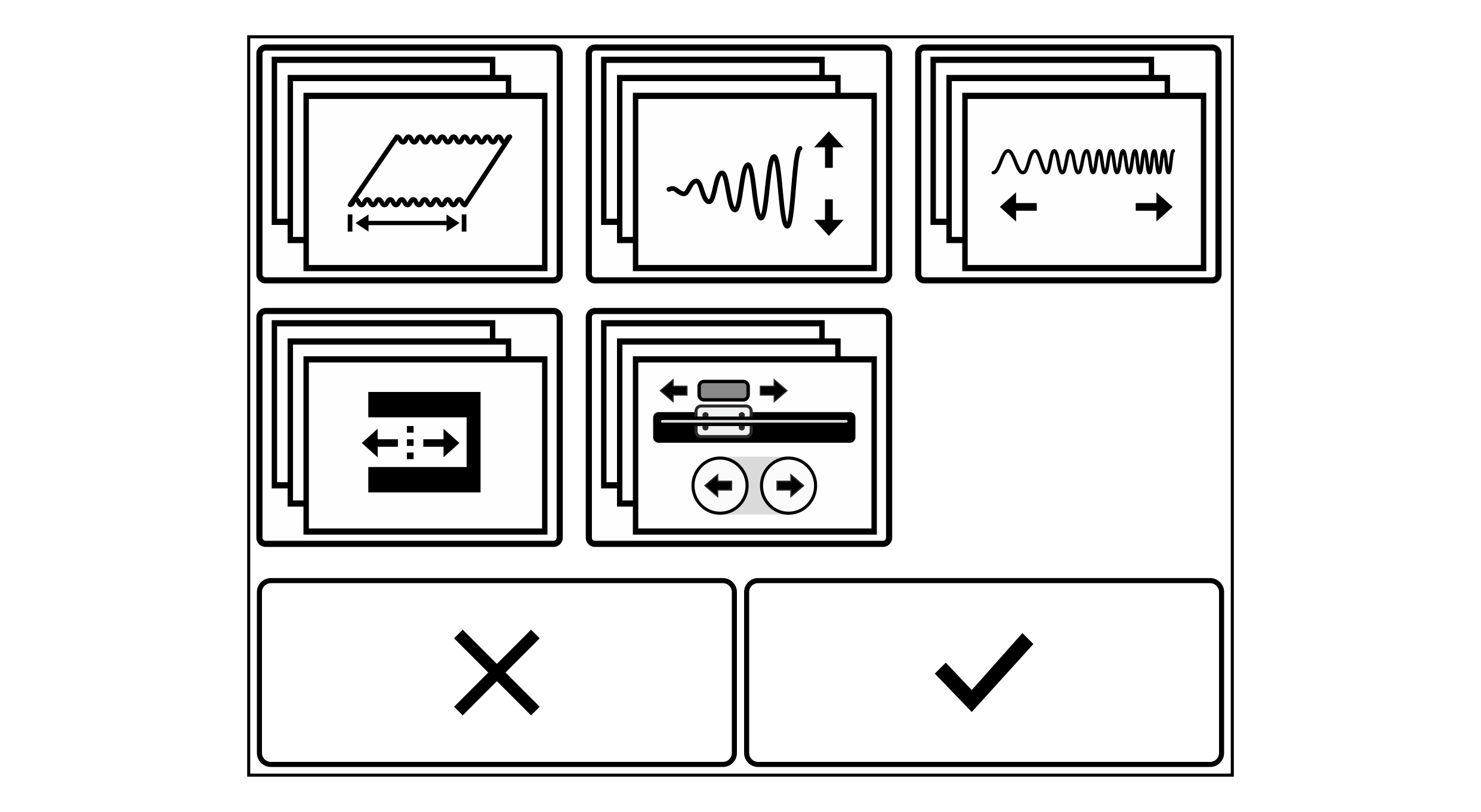
Configurable displays and setting menus
Rotate the smartphone by 90 degrees to show the entire table.
Symbol | Function | Description |
|---|---|---|
| Displaying the web/line width | |
| Adjusting the oscillation amplitude | |
| Adjusting the oscillation frequency | |
| Setting the guiding setpoint | |
| Operating the positioning unit | See Positioning Unit |
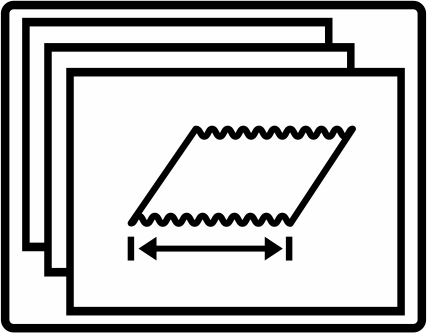
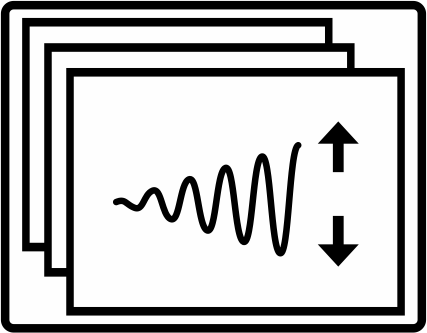
When swiping on the touchscreen the displays and setting menus selected are displayed one after the other.