Switching the Configurable Displays and Setting Menus On/Off
The selection of the configurable displays and setting menus that can be called up using the swiping function (see Configurable Displays and Setting Menus) is done in a special setup menu.
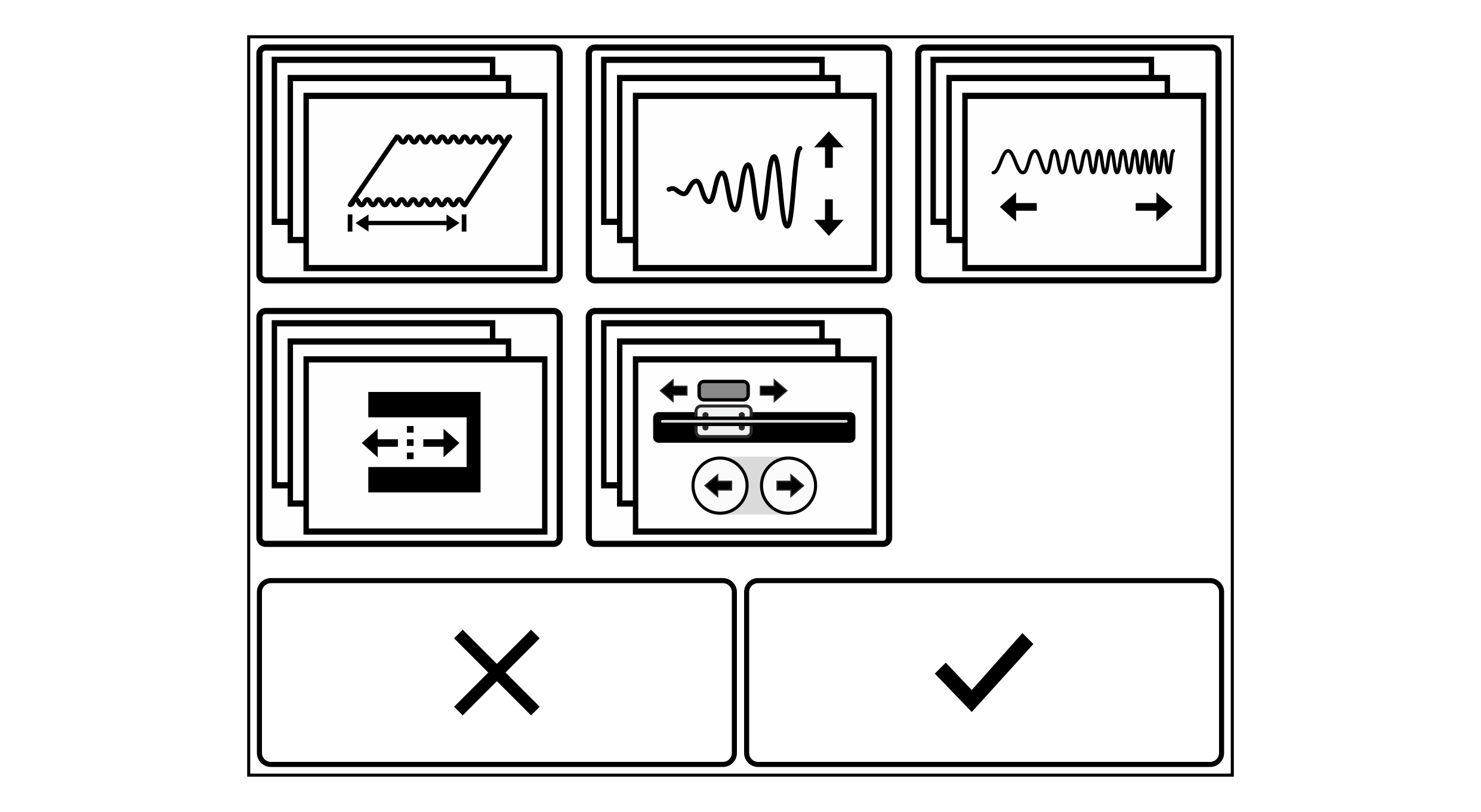
Rotate the smartphone by 90 degrees to show the entire table.
Symbol | Function | Description |
|---|---|---|
| Displaying the web width | See Displaying the Web Width |
| Adjusting the oscillation amplitude | |
| Adjusting the oscillation frequency | |
| Setting the guiding setpoint | |
| Operating the positioning unit | See Positioning Unit |
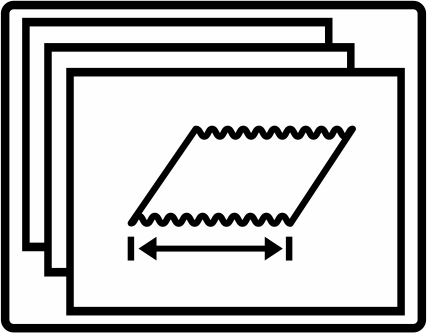

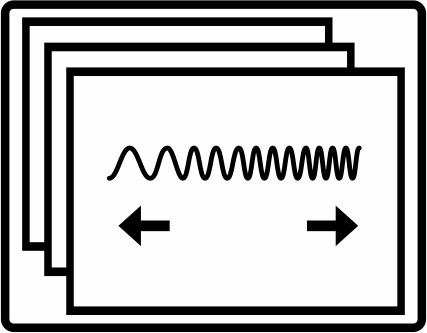
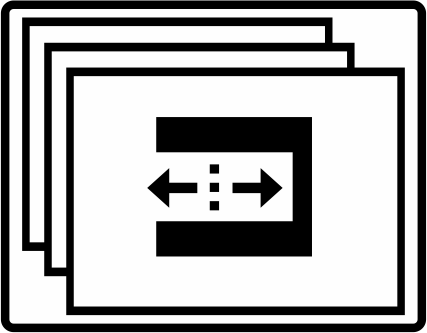
Switching on the configurable displays and setting menus
- The setup menu is open (see Calling up the Setup Menu).
- Press the Configurable Displays and Setting Menus button.
- The setup menu for the configurable displays and setting menus is displayed.
- Select the desired display or setting functions that can be called up using the swiping function by tapping the corresponding button.
- The buttons selected are displayed with a blue background.

- Press the
button to confirm the selection.
- The setup menu is displayed.
When swiping on the touchscreen the displays and setting menus selected are displayed one after the other.
Additional information