Activating the Normalized Display of the Actuator Position
For actuators with position feedback, you can activate a normalized display for the actuator position in the operating display in the Actuator setting menu.
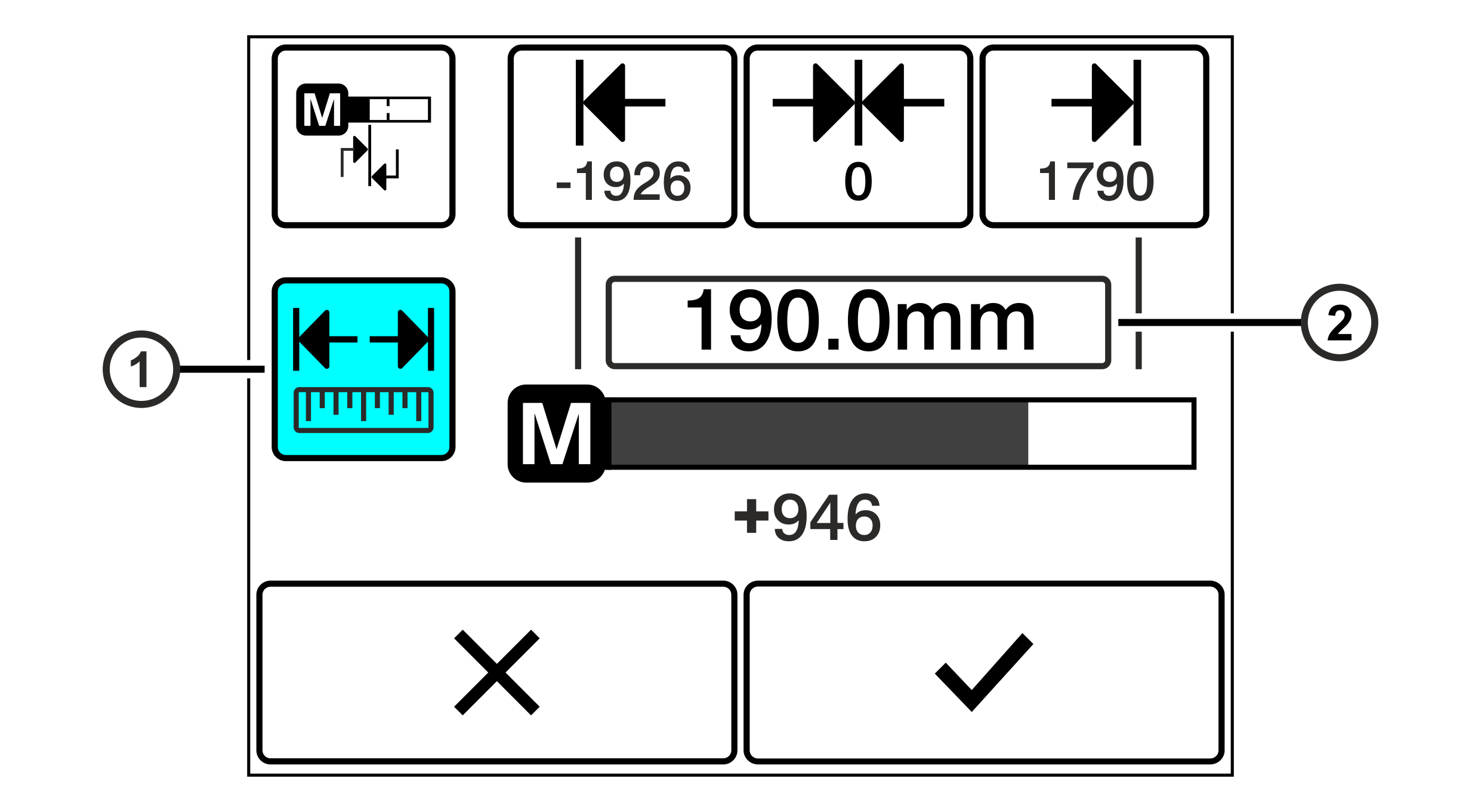
1 | Button for switching the normalized display on / off |
2 | Input field for the distance of the actuator end positions |
The button ① on the left side of the setting menu indicates which display mode is currently active.
Rotate the smartphone by 90 degrees to show the entire table.
Button | Display Mode | Actuator Operation Display | Description |
|---|---|---|---|
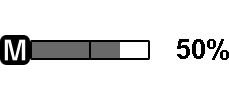
| Percental display |
| Display of the relative position of the actuator in relation to the end positions Unit: Percent |
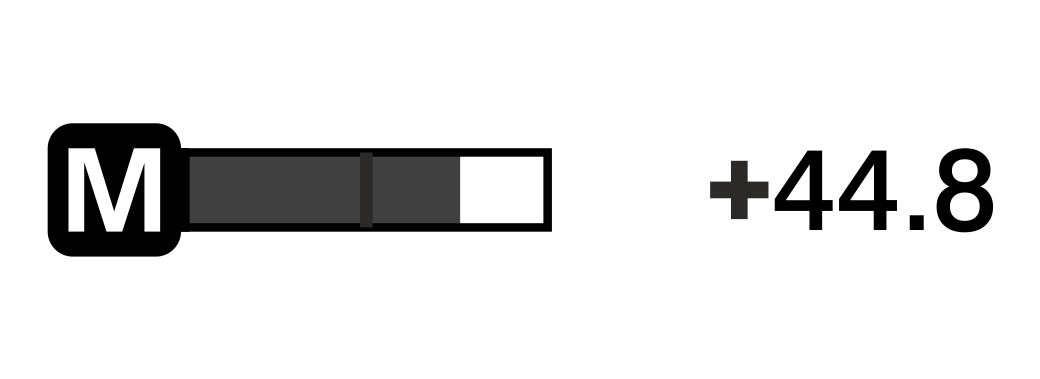
| Normalized display |
| Display of the absolute position of the actuator Unit: mm / inch |


When operating the controller with the CLS CAM 100 object sensor, it is mandatory to activate the normalized display of the actuator position.
Additional information
Additional information
