This function is used to send an e-mail to BST customer services with a list of all relevant information about your web guiding system to simplify troubleshooting for the service personnel. For this purpose, when the service display is called up the web guiding controller generates a QR code, which enables access to the collected service information.
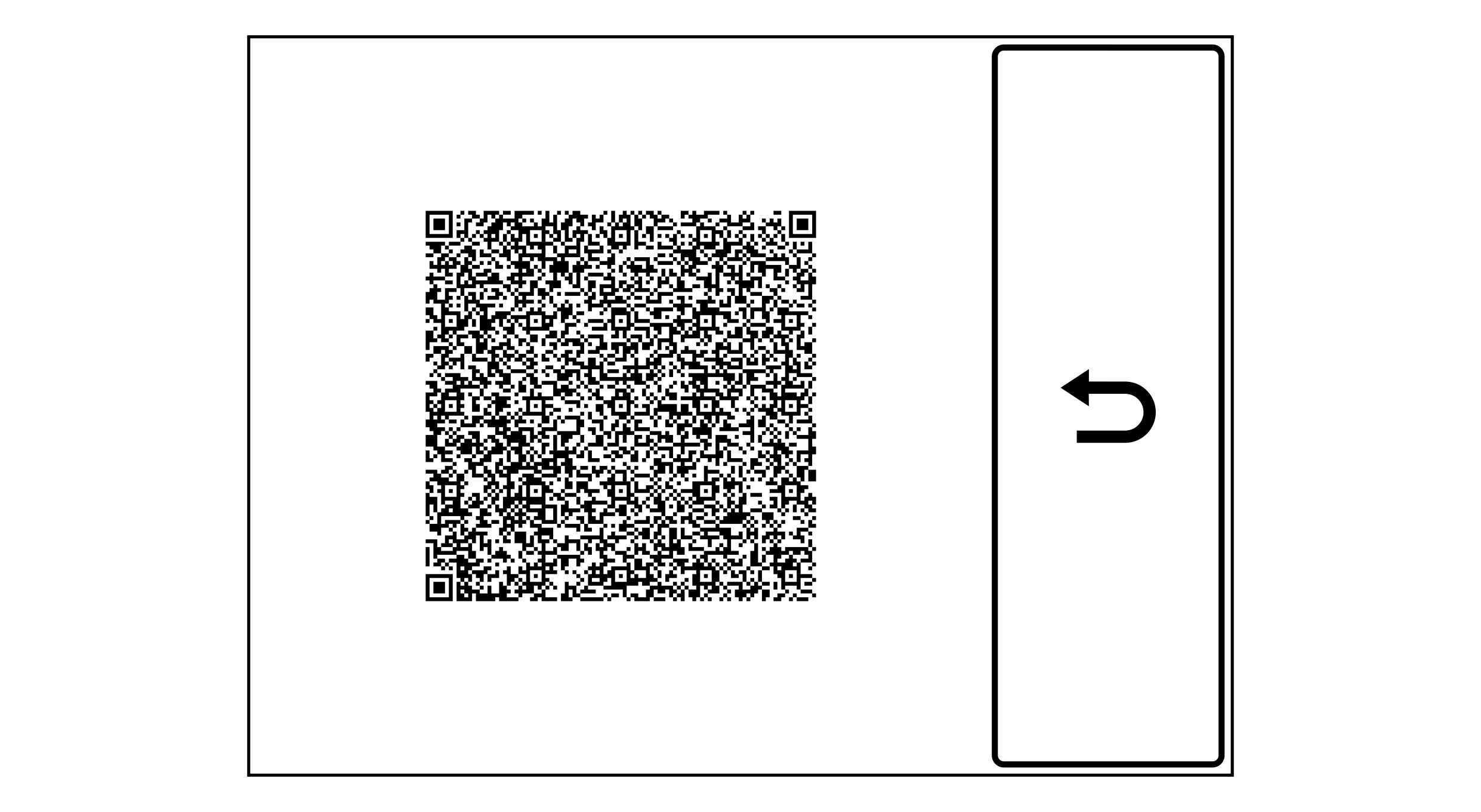
Display of the QR code for access to the service information
The itemized service information includes, for example, information about the system topology and communication interfaces, and about firmware and hardware versions of the web guiding components. In addition, the current statuses of terminating resistors and DIL switches, as well as settings for the guiding parameters and the control of relevant components are listed.
Requirements
Firmware version of the ekr commander control panel ≥ 1.9.3
To access the service information and send it to BST customer services, you need a smartphone or tablet with a camera, Internet and e-mail access, on which a QR code scanning software is installed. You can find apps with QR code scanners free of charge on the Internet.
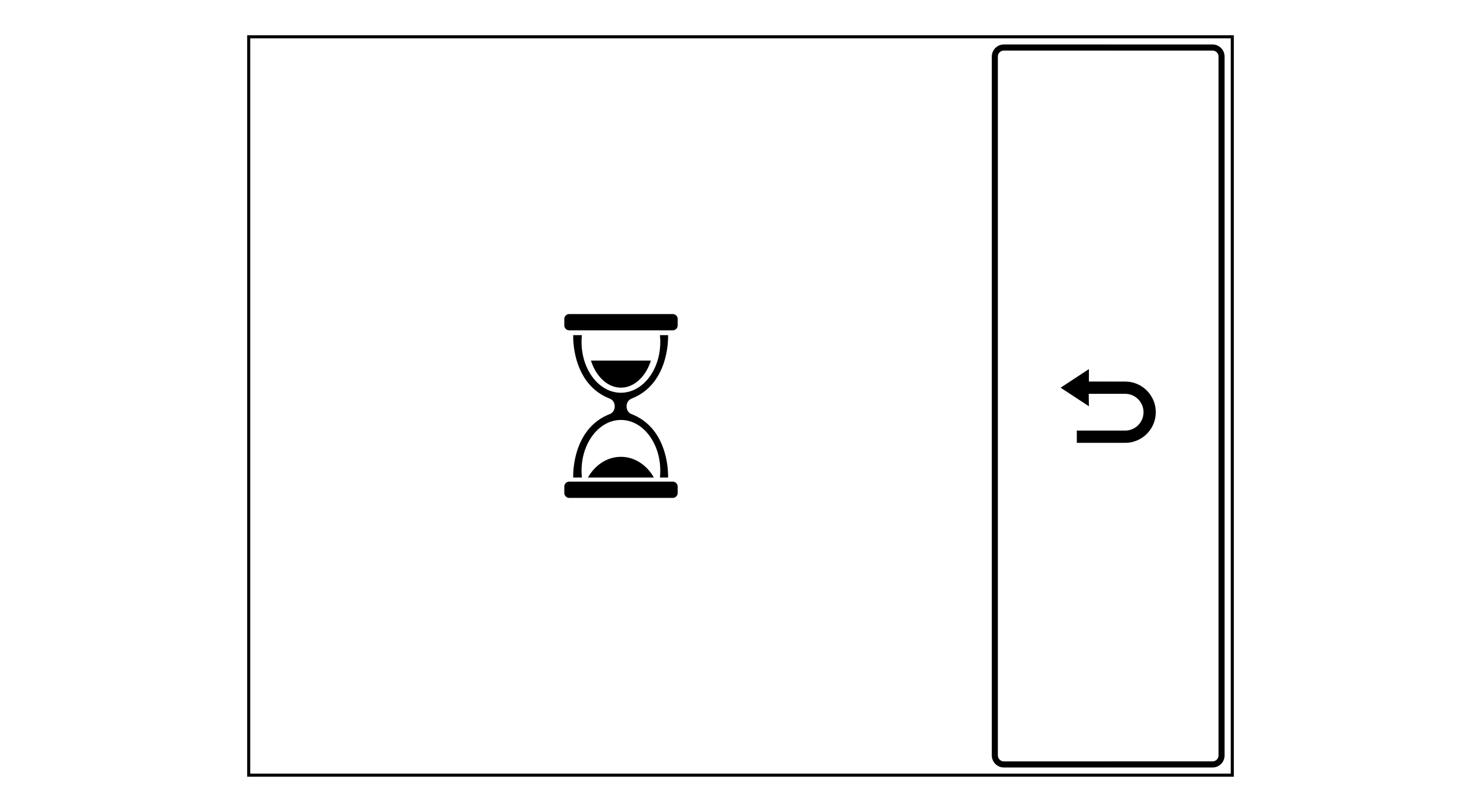
The controller starts to collect all relevant service information for the available web guiding system. During this process, an hourglass symbol is displayed.
A QR code is shown in the display after several seconds.
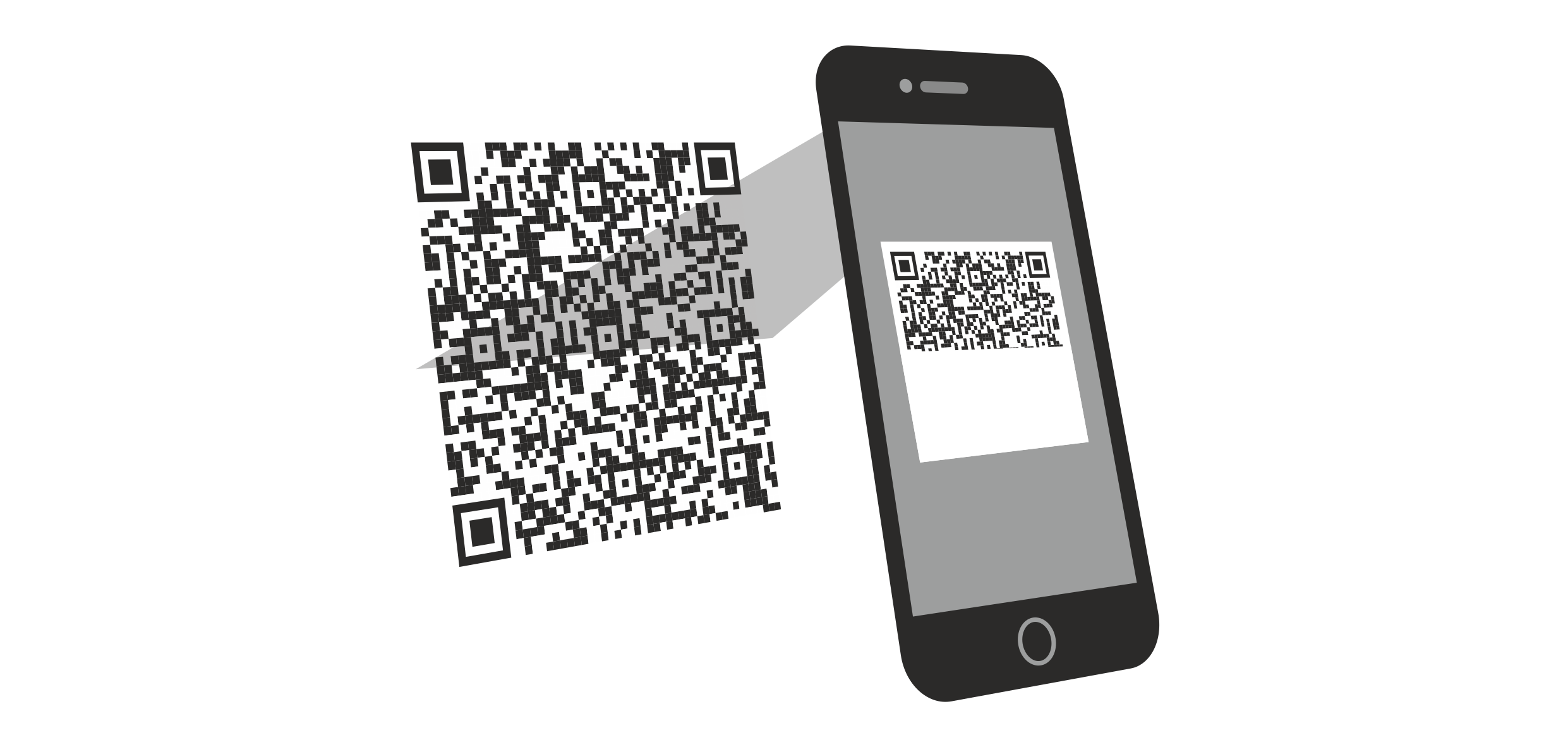
Scan the QR code with the smartphone or tablet.
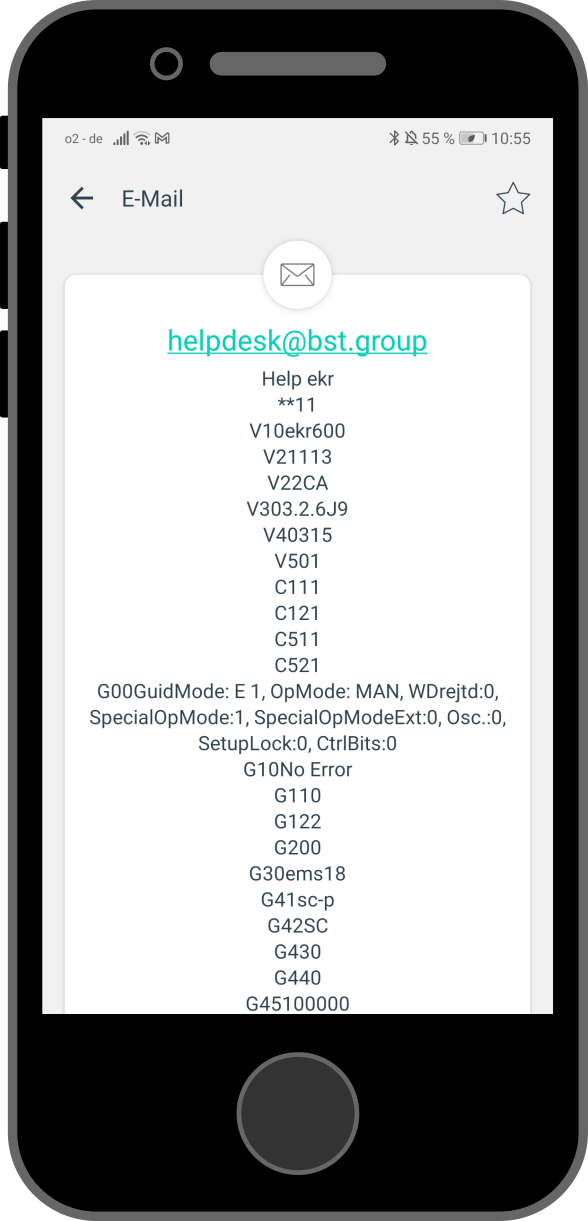
An e-mail to BST customer services is automatically generated on the smartphone or tablet.

 button on the controller to exit the service display.